3. Operation
3.1. Getting Wheel On Balancer
CAUTION
Use two hands to maintain control of
the wheel
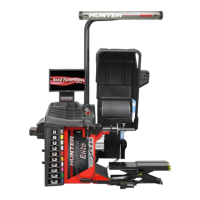
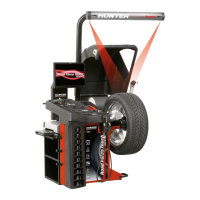
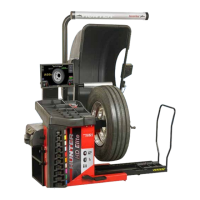
Slide proper collet onto spindle shaft. Position wheel lift
carriage (“lift”) at the end of the lift rail. Press the foot ped-
al down to lower lift. Roll wheel onto the lift. Raise foot
pedal to raise wheel into position to slide it on spindle.
Center wheel on collet and clamp. Keep lift under wheel
and close hood. Lift will automatically lower.
TIP
Allowing the balancer to lower lift will
speed up removal.
3.2. Remove Wheel From Balancer
Place lift under wheel and raise it to wheel. Remove wheel
clamp. Slide lift with wheel on it to end of lift rail. Use ped-
al to lower lift.
3.3. Centering Check
CenteringCheck® is an inspection or verification of the
wheel’s mount to balance to identify possible centering er-
rors, thus recognizing improper measurements. From the
main balance screen, touch the “CenteringCheck” button.
3.4. Print Summary
From the main balance screen, select “Print” → “Vehicle
Summary”. The Vehicle Summary screen will be dis-
played.
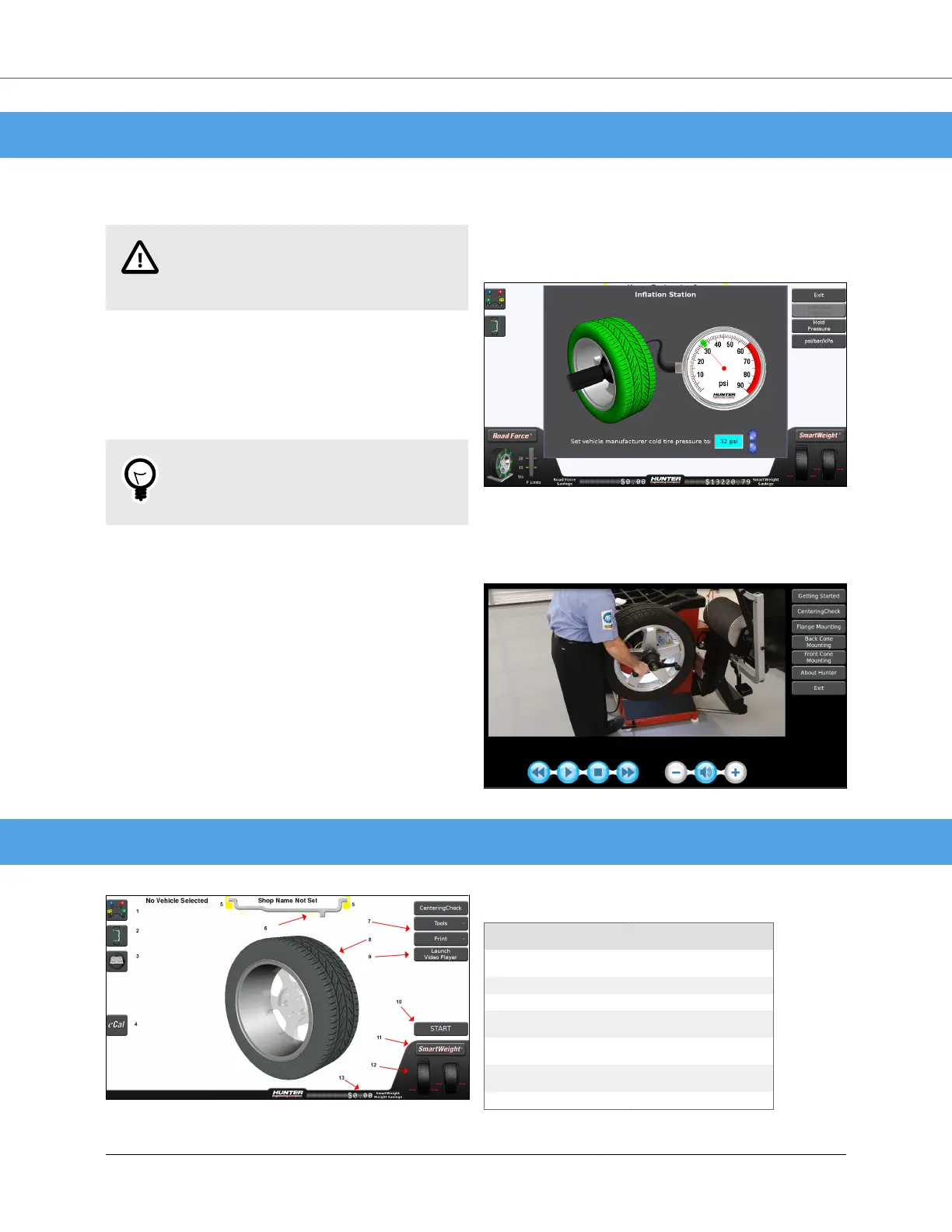
3.5. Inflation Station
Inflation Station provides preset tire pressure. Lift inflation
hose from cradle and setting screen will pop up. Set target
air pressure arrows.
3.6. Hunter Help Video Player
On main balancer screen, touch Help → Launch Video
Player button. Select balancer topic from video menu.
4. Smart Weight Elite Main Screen Components
Table 4. Main Component Legend
Smart Weight Elite Main
Screen Components
1. Tire Stack / Vehicle Plan
View Tab
8. Wheel Assembly Display
2. Wheel Dimensions Tab 9. Launch Video Player
3. Spec Lookup 10. Start / Stop Button
4. eCal Button 11. SmartWeight® Menu But-
ton
5. Clip Weight Plane 12. Imbalance and Couple
Force Display
6. Tape Weight Plane 13. SmartWeight® Savings
Odometer
7. Context Sensitive
BM07900-00 SmartWeight® Elite Operations Manual
Page 6 of 7



 To Next Page