EasyManua.ls Logo

HunterDouglas Pirouette - User Manual

HunterDouglas Pirouette
36 pages
Print Icon
To Next Page IconTo Next Page
Loading...
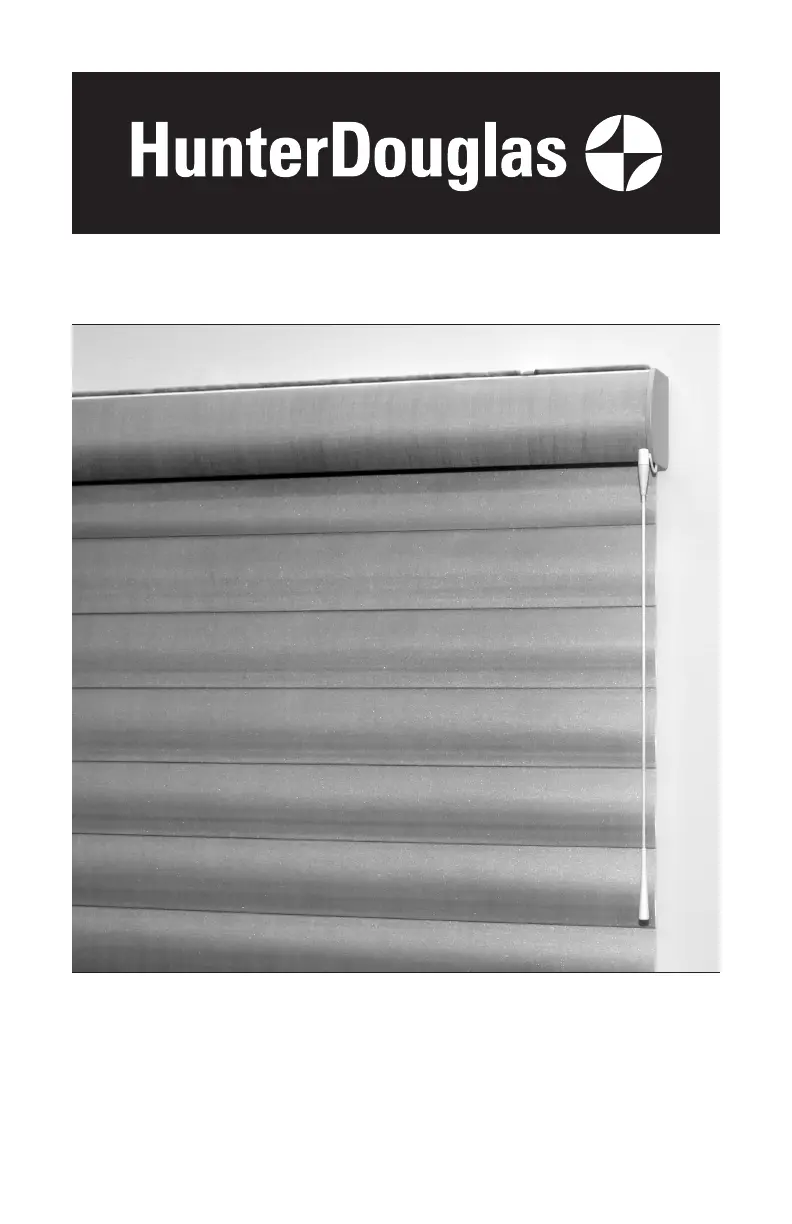
Pirouette
®
Window Shadings
SoftTouch
®
Motorization
Installation
Operation
Care

Other manuals for HunterDouglas Pirouette

Questions and Answers

  • K
    Kara SchneiderAug 16, 2025
    What to do if my HunterDouglas Window Blinds shading does not operate when pushing up or pulling down the wand?
    • C
      Christopher CruzAug 16, 2025
      If your HunterDouglas Window Blinds shading isn't operating when you push or pull the wand, try these steps: First, unplug the power cable from the motor and lift the wand to discharge any residual power, then plug the power cable back in. A green LED should flash to indicate the motor has power. If the LED flashes red, the batteries are drained and will need to be replaced. Ensure the batteries in the battery wand, satellite battery pack, or C-size satellite battery wand are correctly inserted and fresh. Check that the power source is securely connected to the power cable and the cables are not pinched. If you have the rechargeable battery wand, ensure it is correctly positioned in the mount.
  • L
    Leslie BryantAug 18, 2025
    Why is my HunterDouglas Window Blinds shading hard to raise or lower?
    • A
      Andrew ReedAug 19, 2025
      If your HunterDouglas Window Blinds shading is hard to raise or lower, or won't raise or lower, ensure there is clearance between the ends of the shading and the window casement if it is an inside mount. Also, check that the installation brackets are level; use shims to level them if necessary. Forcing the shadings into tight inside mount window openings can cause this issue.
  • R
    Robert ThorntonAug 21, 2025
    What to do if my HunterDouglas Window Blinds shading will not fit into the installation brackets?
    • T
      Timothy BrownAug 22, 2025
      If the HunterDouglas Window Blinds shading doesn't fit into the installation brackets, check that the installation brackets are level and aligned. Adjust and/or shim to level if needed. Ensure the headrail is completely inserted into the installation brackets, and the lever should snap to the right side of the bracket for proper installation.
  • A
    Austin RoyAug 25, 2025
    How to stop HunterDouglas Pirouette Indoor Furnishing fabric rubbing window casement?
    • M
      mark27Aug 26, 2025
      To address fabric rubbing against the window casement with your HunterDouglas Indoor Furnishing, first center the shading in the window. You can move it to either side by sliding the arrow pin in the slot. If the issue persists, carefully trim the shading at the point of contact. Gently pull the fabric away from the window casement, stretch it taut against the edge, and cut small sections. Be cautious not to remove too much fabric. If needed, remove the shading from the window to trim it. Gently push the fabric back into place and check the fit, repeating the trimming process if necessary.
  • J
    Jaime DominguezAug 27, 2025
    What to do if HunterDouglas Pirouette Indoor Furnishing is puckering or sagging?
    • D
      dandersonAug 28, 2025
      If your HunterDouglas Indoor Furnishing is puckering or sagging, try these adjustments: First, adjust the fabric U-clip attached to the installation bracket. If that doesn't resolve the issue, adjust the shading to either side by sliding the arrow pin in the slot.
  • Z
    zperkinsAug 31, 2025
    What to do if HunterDouglas Indoor Furnishing shading is hard to raise or lower?
    • A
      Andrew IrwinAug 31, 2025
      If your HunterDouglas Indoor Furnishing shading is difficult to raise or lower, or is completely stuck, here are a few things to check: * For inside mounts, ensure there's enough space between the shading's ends and the window casement. * Verify that the universal cord tensioner is correctly mounted; reinstall if needed. * Confirm the installation brackets are level, using shims to adjust if necessary. * Check that the fabric rolls up evenly into the headrail. * If hold-down brackets are in use, ensure they are released.
  • C
    carlsonsusanSep 2, 2025
    Why does the HunterDouglas Indoor Furnishing EasyRise cord tensioner grab the cord when pulled?
    • N
      Nicole BrownSep 2, 2025
      If the EasyRise cord tensioner on your HunterDouglas Indoor Furnishing is grabbing the cord when you pull it, the universal cord tensioner may not be mounted properly. Try reinstalling it to see if that resolves the issue.
  • R
    Ryan VaughanSep 6, 2025
    How to fix HunterDouglas Pirouette Indoor Furnishing shading that won't snap into installation brackets?
    • K
      Kyle SmithSep 6, 2025
      If your HunterDouglas Indoor Furnishing shading isn't snapping into the installation brackets, first ensure that the installation brackets are level. If they are not, use shims to level them. Also, check that the headrail is completely inserted into the installation brackets.
  • R
    Regina LyonsSep 8, 2025
    What to do if HunterDouglas Pirouette Indoor Furnishing EasyRise cord tensioner has climbed to the headrail?
    • D
      Dennis JacksonSep 9, 2025
      If the EasyRise cord tensioner on your HunterDouglas Indoor Furnishing has climbed up to the headrail, pull down on the spring to relieve tension. Then, pull the cord tensioner back to the bottom of the cord loop, and properly mount the cord tensioner.
  • T
    Tristan VaughanSep 12, 2025
    How to open HunterDouglas Window Blinds vanes if they do not open when the shading is first operated?
    • C
      Carmen CohenSep 12, 2025
      If the vanes on your HunterDouglas Window Blinds don't open when first operated, make sure the shading is completely lowered. Open and close the shading several times to help open the vanes. If necessary, gently pull down on the lowest operable vane.

Summary

GETTING STARTED

Tools and Fasteners Needed

List of tools and fasteners required for installation.

INSTALLATION

STEP 1 - Install the Brackets

Details the process of installing the shading brackets.

STEP 2 - Connect the Battery Wand;Mount, If Applicable

Instructions for connecting the battery wand or mount.

STEP 3 - Install the Shading

Steps to physically mount the shading into the installed brackets.

STEP 4 - Connect the Power Source, If Applicable

Instructions for connecting various power supply options.

OPERATION

Troubleshooting

Common issues and solutions for shading operation problems.

HunterDouglas Pirouette Specifications

General IconGeneral
Product TypeWindow Shading
Light ControlAdjustable
Operation SystemMotorized or Manual
Fabric OptionsVarious colors and textures
UV ProtectionUp to 81% with vanes open, and 99% with vanes closed
Opacity LevelsSemi-Opaque
StyleSoft, horizontal fabric vanes attached to a single sheer backing
Vane Sizes4" or 5"
Lift SystemsPowerView Automation
MaterialFabric
Privacy ControlAdjustable
CustomizationCustom sizes and options available

Related product manuals