EasyManua.ls Logo

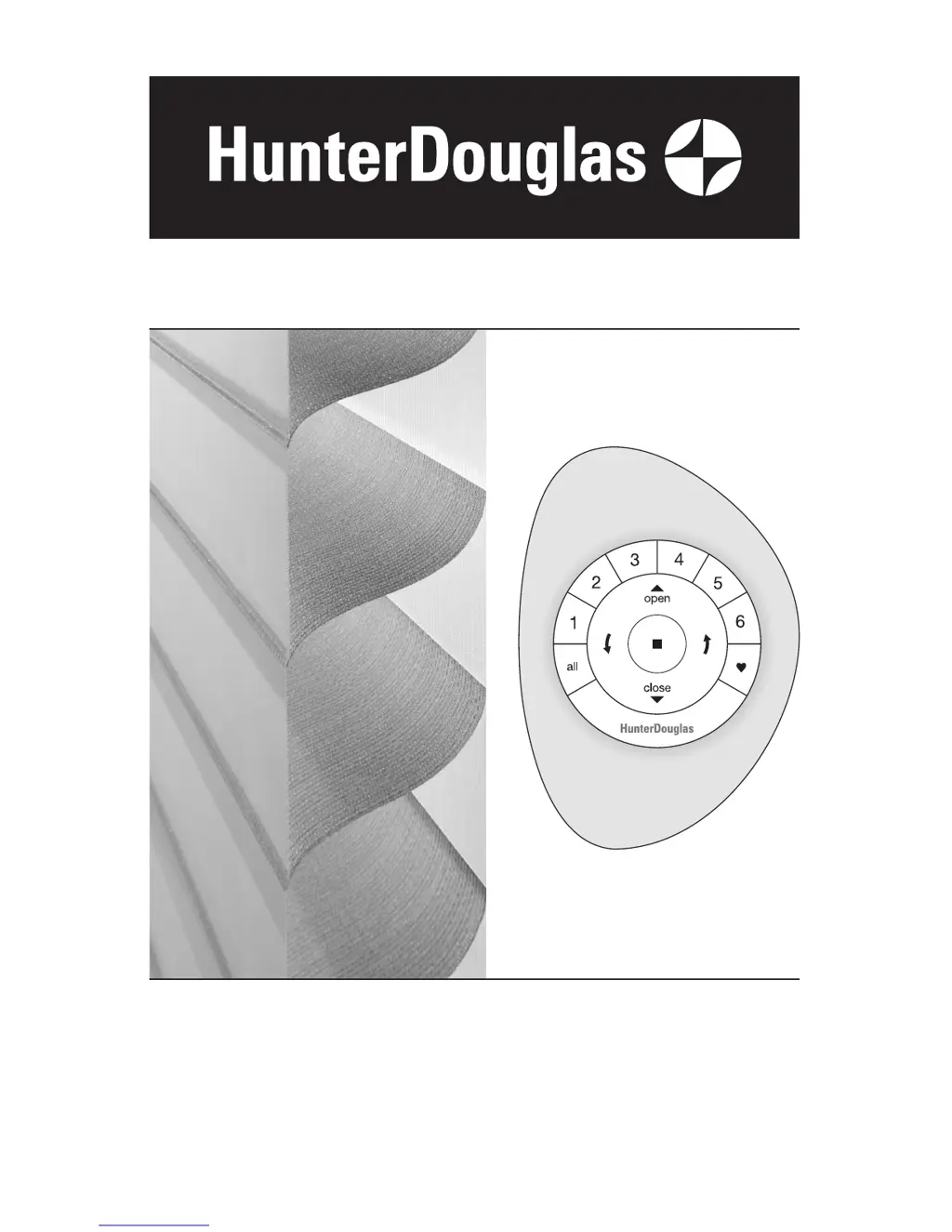
HunterDouglas Silhouette - User Manual

HunterDouglas Silhouette
32 pages
Print Icon
To Next Page IconTo Next Page
Loading...
Installation
Operation
Care
Silhouette
®
and Nantucket
Window Shadings
PowerView
Motorization

Other manuals for HunterDouglas Silhouette

Questions and Answers

Summary

Getting Started Guide

Installation Instructions

STEP 1: Mount Brackets

Instructions for mounting installation brackets.

Inside Mount Bracket Setup

Detailed steps for installing brackets for inside window mounting.

Outside Mount Bracket Setup

Instructions for mounting brackets for outside window mounting.

End Mount Bracket Setup

Instructions for end mounting brackets, especially for arched openings.

STEP 2: Install Shading

Steps to securely attach the shading headrail to brackets.

STEP 3: Connect Power Source

Connecting the power source for motorization.

Battery Wand Power Setup

Installing batteries and mounting the battery wand.

Satellite Battery Pack Setup

Instructions for mounting the satellite battery pack.

DC Power Supply Connection

Connecting the DC power supply to the shading.

Operation Guide

Operation Troubleshooting Guide

Common problems and solutions for shading operation.

Care and Maintenance

HunterDouglas Silhouette Specifications

General IconGeneral
Vane Sizes2", 3", 4"
Mounting OptionsInside or Outside Mount
Product TypeWindow Shadings
OperationManual or Motorized
MaterialFabric
Width12" to 144"
Lift SystemsPowerView Automation
Specialty ShapesArches, Angles
CustomizationAvailable
ColorsWide Range Available

Related product manuals