EasyManua.ls Logo

HunterDouglas Applause - User Manual

HunterDouglas Applause
28 pages
Print Icon
To Next Page IconTo Next Page
Loading...
Installation
Operation
Care
Applause
®
Honeycomb Shades
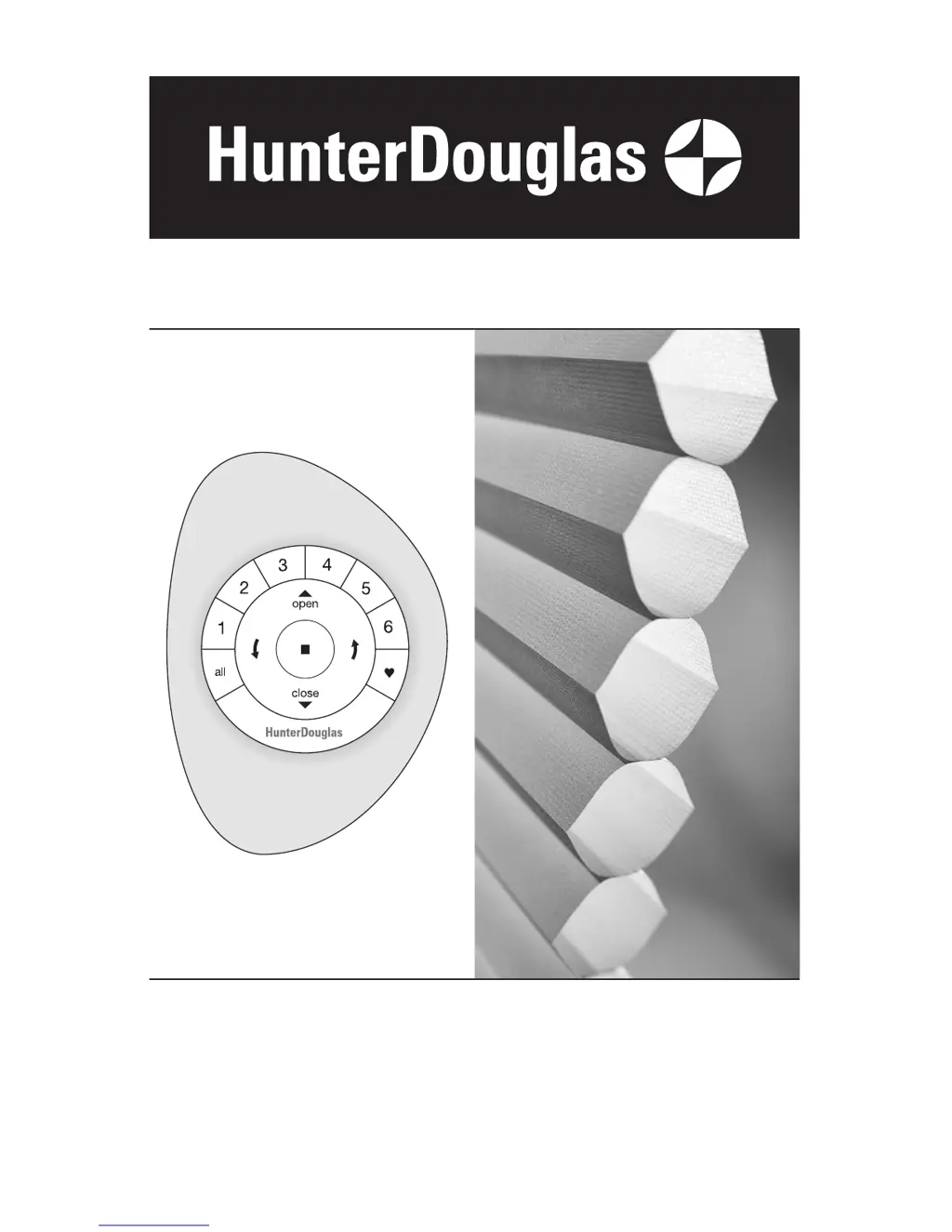
PowerView
Motorization

Other manuals for HunterDouglas Applause

Questions and Answers

Summary

Product Overview and Power Options

Powerview Standard Bottom-Up Shade Diagram

Diagram illustrating the standard bottom-up shade components.

Shade Power Options Overview

Illustrations of various power options for the shade system.

Getting Started: Tools and Fasteners

Tools and Fasteners Needed for Installation

Lists essential tools and fasteners required for installation.

Installation: Overview and Bracket Setup

Step 1: Install the Brackets

Core installation step guiding bracket placement and number required.

Mounting Types and Inside Mount Installation

Mount Installation Brackets - Inside Mount

Detailed instructions for mounting brackets inside the window opening.

Bracket Mounting Depth Requirements

Attach Installation Brackets Securely

Guidance on drilling holes and securely attaching the installation brackets.

Outside Mount Bracket Installation

Mount Installation Brackets - Outside Mount

Instructions for mounting brackets outside the window opening.

Bracket Installation with Spacers

Attach Brackets with Spacer Blocks and Extensions

Steps for attaching brackets using spacer blocks and extension brackets.

End Mount Bracket Installation

Mount Installation Brackets - End Mount

Instructions for mounting brackets for end mount applications.

Step 2: Install the Shade

Attach Battery Wand Clip to Headrail

Instructions for attaching the clip for the battery wand.

Step 3: Connect Power Source

Install Batteries into Battery Wand

Guide for inserting AA alkaline batteries into the battery wand.

Satellite Battery Pack Installation

DC Power Supply Connection

Daisy-Chain DC Power Supply for Multiple Shades

Connecting multiple shades using a single DC power supply.

Testing the Shade Operation

Using the Powerview Remote Control

Join Shade to Remote Control Group

Steps to pair the shade with the remote control for operation.

Basic Remote Operation Functions

Top-Down;Bottom-Up and Duolite Shade Controls

Specific controls for dual-function and Duolite shade modes.

Advanced Operation and Programming

Resetting the Shade and Programming

Leveling the Bottom Rail

Troubleshooting: Shade Fit and Operation Issues

Shade Fit Problems with Brackets

Troubleshooting steps if the shade won't fit into installation brackets.

Shade Fails to Operate

Steps to resolve issues when the shade fails to operate.

Troubleshooting: Remote and Movement Issues

Care and Maintenance Procedures

Removing the Shade from Mounts

Procedure for safely detaching the shade from its mounting brackets.

Basic Cleaning: Dusting and Vacuuming

Basic cleaning methods using dusting and vacuuming.

Advanced Cleaning Methods

Regulatory Compliance Declarations

Lifetime Limited Warranty Information

How to Obtain Warranty Service

Steps and contact information for seeking warranty assistance.

HunterDouglas Applause Specifications

General IconGeneral
MaterialFabric
Light FilteringYes
Custom SizingYes
OpacityLight Filtering or Room Darkening
Cell Size3/8"
Lift SystemsCordless
Specialty ApplicationsSkylight
TypeHoneycomb Shades
PrivacyYes

Related product manuals