EasyManua.ls Logo

HURST eDRAULIC E2 - User Manual

HURST eDRAULIC E2
88 pages
Print Icon
To Next Page IconTo Next Page
Loading...
E2 Operating Instructions
English I Español I Français I Português
Achtung!
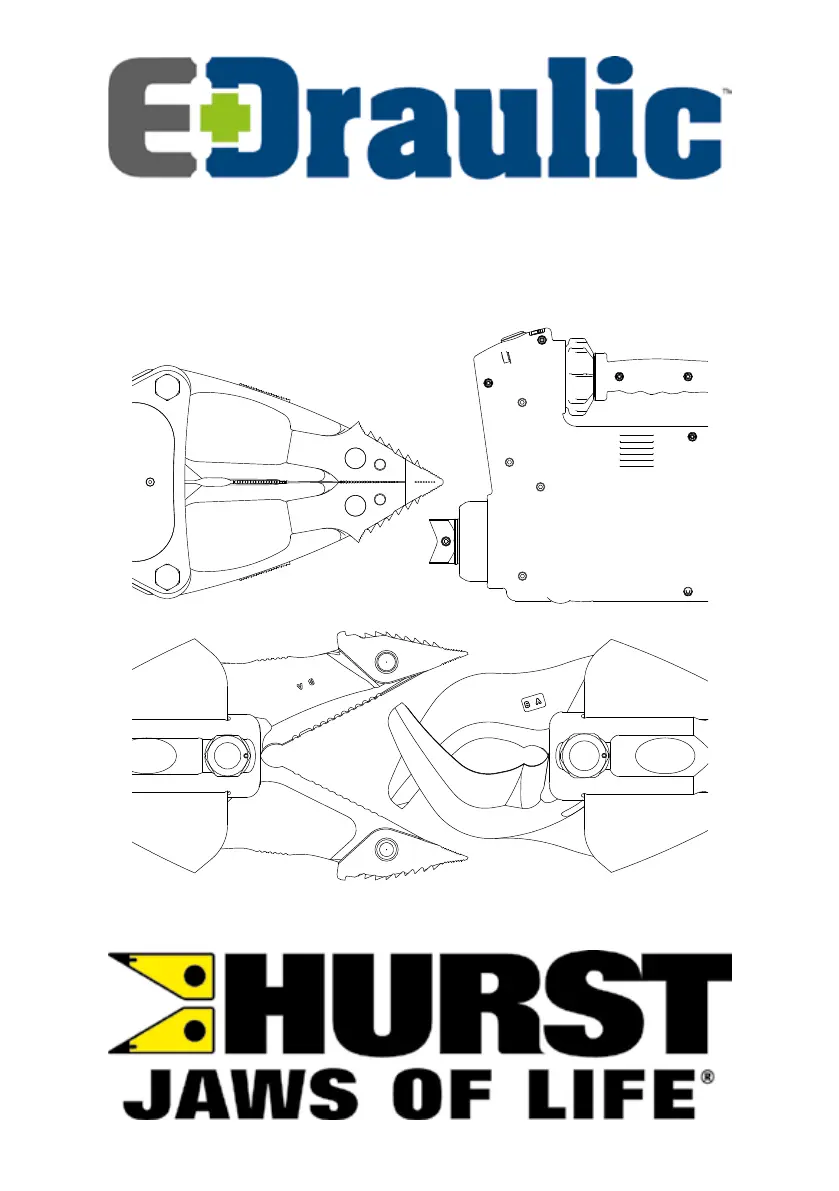
Prototypen Zeichnung
Attention !
prototype drawing
-
272085085 I 03_2021

Table of Contents

Questions and Answers

  • C
    Cynthia HughesAug 2, 2025
    What to do if the cylinder pistons do not move on my HURST Power Tool?
    • M
      Mark WagnerAug 2, 2025
      If the cylinder pistons on your HURST Power Tool don't move when you try to use them, there are a few possible reasons. First, the battery might be dead, in which case you should charge it. Another possibility is that the battery is defective and needs to be replaced. Finally, the device itself could be defective, requiring repair by an authorized HURST dealer, personnel specially trained by HURST, or by HURST itself.
  • M
    Misty FranklinAug 6, 2025
    Why are the cylinder pistons moving slowly on my HURST eDRAULIC E2?
    • J
      Jack PierceAug 6, 2025
      If the cylinder pistons on your HURST Power Tool are moving slowly or jerkily, it could be due to a few reasons. The battery might be dead, so try charging it. The battery could also be defective, requiring replacement. Another potential cause is air in the hydraulic system, which requires repair by an authorized HURST dealer, personnel specially trained by HURST, or by HURST itself.
  • E
    emilylinAug 10, 2025
    How to restart the motor on my HURST Power Tool if it doesn't start after activating the star grip?
    • K
      Kimberly PotterAug 11, 2025
      If the motor on your HURST Power Tool doesn't start after you activate the star grip, especially after the star grip hasn't been used for about 10 minutes during battery operation, the battery might have switched off. To fix this, switch off the eDRAULIC device at the main switch and then switch it back on. Alternatively, you can activate the capacity display on the battery or briefly remove and reinsert the battery.
  • A
    Alexander RossAug 14, 2025
    Why is the operating time so short for my HURST eDRAULIC E2 Power Tool even after charging?
    • J
      Joseph BullockAug 15, 2025
      If your HURST Power Tool's operating time between charging cycles is less than 5 minutes, even after charging the batteries as instructed, the battery is likely defective and needs to be replaced.
  • K
    Kevin HallAug 23, 2025
    Why doesn't the star grip return to the neutral position on my HURST eDRAULIC E2?
    • M
      Morgan KimAug 23, 2025
      If the star grip on your HURST Power Tool doesn't return to the central or neutral position after being released, the torsion spring for reset is likely damaged. This requires repair by an authorized HURST dealer, personnel specially trained by HURST, or by HURST itself.
  • S
    Steve GibsonAug 28, 2025
    What to do if hydraulic fluid leaks on the piston rod of my HURST Power Tool?
    • R
      Robert BarajasAug 28, 2025
      If you notice hydraulic fluid leaking on the piston rod of your HURST Power Tool, it's likely due to a defective rod seal. This requires repair by an authorized HURST dealer, personnel specially trained by HURST, or by HURST itself.
  • J
    Jennifer HawkinsSep 10, 2025
    What to do if my HURST Power Tool doesn’t perform at its given power?
    • R
      Richard SpencerSep 12, 2025
      If your HURST Power Tool isn’t performing at its expected power level, the device is likely defective. It needs to be repaired by an authorized HURST dealer, personnel specially trained by HURST, or by HURST itself.

Summary

1. PROPER USE

2. PRODUCT SAFETY AND PICTOGRAMS

3. STRUCTURE OF THE DEVICES (FIGURE I AND II)

Device Components Overview

Details the main components of the eDRAULIC device, including switches, tools, and attachments.

4. OPERATING THE DEVICES

4.1 Inserting the battery

Step-by-step guide to correctly insert the battery into the device.

4.2 Removing the battery

Instructions on how to safely release and remove the battery.

4.3 Querying the battery status

Procedure to check the current status of the battery.

4.4 Switching on and off

Guide on how to power the device on and off using the main switch.

4.5 Actuating the star grip valve

Details the use of the star grip valve for various rescue operations like cutting and spreading.

4.6 Removing the tips

Steps for safely removing and replacing the device tips.

4.7 Dismantling;shutting down after operation

Procedures for closing the device arms and retracting the piston after use.

5. MAINTENANCE AND CARE

5.1 Repair

Information on authorized repair procedures and personnel.

5.2 Warranty

Details on how to register for and utilize the product warranty.

5.3 Sharpening the blades

Instructions and tools required for sharpening the device's blades.

6. TROUBLESHOOTING

7. EXPLANATION OF PICTOGRAMS FOR PERFORMANCE TABLES

7.1 Technical data

Lists and explains the technical specifications and measurements of the device.

7.2 Oscillation;vibration

Details the oscillation and vibration values the user may be exposed to.

7.3 Product capacity

Outlines the performance capabilities and specifications of the device.

8. ACCESSORIES

8.1 Batteries

Information on approved HURST lithium-ion rechargeable batteries.

8.2 Battery charger

Details on the approved "eDRAULIC Power Pack Charger".

8.3 Power Supply

Information on using the power supply for direct connection to an outlet.

8.4 Chain sets

Details on chain sets for pulling operations and their usage.

9. INSTRUCTIONS REGARDING DISPOSAL

HURST eDRAULIC E2 Specifications

General IconGeneral
BrandHURST
ModeleDRAULIC E2
CategoryPower Tool
LanguageEnglish

Related product manuals