EasyManua.ls Logo

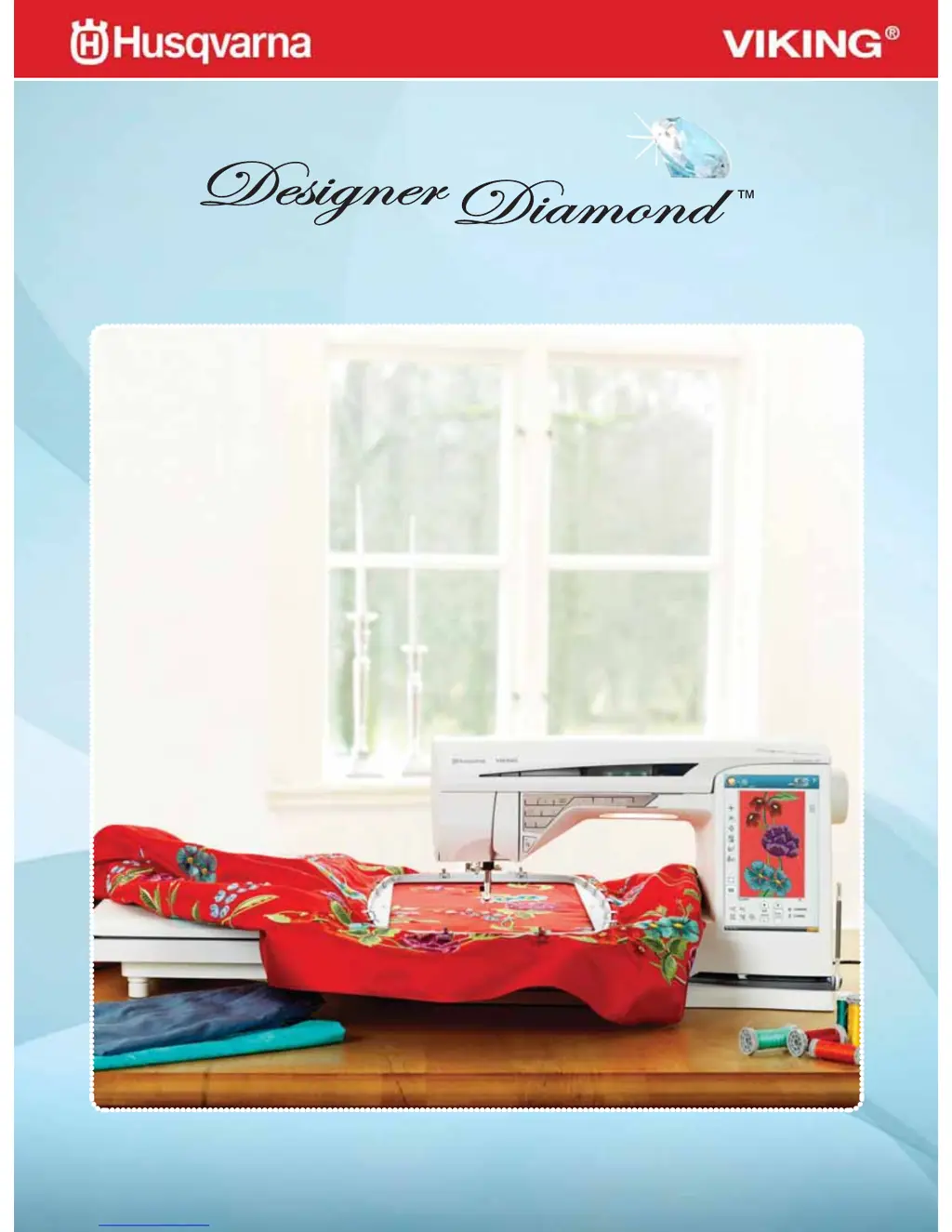
Husqvarna Designer Diamond - User Manual

Husqvarna Designer Diamond
134 pages
Print Icon
To Next Page IconTo Next Page
Loading...
User’s Guide
KEEPING THE WORLD SEWING™

Table of Contents

Questions and Answers

  • D
    donald19Aug 20, 2025
    What to do if my Husqvarna Designer Diamond skips stitches?
    • S
      stonepaulAug 20, 2025
      If your machine skips stitches, consider the following: * Ensure the needle is correctly inserted. * Verify you're using the correct needle system 130/705 H. * Check if the needle is bent or blunt and replace it if needed. * Confirm the machine is threaded correctly. * Make sure you're using the correct presser foot. * Ensure the needle isn't too small for the thread being used.
  • K
    Kristopher SullivanAug 22, 2025
    What to do if my Husqvarna Designer Diamond Sewing Machine bobbin thread breaks?
    • P
      Paul GutierrezAug 22, 2025
      If the bobbin thread breaks, check the following: * Ensure the bobbin is inserted correctly. * Inspect the needle plate hole for damage; change the needle plate if needed. * Clean lint from the bobbin area and use only original bobbins approved for this model. * Make sure the bobbin is wound correctly; wind a new bobbin if necessary.
  • K
    Kayla MatthewsAug 25, 2025
    Why does my Husqvarna Designer Diamond not feed or feeds irregularly?
    • D
      Donna GreenAug 25, 2025
      If your Husqvarna Sewing Machine is not feeding fabric properly, check these: * Make sure the machine is threaded correctly. * Remove the needle plate and clean the feed teeth with a brush to remove any lint. * Ensure the Free-Motion setting is turned off in the Sewing Settings menu. * Verify you are using the proper stabilizer for your fabric.
  • C
    Christopher RitterAug 26, 2025
    How to fix Husqvarna Designer Diamond Sewing Machine fabric not feeding?
    • M
      mhowellAug 27, 2025
      To resolve fabric feeding issues, ensure that the machine is not set in free-motion mode within the Sewing Settings menu, located in the SET menu.
  • S
    sheilagutierrezAug 28, 2025
    Why is my Husqvarna Designer Diamond needle thread breaking?
    • O
      oneilljonathanAug 28, 2025
      Needle thread breaks can occur due to several reasons: * The needle may be inserted incorrectly. * You might be using the wrong needle system; use needle system 130/705 H. * The needle could be bent or blunt, requiring a replacement. * The machine might not be threaded properly; double-check the threading. * The needle may be too small for the thread; use the proper size for the thread. * The thread quality might be poor, or the thread may be too dry; switch to a new, high-quality thread. * The spool cap might be incorrect; attach a spool cap of the right size. * The spool pin position might be unsuitable; try a different position.
  • A
    Amy GarciaAug 30, 2025
    Why does my Husqvarna Designer Diamond seam have uneven stitches?
    • K
      Kaitlyn MorganAug 30, 2025
      Uneven stitches in your seam could be caused by: * Incorrect thread tension or threading; check both. * Using thread that is too thick or slubbed; change the thread. * Unevenly wound bobbin thread; check the bobbin winding. * Using an incorrect needle; insert a proper needle correctly.
  • C
    Catherine NealAug 31, 2025
    What to do if the Husqvarna Sewing and Embroidery machine screen and/or function buttons do not respond to touch?
    • J
      Jonathan ClementsAug 31, 2025
      The sockets and function buttons on the machine can be sensitive to static electricity. If the screen does not respond to touch, turn the machine OFF and then ON again. If the problem persists, contact your authorized HUSQVARNA VIKING® dealer.
  • J
    Jeffery EllisonSep 2, 2025
    Why does my Husqvarna Designer Diamond Sewing Machine not embroider?
    • K
      Kelly GrahamSep 2, 2025
      If your Husqvarna Sewing Machine won't embroider, ensure the embroidery unit is properly attached into the socket and that the correct hoop is attached.
  • G
    George HuertaSep 4, 2025
    What to do if my Husqvarna Designer Diamond Sewing Machine thread cutter does not cut the thread?
    • F
      fspencerSep 4, 2025
      If the thread cutter isn't working, remove the needle plate and clean lint from the bobbin area. Also, ensure the automatic thread cutter is enabled in the SET Menu.
  • A
    Amanda KellySep 6, 2025
    How to fix wrong, irregular or narrow stitch on Husqvarna Designer Diamond?
    • M
      Melissa ReyesSep 6, 2025
      To correct a wrong, irregular, or narrow stitch, deactivate Twin Needle or Stitch Width Safety Sewing Settings in the SET Menu.

Summary

IMPORTANT SAFETY INSTRUCTIONS

DANGER - To reduce the risk of electric shock

Critical safety warning regarding electric shock hazards.

SERVICING OF DOUBLE INSULATED PRODUCTS

Specific guidance for maintaining insulated products.

1 Getting to know your machine

Machine overview

Identifies and describes all machine parts and features.

Accessories

Lists and describes included accessories and hoops.

Stitches

Details available sewing stitches and their applications.

2 Set Up

Connect the power cord and foot control

Steps for powering the machine and connecting the foot pedal.

Threading the Upper Thread

Instructions for threading the needle.

Bobbin Winding

Process for winding thread onto a bobbin.

Needles

Information on different needle types and their usage.

3 Ultimate Interactive Screen

Toolbar and Navigation

Explains the main interface elements and how to navigate.

SET Menu

Details machine settings and personalization options.

Function Buttons

Describes the purpose and operation of key control buttons.

4 Sewing

Sewing Mode - Overview of icons

Explains the interface for sewing operations.

Exclusive SEWING ADVISOR

Provides automated sewing guidance based on fabric and technique.

Stitch Settings

Instructions on adjusting stitch length, width, and density.

5 Program

Program - overview of icons

Introduces the interface for creating stitch programs.

Edit your stitch or lettering program

How to modify existing programmed stitches.

Save to My Stitches

Instructions for saving custom stitch programs.

6 Embroidery Set Up

Embroidery unit overview

Identifies components of the embroidery unit.

Connect the embroidery unit

Steps to attach the embroidery unit to the machine.

To hoop the fabric

Procedures for preparing fabric with a hoop.

7 Embroidery Edit

Embroidery Edit - overview of icons

Explains the interface for editing embroidery designs.

Main functions in the Extended Embroidery Edit toolbar

Describes essential editing tools and menus.

Touch functions

Details screen interaction methods for editing designs.

Resize

Instructions for changing the dimensions of embroidery designs.

Color Edit

How to modify colors within embroidery designs.

8 Embroidery Stitch-Out

Embroidery Stitch-Out - Overview of icons

Explains the interface for the embroidery stitching process.

Design Positioning

Steps for accurately placing designs on fabric.

Baste in Hoop

Securing fabric to stabilizer using basting stitches.

Corner check

Verifying design placement and alignment on fabric.

9 File Manager

File Manager

Core functions for organizing and managing designs and files.

Browse File Manager

How to navigate and view stored files.

Organize

Procedures for creating, renaming, moving, and deleting files/folders.

10 Maintenance

Cleaning the machine

Routine procedures for cleaning the sewing machine.

Troubleshooting

Solutions for common operational problems.

Husqvarna Designer Diamond Specifications

General IconGeneral
USB ConnectivityYes
Automatic Thread CutterYes
Built-in MemoryYes
Screen7-inch color touchscreen
Built-in DesignsYes
Embroidery FontsYes
Sensor SystemYes
TypeEmbroidery and sewing machine
Needle ThreaderAutomatic
Bobbin WindingAutomatic
LCD Screen7-inch color touchscreen
Presser FeetMultiple included
Stitch WidthUp to 7mm

Related product manuals