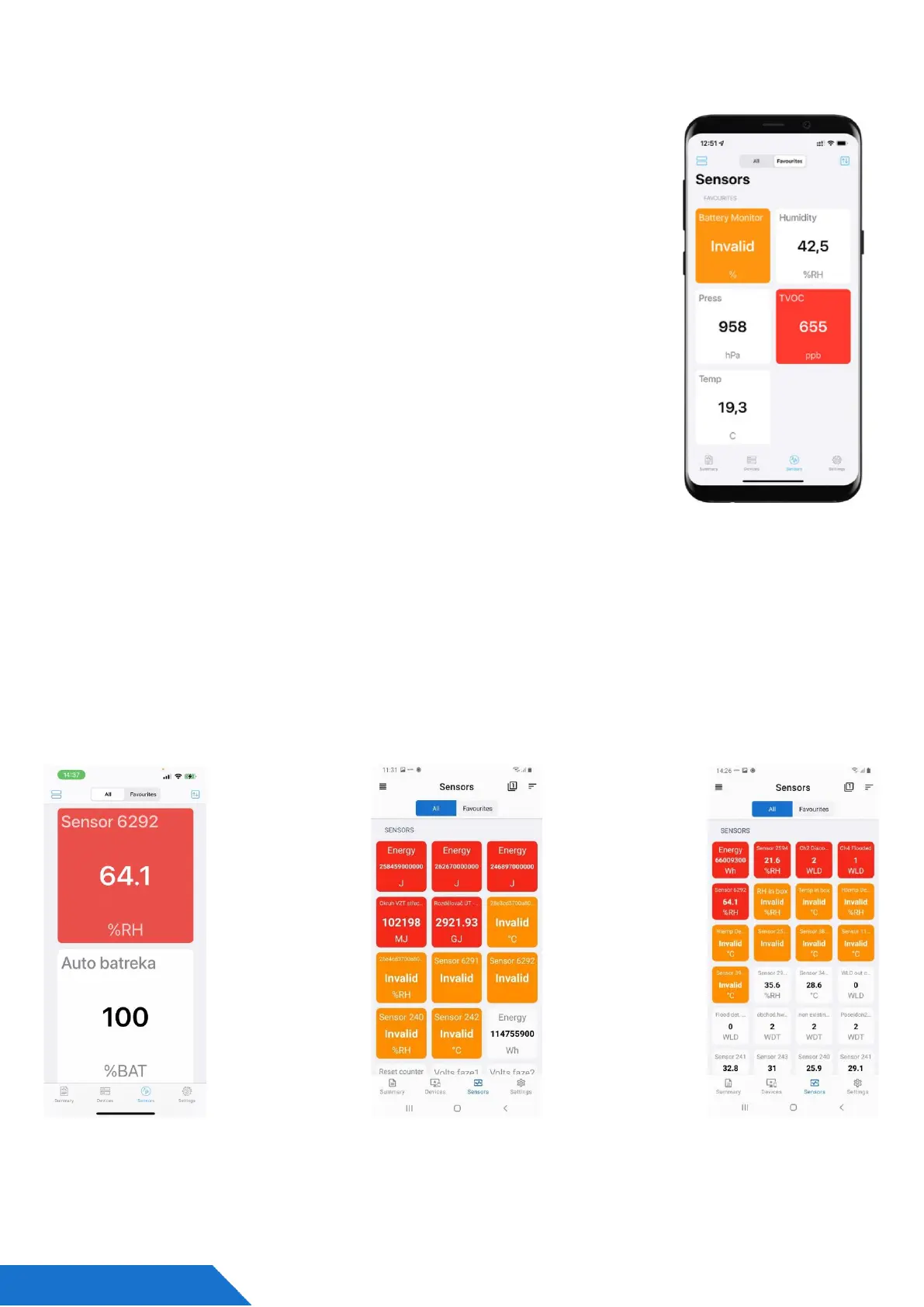
HWg Monitor - mobile app
HWg Monitor lets users check values from one or more HWg devices
regularly. It reads data from either the LAN or the Portal (Cloud) and
mainly helps show sensor values.
The app also lets you sort sensors by device or prioritize which ones
show up first. Sensors in alarm or disconnected devices are marked
with different colors.
Additionally, HWg Monitor can control Digital Outputs (DO) on
Poseidon2 and Damocles2 devices connected directly to the LAN, as
well as devices connected to the Portal.
• Mobile App for iOS and Android
• Can be used on Mobile phones, Tablets, Android compatible
devices (TV).
• Indicate values from Sensors, DI, DO
• Data input
o LAN devices (All HWg products)
o Cloud Portal
▪ SensDesk.com (HWg-cloud.com is not supported)
▪ Portal Providers
HWg Monitor: Define sensor values zoom as you need



 To Next Page