First start-up
1) Cable connection
• Connect the device to the Ethernet (direct cable to the switch, crossed to PC).
• Connect the power adapter to the power grid and to the device.
• If the Ethernet connection is OK, the LINK (yellow) light should come on a moment later.
The ACTIVITY light (green) indicate Ethernet activity.
• The LINK (yellow) flashing rapidly to indicate communication with the DHCP server.
2) The setting of the IP address - HWg-Config
The HWg-Config program for MS Windows can be downloaded at www.hw-group.com ->
Products -> Software -> HWg-Config.
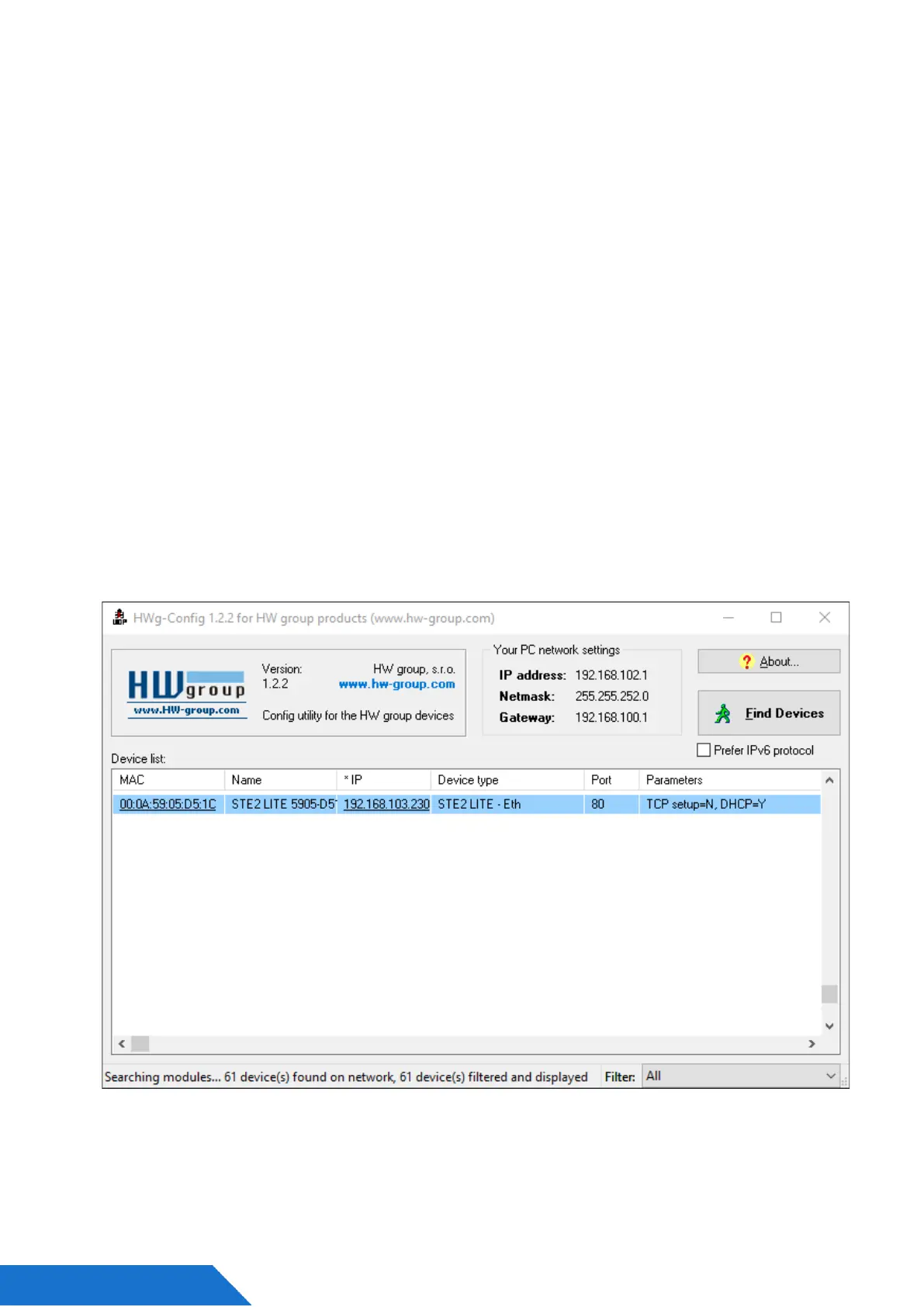
Launch HWg-Config, program automatically searches for LAN connected devices.
If the device is connected later, click to Find Devices button. Local network devices will be
listed. Click on the MAC address of the device to open the dialogue window for device settings.



 To Next Page