14
Time Control
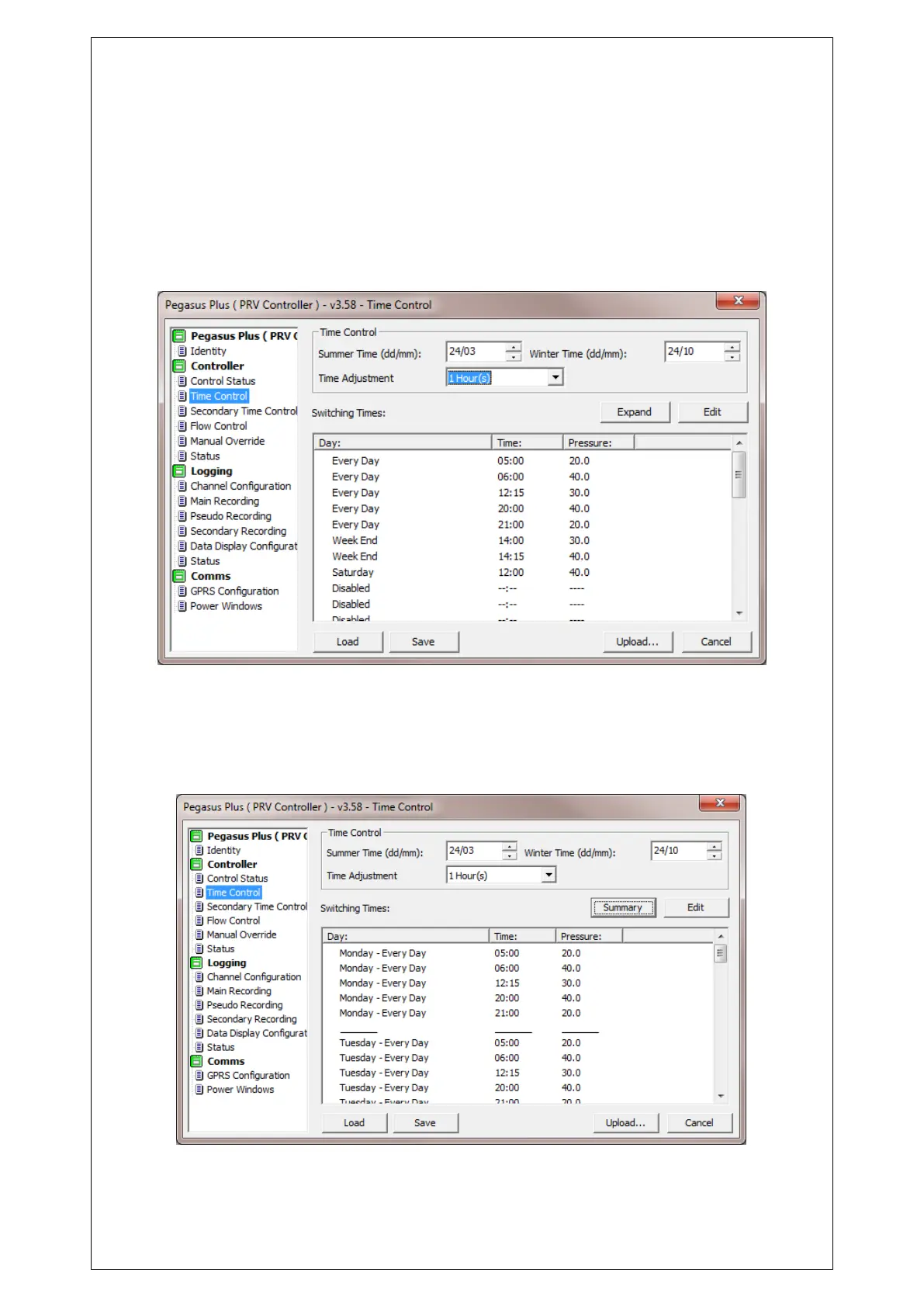
In the tab "Time Control" can establish a table of values in which for at a certain time, a
certain pressure is established.
In the first section you can set the date time change for summer and winter.
To modify or add hours change right position is selected and click on "Edit".
In this screen you can select days of the week, Monday to Friday, Weekend or Every
day. You can also select the Time and Pressure (always in meters water column)
desired. Click on OK to confirm.
The daily shift hours can be viewed by clicking on the Expand button. And appear in the
following format:
This table shows the same data but extended.



 To Next Page