9
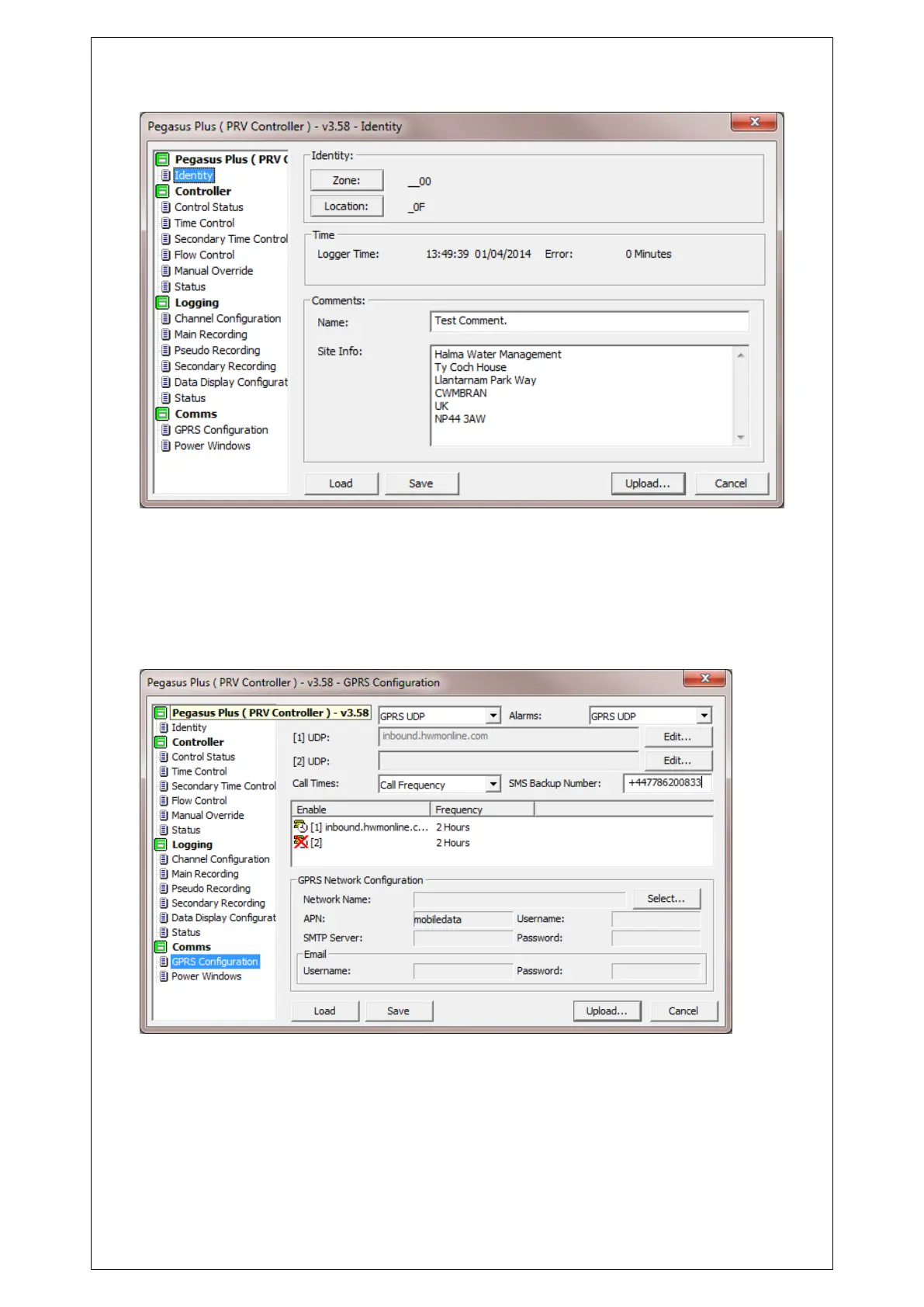
Select Communication
Click on “GPRS Configuration”
To send data to Datagate “GPRS UDP” should be selected, alarms can be sent directly by
SMS, or by through Datagate (GPRS UDP), where they would be forwarded by email, or
SMS(UK Only).
SMS backup can only be used either directly to Datagate (+447786200833) or if an SMS
modem is also available on the central computer.
Call Times
There are 3 options for call in
“Call times table” specifies the exact time(s) data should be sent each day.



 To Next Page