32
AutoCall
At this time we have prepared the Pegasus and database for data reception. The last step
that remains is to open the Automatic Download module that is to be responsible for the
receipt and processing of data.
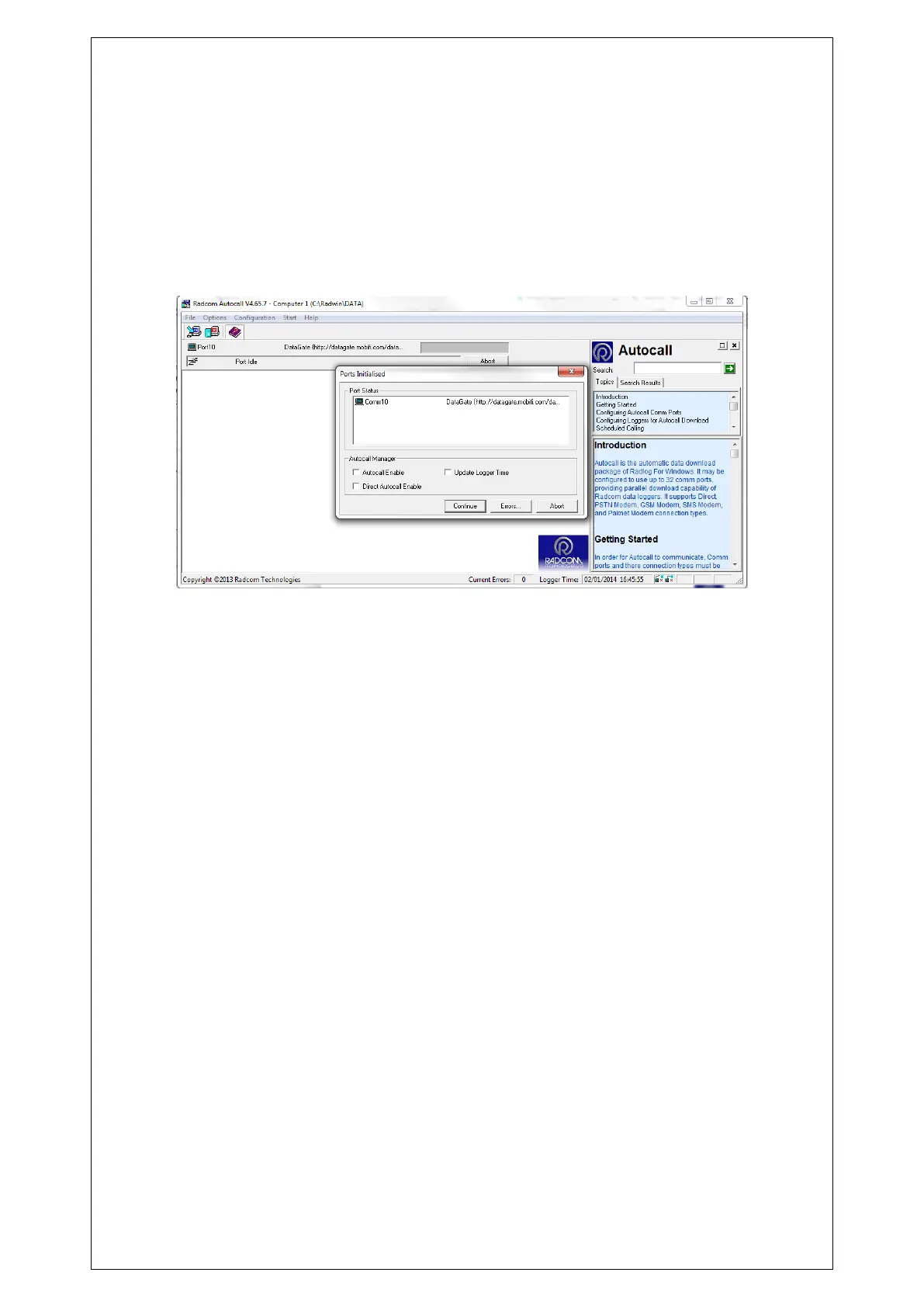
From any Radwin module go to the Start menu and click on Automatic Download. At this time
we will see a window in which ports are checked data reception.
Once the check click on "Continue".
Now Autocall is waiting to receive UDP data to be processed by the Radwin.
It is not necessary to have Autocall running all the time, but new data will only be available in
Radwin, when Autocall has received and processed messages from the server.



 To Next Page