8
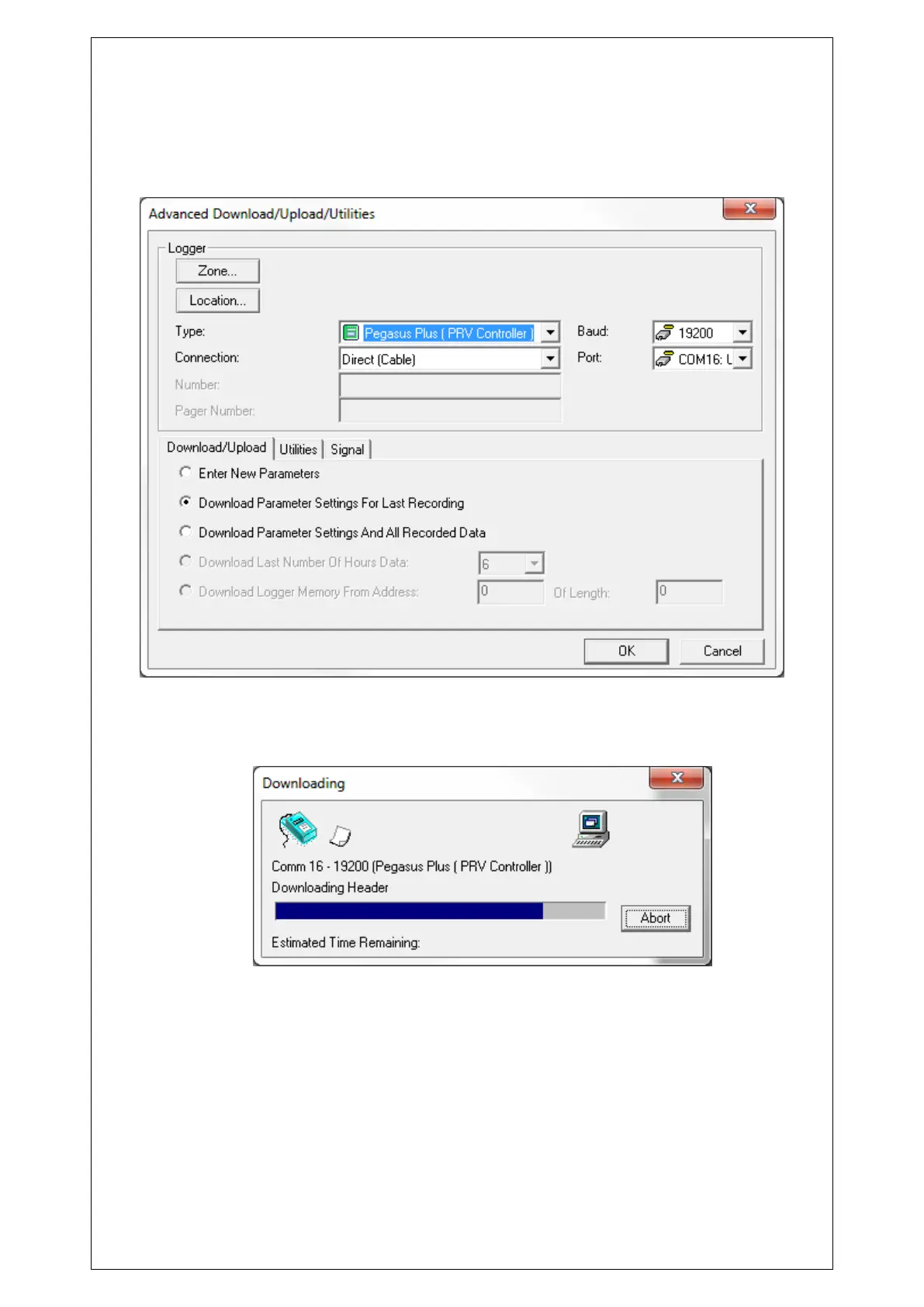
Next is to set the logger type “Pegasus Plus (PRV Controller)” the speed of communication
(Baud:) will automatically be set to 19200 and “Connection:” should be “Direct (cable)”.
“Download Parameter Settings for Last Recording” should also be selected.
Having made the above changes click on the OK button to start the communication with the
logger.
Once the current configuration has been downloaded we need to go through the headings on
the left side to configure the logging and pressure control.
Choose the Zone and Location of the logger, either by selecting from the Database or by
creating an new. This will be the folder location where data files will be downloaded and
stored in this example __00_0F.



 To Next Page