Page 15 Hydro Systems Co. 2018
6.5.8 Flush Settings
a) Auto Start/Stop - this is an auto learn function and allows the user to press and hold a button to operate the flush.
Once released the time is automatically updated.
b) Set manually - Allows the user to manually adjust the flush time in seconds.
6.5.8.1
Firmware - This is where the firmware version can be shown. It will also show the firmware version of the remote select,
if attached.
6.5.8.2
Select language – languages available
1. English
2. French
3. Italian
4. Spanish
5. German
6. Japanese
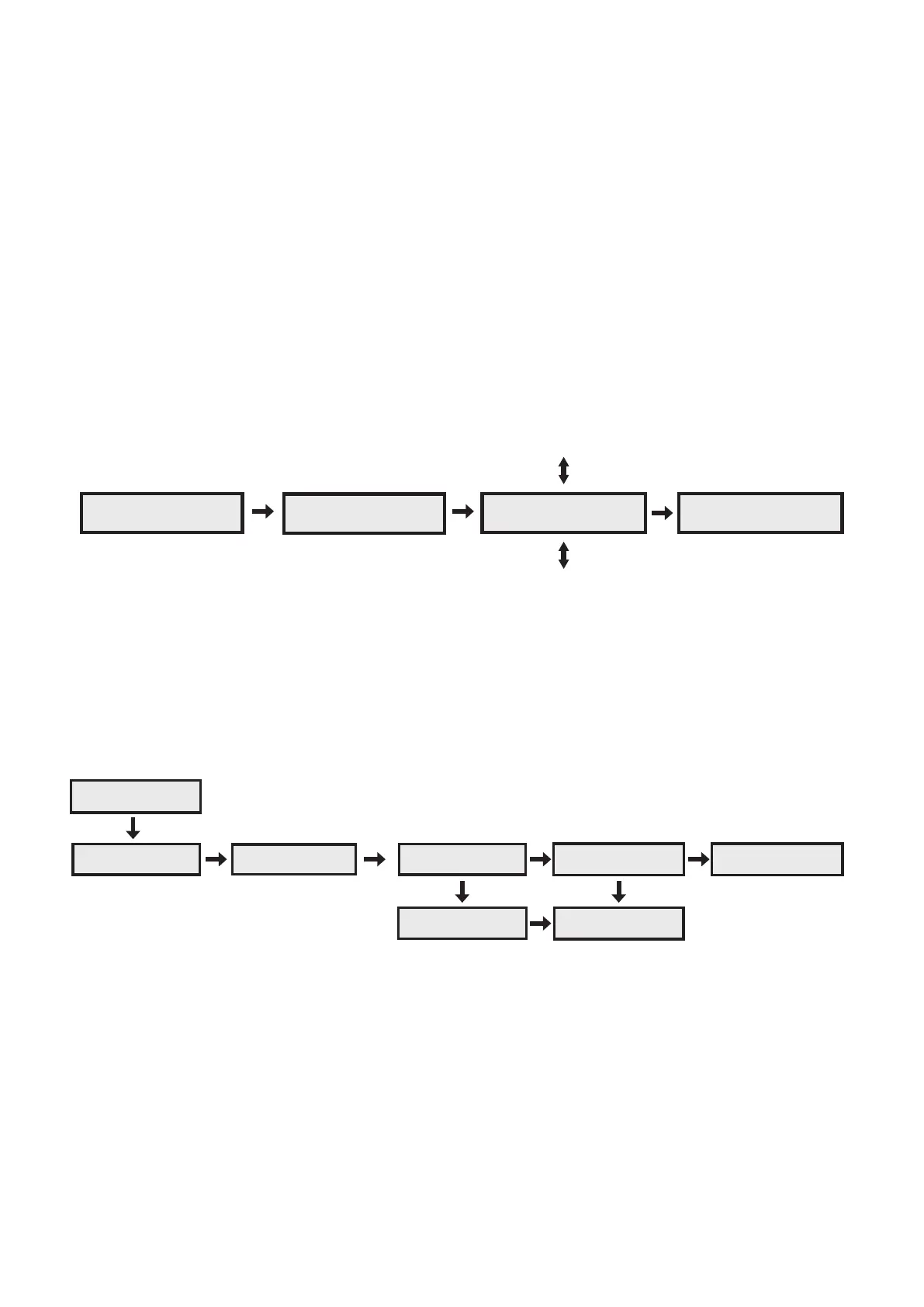
6.6 Setup and Programming Step 2: Priming
Normal. ----
Formula: 1
Prime Chemicals?
Back i h Yes
Prime Chem: 1
Back i h On
Prime Chem: 1
Back i h On
6.6.1.
Once the unit is sited, the pickup tubes are installed, the unit is now ready to be primed.
6.6.2.
Once you have navigated to the ‘Prime Chem: X’ screen the ‘select’ button is pressed (and held) whilst the chemical is
drawn up the pickup tube. To finish, release the button.
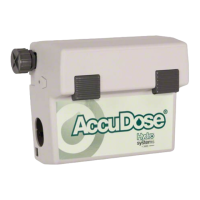
6.7 Setup and Programming Step 3: Calibration
C1 Calibration?
Back i h Yes
C1 Calibration?
Back Start
Keep button held
2.4 seconds
Calibration time
was: 4.95 Sec
Now enter volume
250ml i h OK
Calibration time
too short! OK
Min. 5.00 Sec.
Please retry OK
Product
Calibrated! OK


 To Next Page