EasyManua.ls Logo

HyperX Alloy Origins Core - HyperX NGENUITY Software; Console Connectivity; Factory Reset Procedure

HyperX Alloy Origins Core
121 pages
Print Icon
To Next Page IconTo Next Page
To Previous Page IconTo Previous Page
Loading...
Document No. 480HX-KB700X.A01
HyperX Alloy Origins
TM
Core
Page 8 of 8
HyperX NGENUITY Software
To customize Lighting, Game Mode and Macro Settings, download the HyperX NGENUITY Software
here: hyperxgaming.com/ngenuity.
Using with Console
Connect to PS4 or Xbox One using the included USB cable.
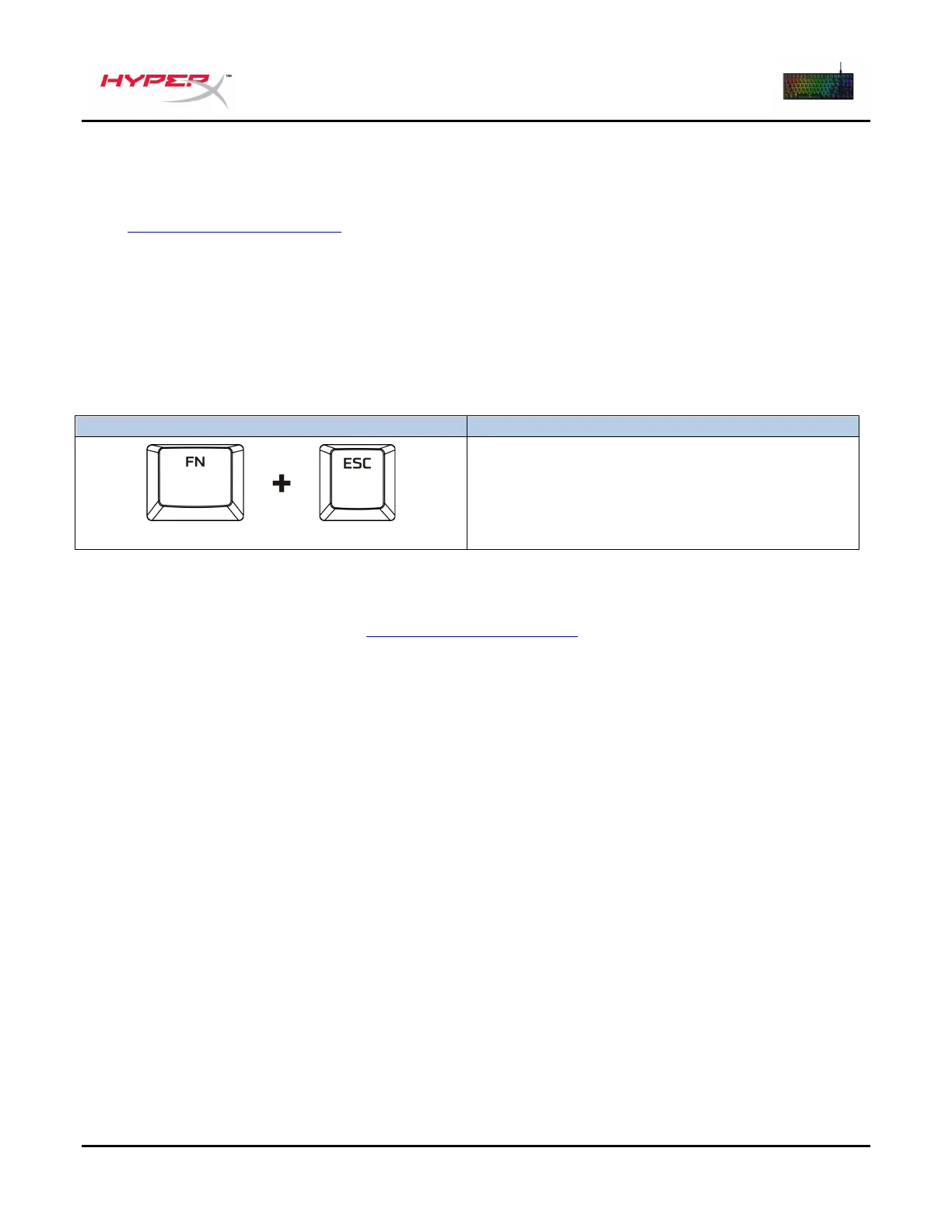
Factory Reset
If you are experiencing any issue with the keyboard, you can perform a factory reset. Onboard memory
will be cleared, and all settings will revert back to default.

Function Keys
Secondary Feature
Hold both keys for 5 seconds
Perform a factory reset on the keyboard.
Questions or Setup Issues?
Contact the HyperX support team at: hyperxgaming.com/support/

Table of Contents

Related product manuals