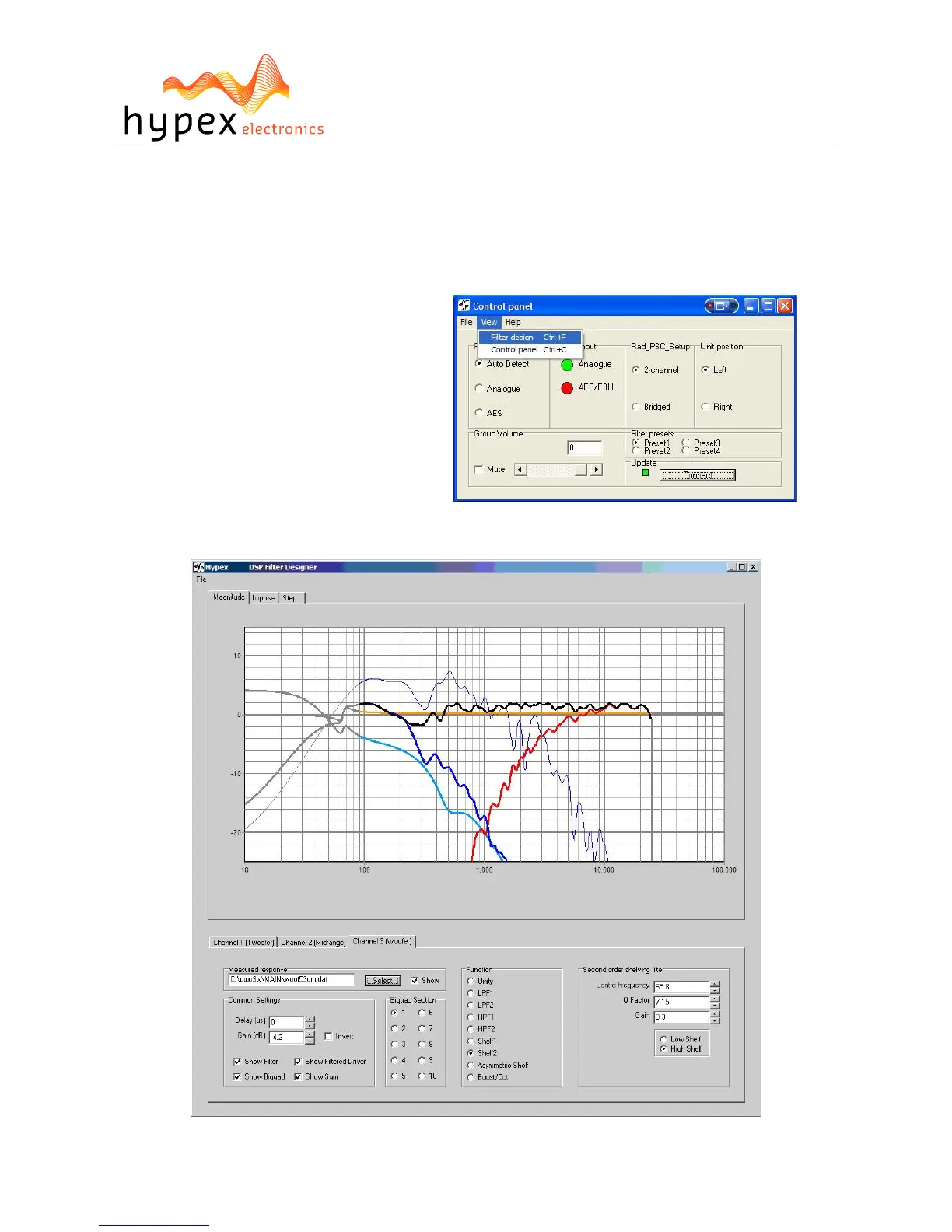
The last thing that can be controlled in this window is volume. This can be done by setting the scroll-
bar to a desired position or by typing the value in the volume field, the value is send when pressed
“enter”.
When the presets are installed they may be selected, the module will switch to the selected preset.
The presets can be filled in the “Filter design” section.
Filter design
When you want to make some filters for
your module they can be designed in the
“Filter design”. Under view there can be
switched between the control panel and the
filter design window.
The following pages will give you a
widespread instruction of the possibilities of
the program.
Figure 9
Figure 8


 To Next Page