HOUR METERS
Hour meter data is incrementally stored in the dis-
play during operation and the data is recorded in
the Traction controller every 6 minutes. If there is
a loss of power, data is not lost. At every key on, the
display hours synchronize with the master. Within
the Hour Meters menu you can view the three dif-
ferent hour meter functions. See Table 3. Scroll
through the Hour Meters menu using the UP (#1)
and DOWN (#3) buttons and press the RIGHT (#2)
button to enter the desired selection. Press the
LEFT (#4) button to return to the previous menu.
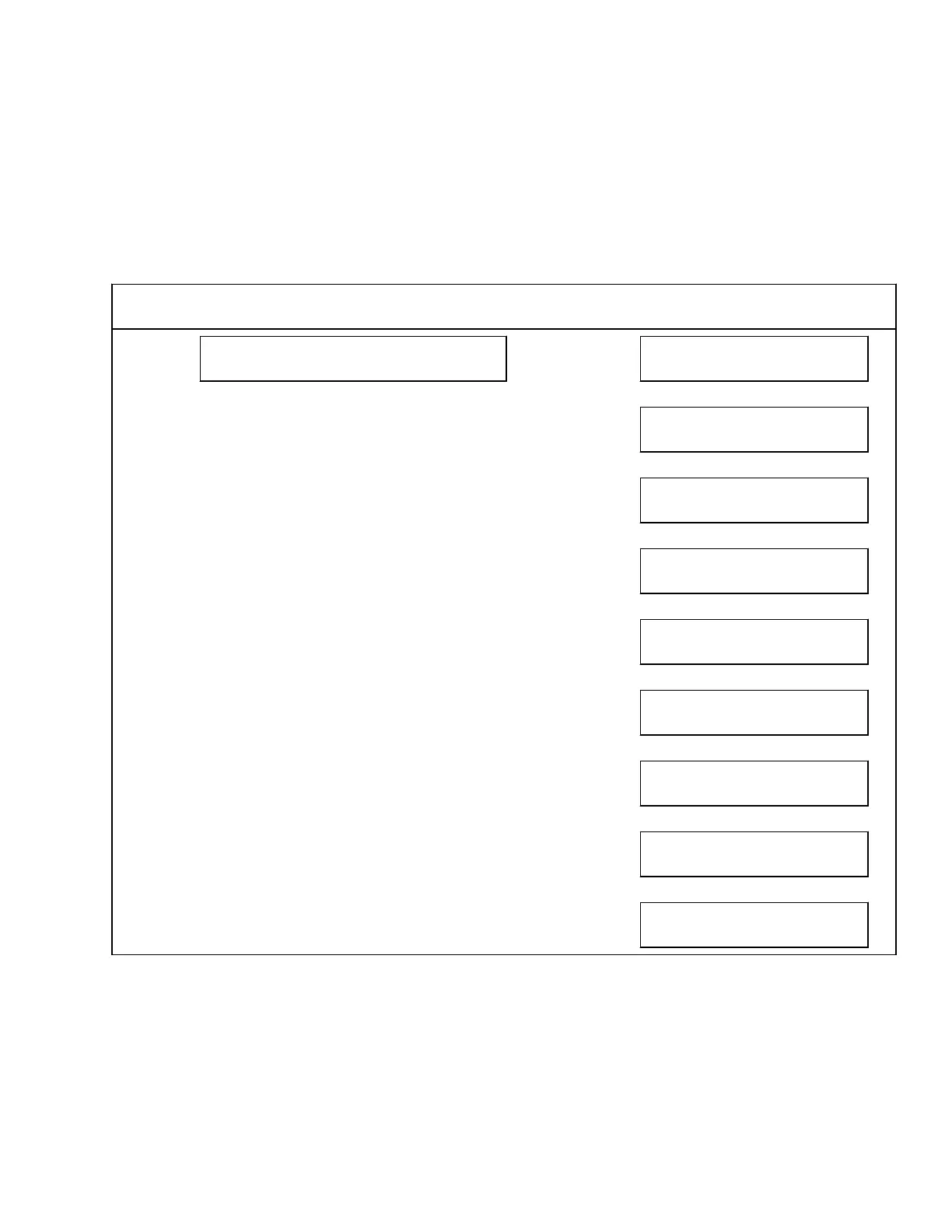
Table 3. Hour Meters Menu
NOTE: Depending on how an individual lift truck is equipped, some functions shown on the dis-
play may not be available for viewing.
HOUR METERS Press → Key
H1
TRUCK
↕
H2
TRACTION
↕
H3
PUMP
↕
H4
STEER
↕
H5
ODOMETER
↕
H10
DISPLAY NODE
↕
H30
TRACTION NODE
↕
H41
TRACT SLAVE NODE
↕
H50
PUMP NODE
2200 SRM 2023 Supervisor-Level Menu
5



 To Next Page