4. Basic Operations
4.1 Turning On or Off the Radio
Turning On the Radio
After the vehicle is started, the radio automatically turns on.
Long press the
On-Off
key for two seconds until the startup screen appears.
Turning Off the Radio
After the vehicle shuts off, the radio automatically turns off.
Long press the
On-Off
key for two seconds, press the
Navigation
key to select
Power off
, and then press the
OK
key.
4.2 Restarting the Radio
Long press the
On-Off
key for two seconds, press the
Navigation
key to select
Reboot
, and then press the
OK
key.
Long press the
On-Off
key for 15 seconds to forcibly restart the radio.
4.3 Adjusting the Volume
Rotate the
Volume
knob clockwise to increase the volume, or counter-clockwise to decrease the volume.
4.4 Understanding the Screen
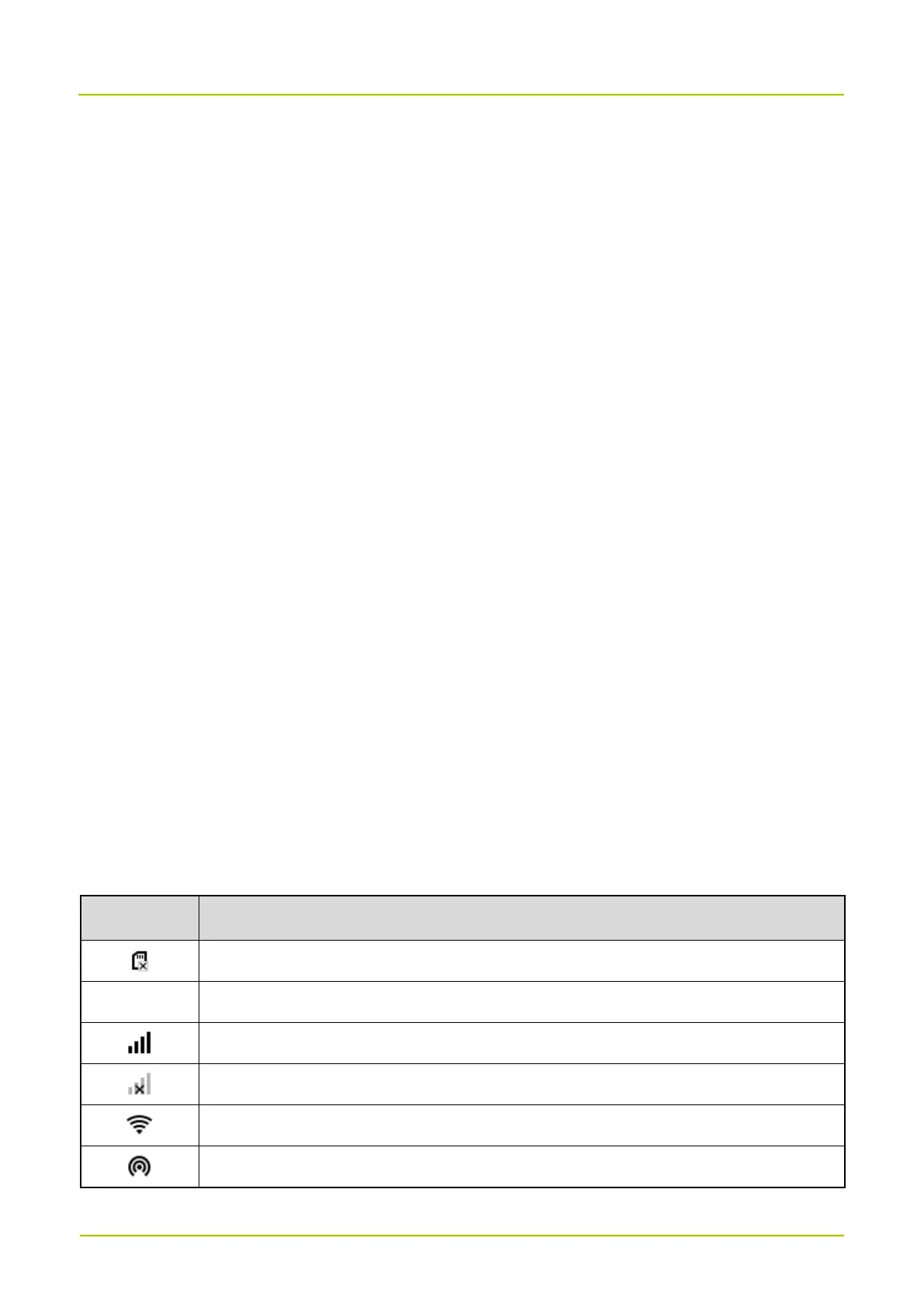
4.4.1 Status Indications
4.4.1.1 LCD Icon



 To Next Page