2
Icon Terminal Status
A call is in progress.
The terminal is selecting a group.
A gateway device is available and
connected in DMO.
A gateway device is available but not
connected in DMO.
A r e p e a t e r i s a v a i l a b l e a n d
connected in DMO.
A repe a t e r i s a v a i lable but not
connected in DMO.
The keypad is locked.
The SIM card E2EE is in use.
The microphone is disabled.
AIE (Air Interface Encryption) is in
use.
E2EE (End-to-End Encryption) is in
use.
Both AIE and E2EE are in use.
The o n g o i n g call en j o y s a pre-
emptive priority.
The ongoing call enjoys a higher
priority.
The ongoin g call enjoys a lower
priority.
Th e te rmin al i s pr ohib ited fro m
transmitting.
A call via gateway is in progress.
An E2EE call v i a g a teway is i n
progress.
A call via repeater is in progress.
Icon Terminal Status
An E2E E c all v i a repea t e r is i n
progress.
A n A I E c a l l v i a r e p e a t e r i s i n
progress.
The AIE and E2EE call via repeater
is in progress.
An Emergency call is in progress.
A broadcast call is in progress.
LED Indicator
LED Indication Terminal Status
Glows red Transmitting
Flashes red
slowly
Low battery voltage
Please replace or recharge the
battery
Glows green Receiving
Flashes green
slowly
Channel idle in DMO
Glows orange
Channel busy in DMO
The terminal is prohibited from
transmitting.
Flashes orange
slowly
The BS with which the terminal
is registered is out of service in
TMO.
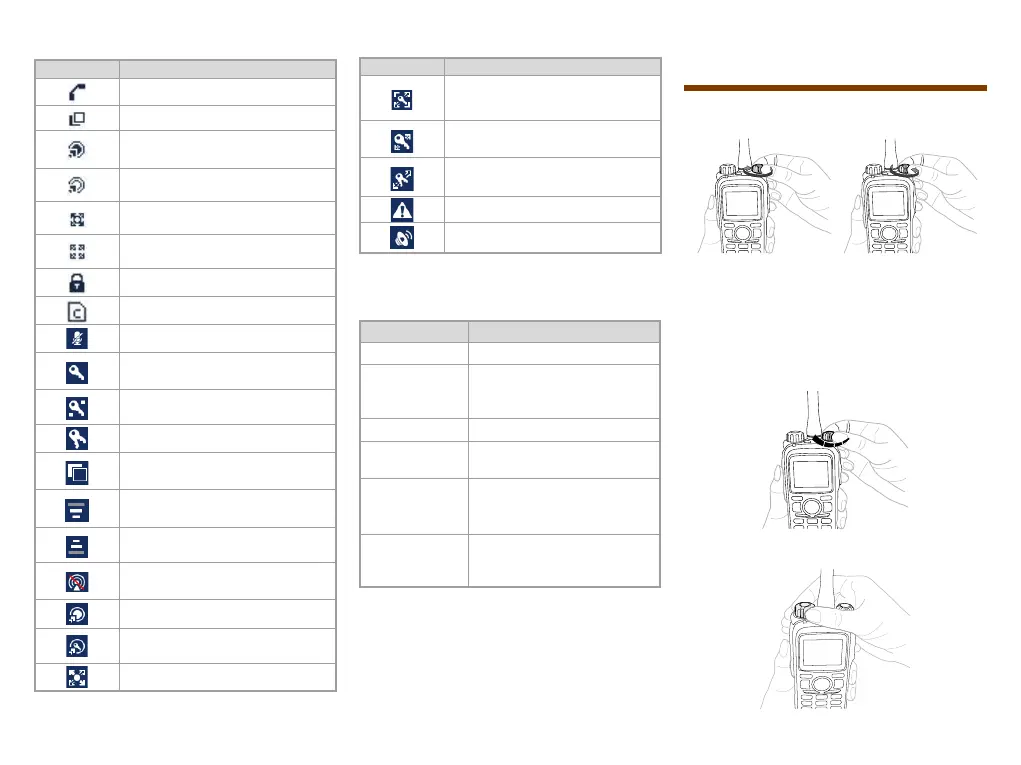
Basic Operations
Turning On/Off the Terminal
ON
OFF
Switching Operation Mode
This terminal can operate in either TMO or DMO.
Press the
Func/OK
key on the home screen to enter the
Mode menu, and then select TMO or DMO
to switch the operation mode.
Adjusting the Call Volume
- +
Selecting a Group



 To Next Page