11
To turn on or off this feature, do as follows:
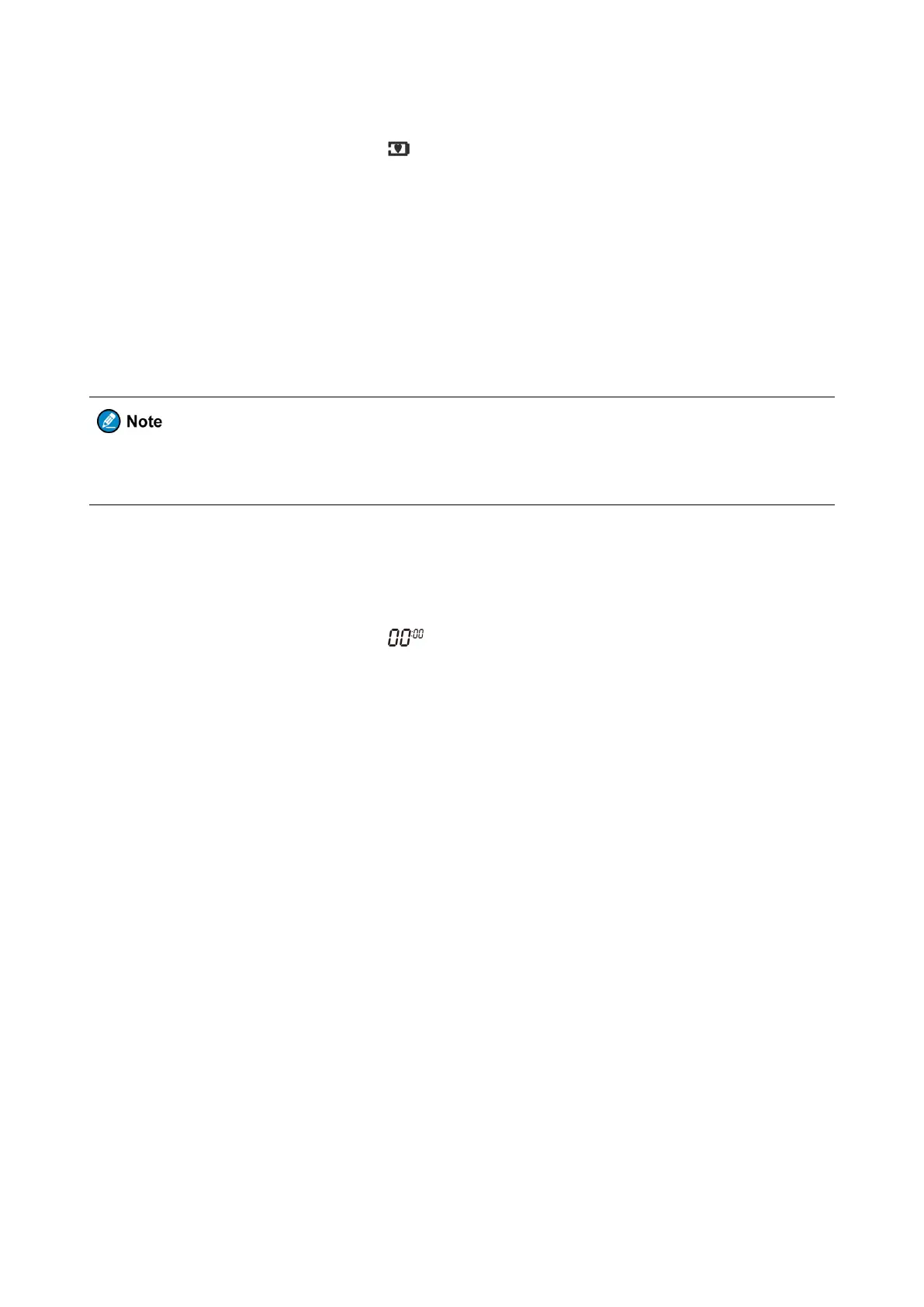
1. Do the following until the radio displays :
For TF-512, press the Menu key for ten consecutive times.
For TF-515, press the Menu key for nine consecutive times.
2. Press the Up or Down key to select L1, L2, or L3 to turn on the feature, or select OFF to turn off the feature.
L1, L2, and L3 mean that the radio is in sleep mode for one second, two seconds, and three seconds,
3. Press the PTT key to confirm your selection.
In the sleep mode, the radio does not receive or send any signal. Therefore, when you must respond to
emergencies, do not enable the Sleep Level feature.
The Stopwatch feature allows the radio to count upwards from zero for measuring elapsed time. The Timer
feature allows the radio to counts down from the 59 minutes and 59 seconds.
To use the stopwatch or the timer, do as follows:
1. Do the following until the radio displays :
For TF-512, press the Menu key for eleven consecutive times.
For TF-515, press the Menu key for ten consecutive times.
2. To turn on the Stopwatch feature or the Timer feature, do the following:
For the Stopwatch feature, press the Up key.
For the Timer feature, press the Down key.
The stopwatch or the timer begins to count.
3. To pause the stopwatch or the timer, press the Call Tone key.
4. Optional: To resume the stopwatch or timer, press the Call Tone key again.
5. To reset the stopwatch or the timer, press the Scan/Monitor key.
6. To turn off the feature, press the PTT key or the Menu key.
7.12 Weather Mode (TF-512 only)
The Weather Mode feature allows you to listen to weather reports and set the radio to alert you to extreme weather
broadcasted by the United States National Oceanic and Atmospheric Administration (NOAA) Weather Radio.


 To Next Page