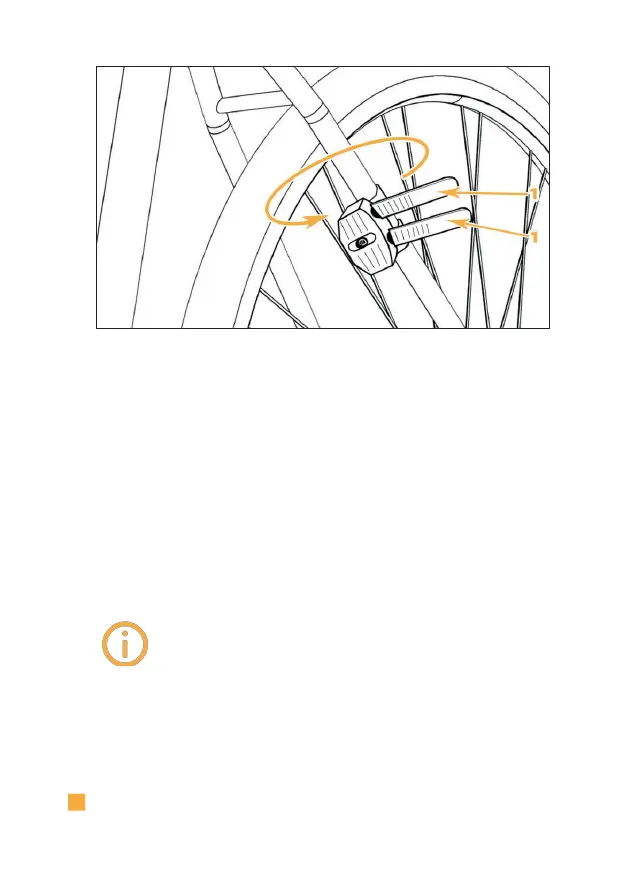
V.
Repeat the process for the second installation
adapter.
VI.
Guide I LOCK IT Pro over your mudguard|tyre.
VII.
Screw I LOCK IT Pro to the threaded sockets of the
installation adapter using an Allen key hand-tight (3
Nm). Use the mounting screws supplied with I LOCK IT Pro
for this.
The protruding plastic straps
of the installation adapter can be
removed with a side cutter.



 To Next Page