The color code can only be entered if no Bluetooth
connection to your I LOCK IT Pro is active. The
following steps do not work with a color code
created for sharing.
II.
Wait until I LOCK IT Pro is open and the button lights up
green.
III.
Press the I LOCK IT Pro button and keep it pressed
until it lights up blue.
As soon as the button is released, the
I LOCK IT to set-up mode and the button starts
flashing blue.
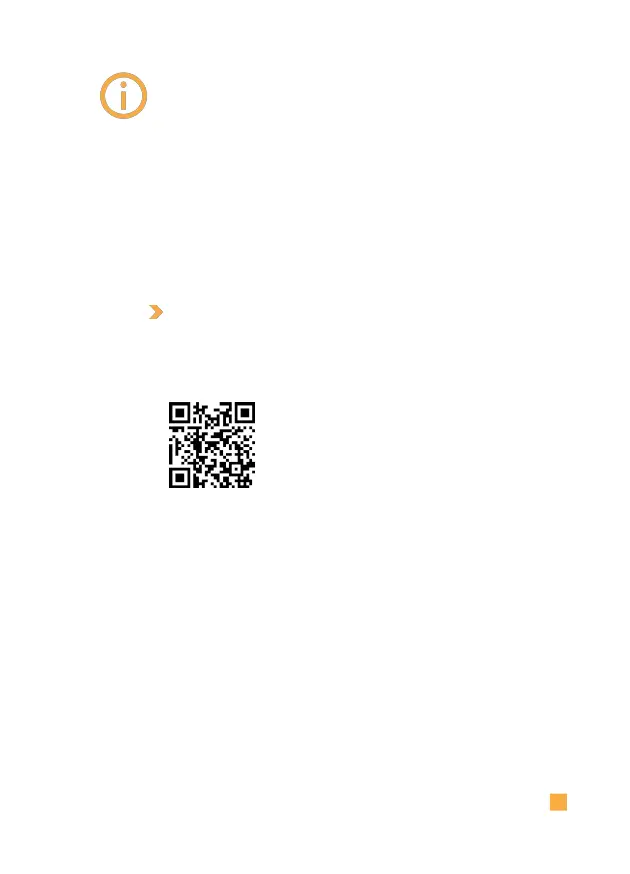
Our I LOCK IT channel at
www.youtube.de provides a
video on the subject of color
code. www.youtube.com/ILOCKIT-
bike
PAIRING A NEW SMARTPHONE
As soon as you have started the set-up mode and the I
LOCK IT button flashes blue, you can continue with the
following steps:
I.
Open the I LOCK IT app on the new smartphone.
II.
Follow the instructions in the app.



 To Next Page