www.i2m.it/en
Chrome Menu
Startup Screen
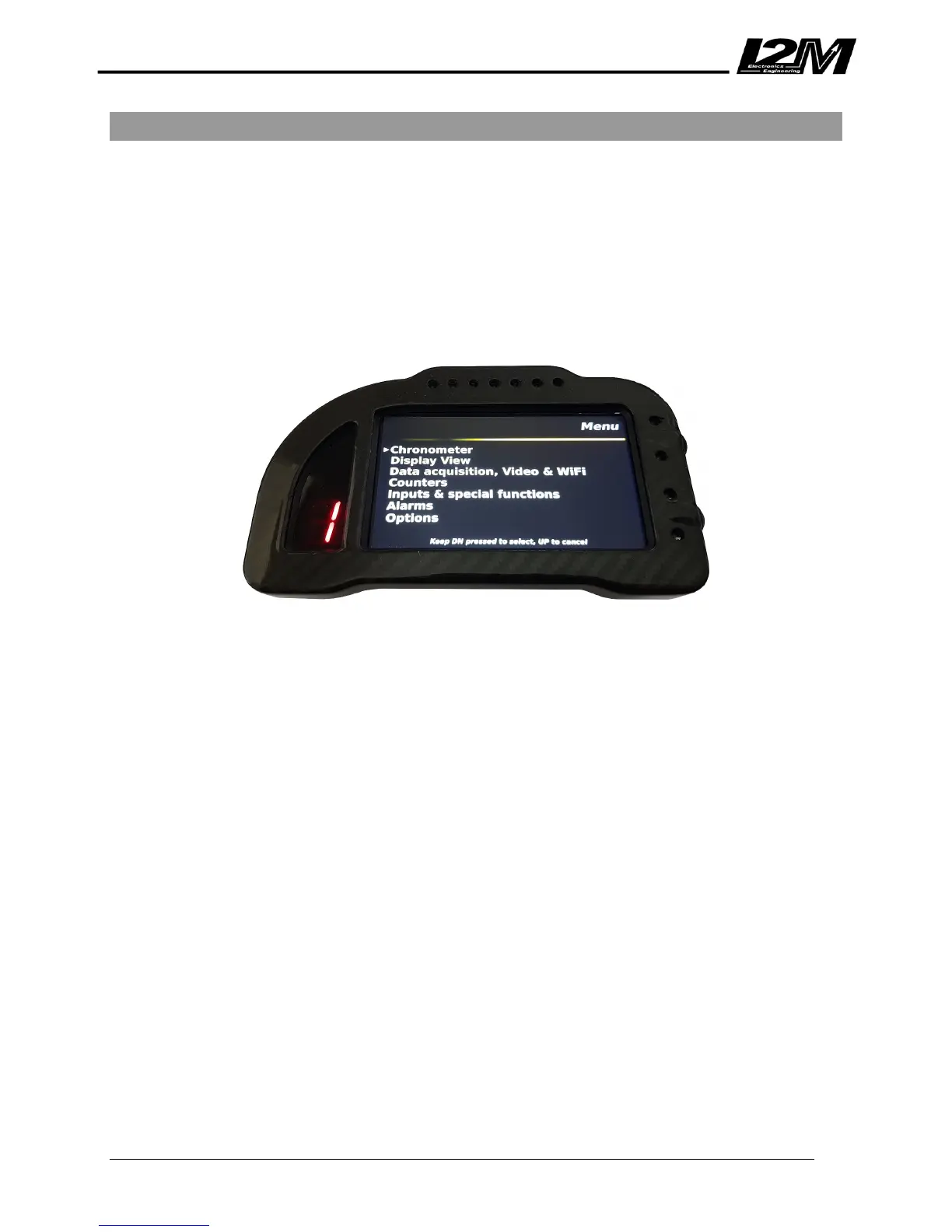
In the startup screen, press the DN button to open the Chrome unit’s main menu. This menu includes the
main system functions i.e. Chronometer, Display View, Data Acquisition, Video & WiFi, Counters, Inputs &
Special Functions, Alarms and Options. To select a menu item press LDN or to return to the startup screen
press LUP.
Note: This user manual has been developed for the Chome “Lite/Plus/Pro” hence some functions described
below might not be available depending on the purchase made.
The main menu consists of the following;
• Chronometer à
• Display View à
• Data Acquisition, Video & WiFi à
• Counters à
• Inputs & Special Functions à
• Alarms à
• Options à
Each of the above items have their individual sub-menu (sub-directory) tree, these have been mapped
individually for quick reference below to avoid the user having to browse through directories on the Chrome
unit thus familiarizing themselves with the Chrome interface.


 To Next Page