17
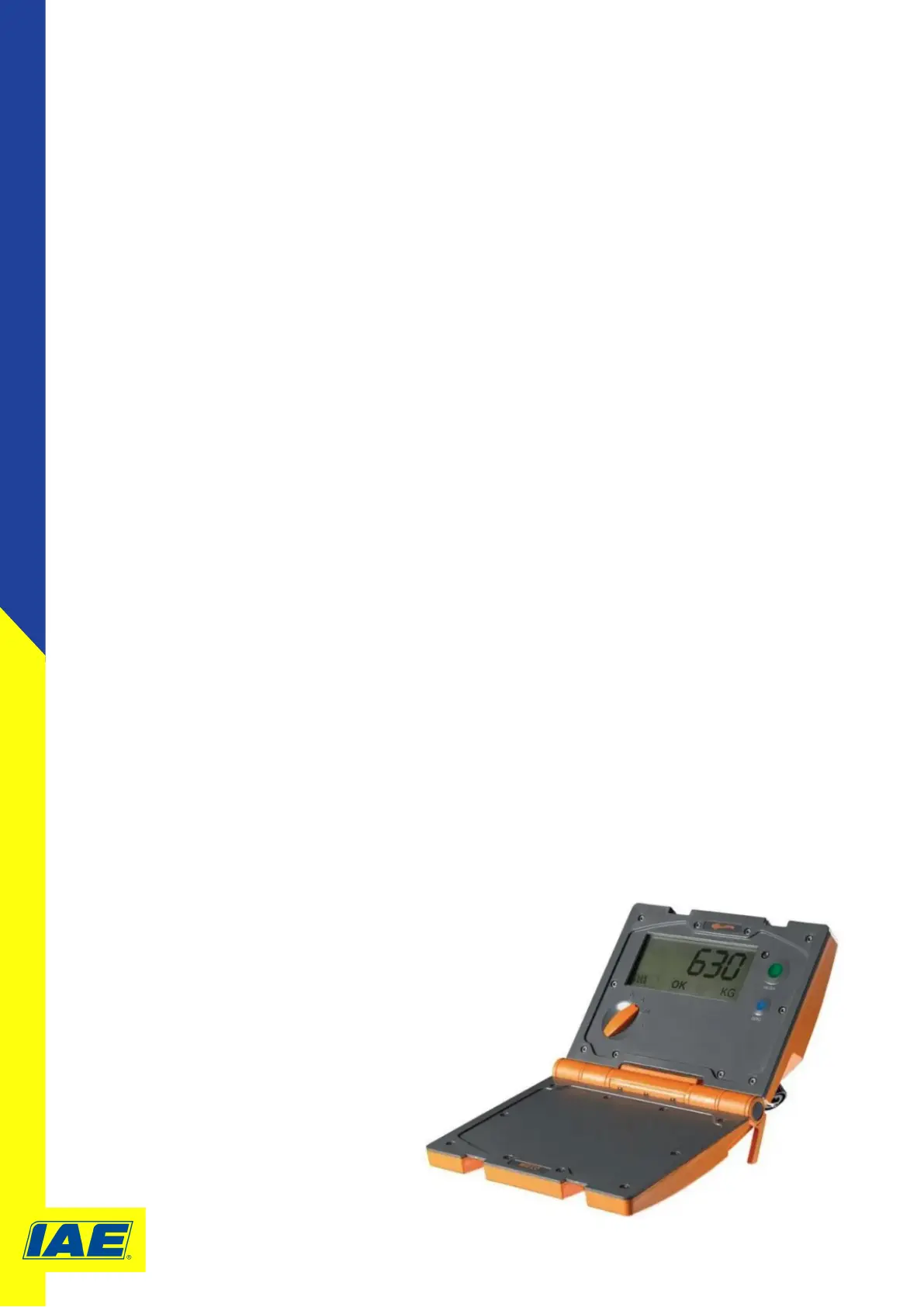
W210 Calibraon Process
1. Hold down the green Weigh buon and the blue Zero buon while turning the mode selector
switch from (Off) to F (Fine).
2. CAL-0 displays on the Weighing screen
3. Check there is no load on the load bars.
Press the blue Zero buon.
CAL-L displays on the Weighing screen.
4. Apply the known test load to the scale.
Once the load is on and sing stable, press the green Weigh buon.
The calculated weight displays on the screen.
5. To increaseÊthe displayed weight: Press the green Weigh buon to increaseÊthe displayed
weight in 1 kg increments.
To decrease the displayed weight: Press the blue Zero buon to decreaseÊthe displayed
weight in 1 kg increments.
6. Ensure the displayed weight equals the known test weight value.
Turn the mode selector switch from F (Fine) to A (Auto).
SAVE displays on the Weighing screen.
Press the green Weigh buon to save the new span value.
DONE displays on the Weighing screen, the red light turns on. Turn the scale off
7. Exit without saving new span value Turn the mode selector switch from F (Fine) to (Off) or press
the blue Zero buon to return to Fine mode.
Please reference the Gallagher website for
more informaon on the W210 Weigh Scale
www.gallagher.eu/en_gb



 To Next Page