18
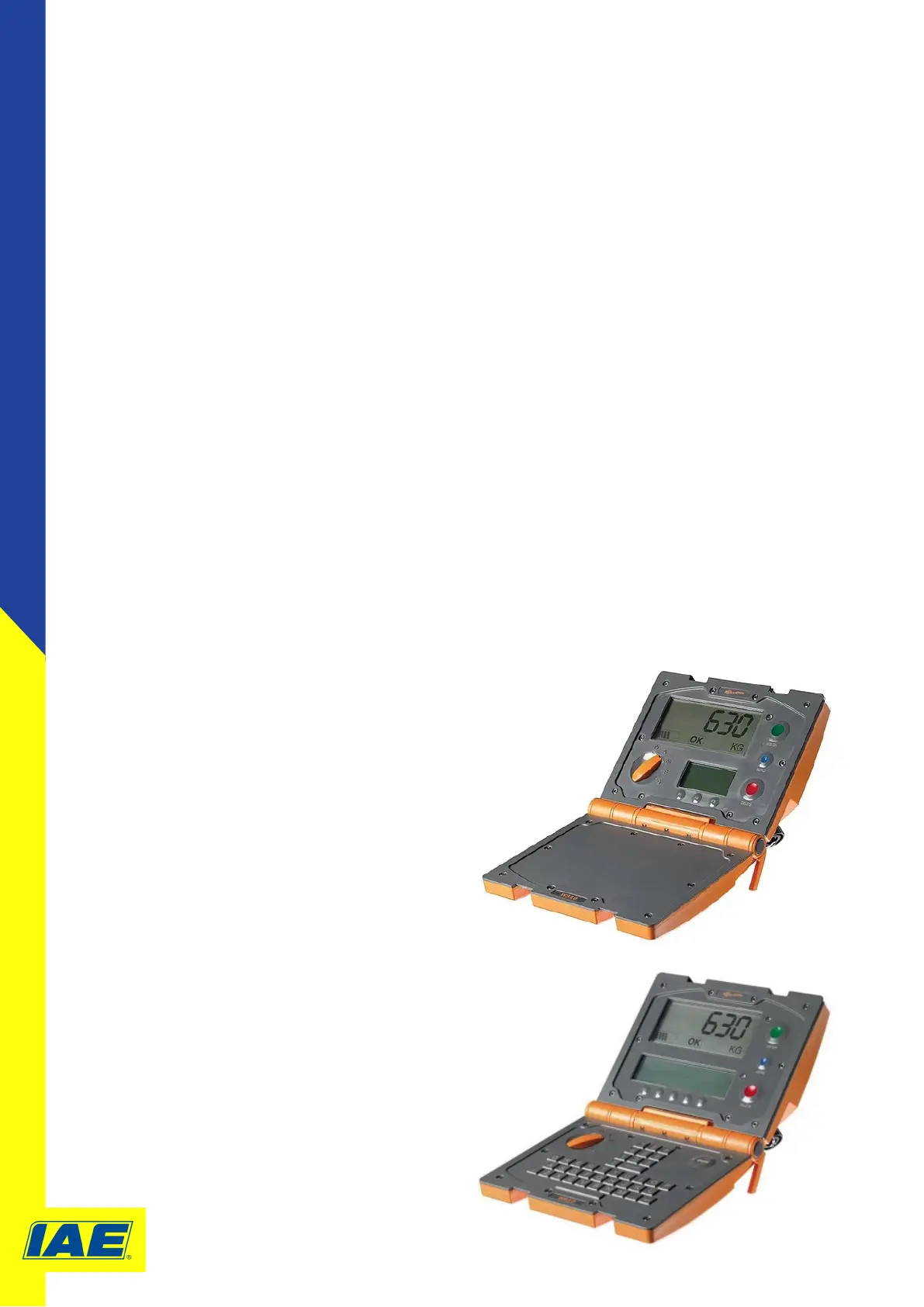
W310/W810 Calibraon Process
1. Turn the rotary knob to Setup S.
2. Select USER OPTIONS using the arrow keys.
3. Press SELECT.
4. When the User Opons screen is displayed carry out the following key sequence:
WEIGH > DELETE > ZERO > ZERO > DELETE > OK (Right hand so key)
5. Highlight the CHANGE SPAN opon using the arrow key.
Press SELECT - For model W810: press F5:Respan
6. Check that there is no load on the load bars and press the BLUE buon.
The ‘zero count’ displayed on screen will change from 0 to approximately a 5 digit
number. If the zero count remains at 0, then the loadcell or cable is possibly faulty.
7. Apply the known test load to the load bars. Once the load is on and seng stable, press the
GREEN key. Aer a few seconds, the ‘span count’ displayed on screen will change from 0 to a 5
digit number
8. Use the number keys to enter the known test weight
9. Press the F5:Accept buon to save the new
span value.
10. To exit the spanning rounes without saving
the new value turn the rotary knob out of
Setup S. The scale will default to normal
operang mode without saving the new value.
Please reference the Gallagher website for more
informaon on the W310/W810 Weigh Scale
www.gallagher.eu/en_gb
Model W310



 To Next Page