iBaby MonitorUser Manual
Alarm action type selection:
Picture: When moving or audible alarm, capture 3 pictures and upload them to the media
library for encryption.
Video: When moving or audible alarm, record a short 15 second video and upload it to the
media library for encryption.
Alarm only: Only alarm message notifications are made and media files are not stored.
3.3.2 Invite & View Users
This feature invites family members or friends to work with the device. The invited user
will act as a viewer within the permissions granted by the inviter. For detailed steps, see question
2 in section 4.4.
3.3.3 Settings
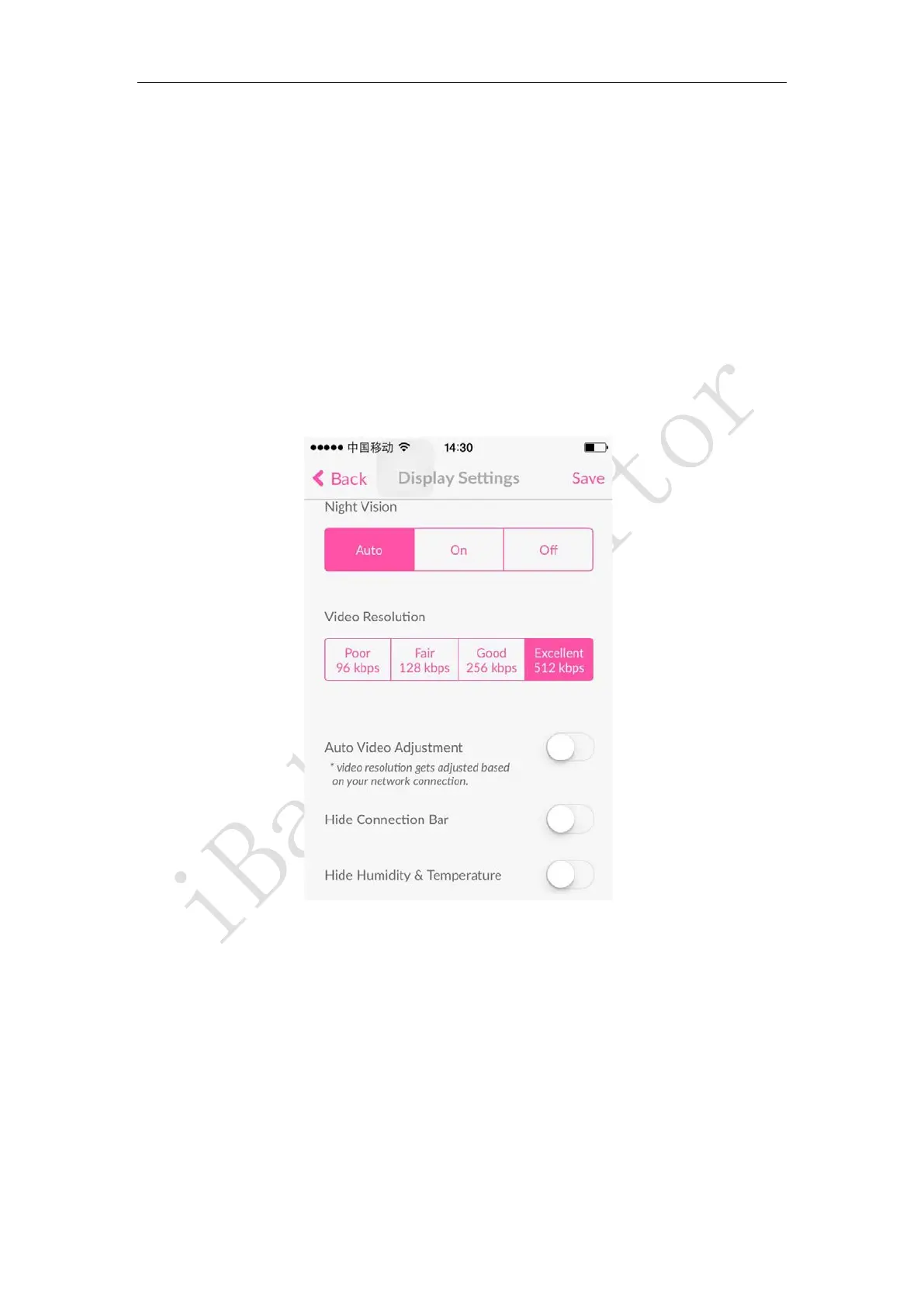
Display Settings
Night vision settings:
Auto: Automatically switch the screen to color/black and white as the ambient light is
bright/dark. The default is automatic.
On: The picture is black and white regardless of whether the ambient light is bright or
dark.
Off: The picture is displayed in color regardless of whether the ambient light is bright
or dark.
Video resolution setting:
Poor 96kbps: The picture quality is poor, but the occupied bandwidth is small. The



 To Next Page