iBaby MonitorUser Manual
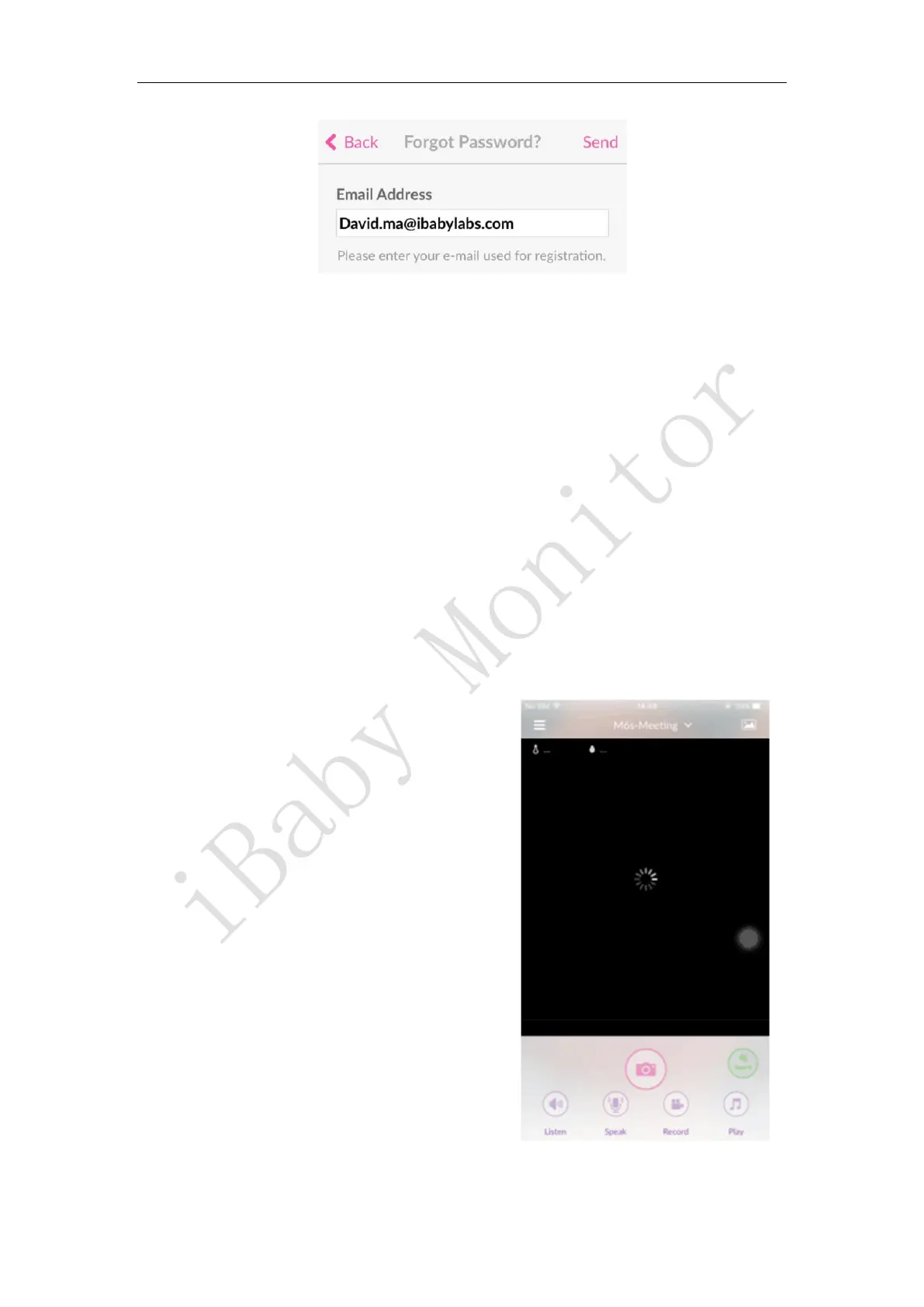
4.3 Keep Loading
Question 1 When viewing at home, the screen compares cards, which is slower (LED
status lights behind iBaby, sometimes green, sometimes red)
Answer: Sometimes red, sometimes green, indicating that the WI-FI signal is not stable enough
at the time, or the nearby WI-FI interference is serious, and it needs to be optimized from the
following aspects:
1) If the router is a normal 2.4G, it is recommended to log in to the router to optimize the WI-FI
settings. Take the TP-Link router as an example: select the band bandwidth 20M (NETGEAR
router: enable 20/40MHz coexistence).
2) iBaby is too far away from WI-FI, or there are too many middle partition walls. It is
recommended to try it near the WI-FI signal.
3) The router is heavily loaded at the time, and the router is powered off and restarted.
4) The router should be cool and not too old.
Question 2 When watching at home, the picture is always loaded, no picture is coming
out (the LED status light behind iBaby is red)



 To Next Page