Chapter 2. Installing optional devices
Important: Before you install optional hardware, make sure that the server is
working correctly. Start the server, and make sure that the operating system starts,
if an operating system is installed. If the server is not working correctly, see the
Problem Determination and Service Guide for diagnostic information.
This chapter provides detailed instructions for installing optional hardware devices in
the server.
Server components
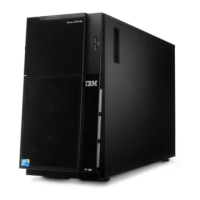
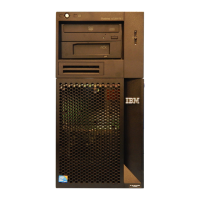
The following illustration shows the major components in the server (depending on
the server model). The illustrations in this document might differ slightly from your
hardware.
© Copyright IBM Corp. 2010 15



 To Next Page
 Loading...