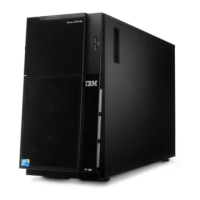
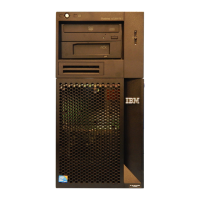
Removing the side cover
Important: Before you install optional hardware, make sure that the server is
working correctly. Start the server, and make sure that the operating system starts,
if an operating system is installed. If the server is not working correctly, see the
Problem Determination and Service Guide for diagnostic information.
To remove the server side cover, complete the following steps.
Attention: Operating the server for more than 30 minutes with the side cover
removed might damage server components. For proper cooling and airflow, replace
the side cover before turning on the server.
1. Read the safety information that begins on page v and “Installation guidelines”
on page 22.
2. Turn off the server and all attached devices (see “Turning off the server” on
page 13); then, disconnect all power cords and external cables.
3. Unlock the side cover; then, press the cover-release latch down (as shown in
the illustration); then, remove the cover and set it aside.
Note: The server keys are located on the rear of the server.
Cover-release
latch
Key lock
To replace the side cover, see “Reinstalling the side cover” on page 49.
Attention: For proper cooling and airflow, replace the side cover before turning on
the server. Operating the server for extended periods of time (more than 30
minutes) with the side cover removed might damage server components.
Chapter 2. Installing optional devices 25



 To Next Page
 Loading...