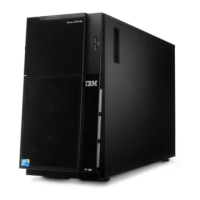
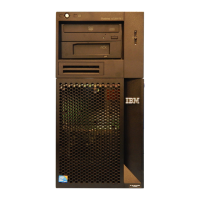
Removing the two-piece bezel
When you work with some devices, such as drives in bays 1 through 7 (see page
32), you must first remove the two-piece bezel to access the devices.
Note:
v Before you remove the upper bezel, you must unlock and remove the side cover
and remove the lower bezel.
v If you are removing only the lower bezel, you must unlock the side cover. You do
not have to remove the side cover.
To remove the two-piece bezel, complete the following steps:
1. Read the safety information that begins on page v and “Installation guidelines”
on page 22.
2. Unlock and remove the side cover (see “Removing the side cover” on page 25).
3. Press the round blue release button on the right side of the lower bezel and tilt
the lower bezel forward to disengage it from the chassis.
4. Lift the lower bezel to disengage the two bottom tabs from the chassis. Set the
lower bezel aside.
26 System x3100 M3 Type 4253: Installation and User’s Guide



 To Next Page
 Loading...