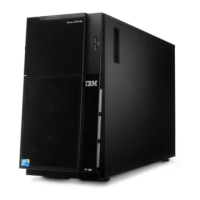
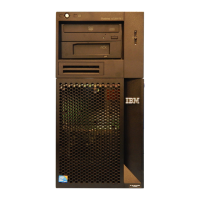
5. Carefully pull the two bezel clips on the left side of the upper bezel away from
the chassis; then, rotate the upper bezel to the right side of the server to
disengage the two right-side tabs from the chassis. Set the upper bezel aside.
For instructions for replacing the two-piece bezel, see “Reinstalling the two-piece
bezel” on page 47
Chapter 2. Installing optional devices 27



 To Next Page
 Loading...