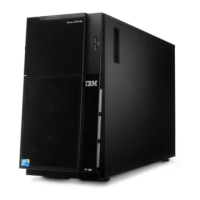
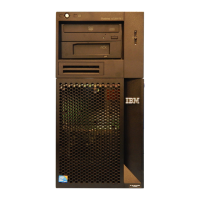
2. Install the lower bezel:
a. Insert the two bottom tabs on the lower bezel into the matching holes in the
front of the chassis.
b. Rotate the top of the lower bezel up to the chassis; then, press the blue
release tab on the right side of the lower bezel and completely close the
lower bezel until it locks securely into place.
48 System x3100 M3 Type 4253: Installation and User’s Guide



 To Next Page
 Loading...