PUMP OPERATION CONTROL:
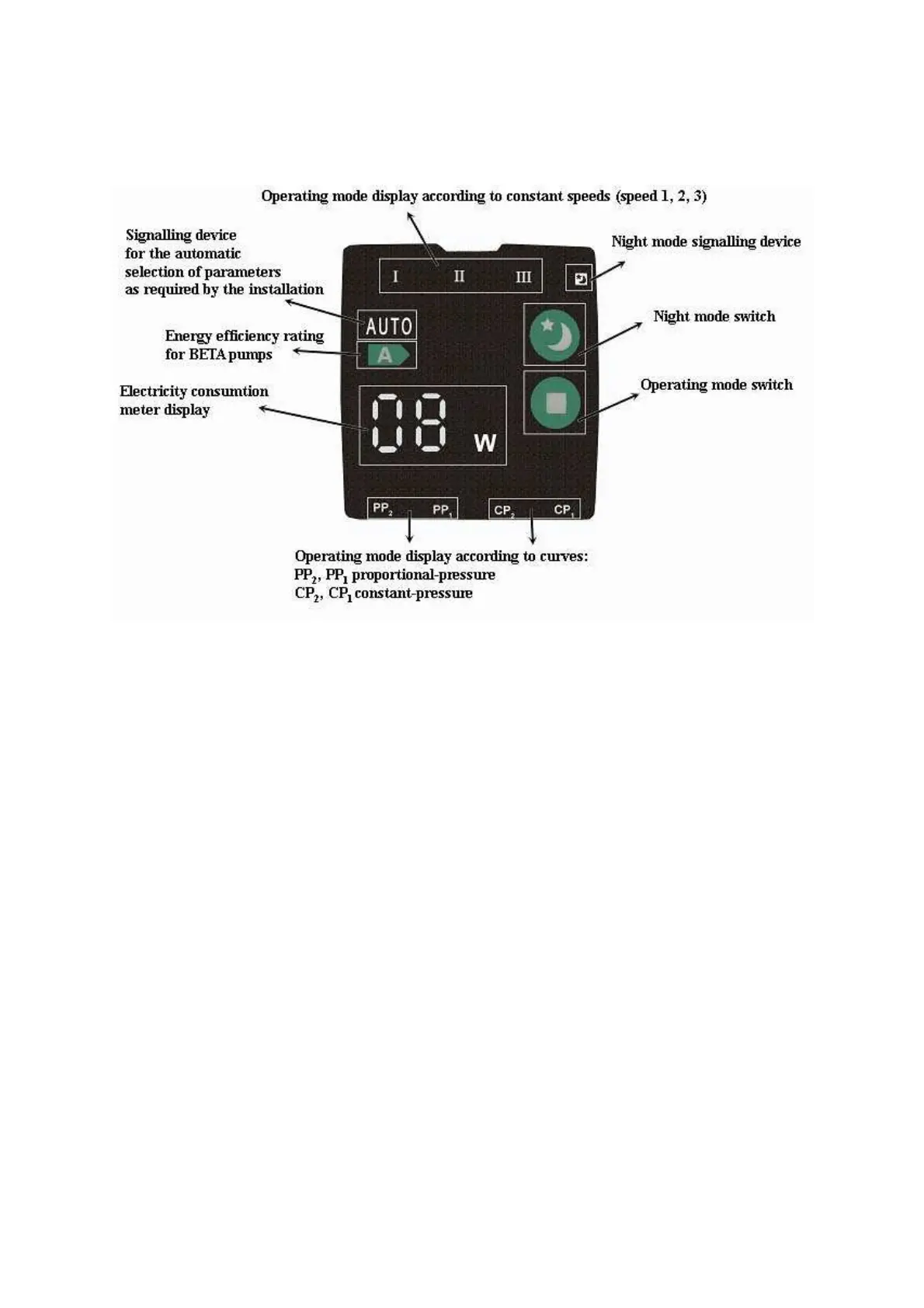
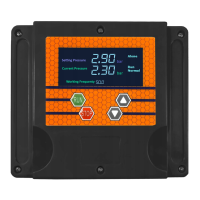
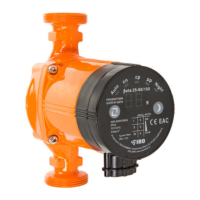
On the pump start-up, the electricity consumption meter’s display will display
the current power consumption level of the pump. If two horizontal bars „- - „
are displayed, it will signify that the pump is blocked. The pump should be
disconnected from the electrical network, it should be unblocked (failure
repaired) and switched on again. Switching it off and then switching it back on
again will reset the error message.
OPERATING MODE:
The subsequent pressing of the operating mode switch allows the user to select
one of the eight settings. The selected setting will be displayed by the operating
mode display.
The pump’s operating parameters are shown in the picture below, according to
chosen operating modes:


 To Next Page