EN-14
Manual store
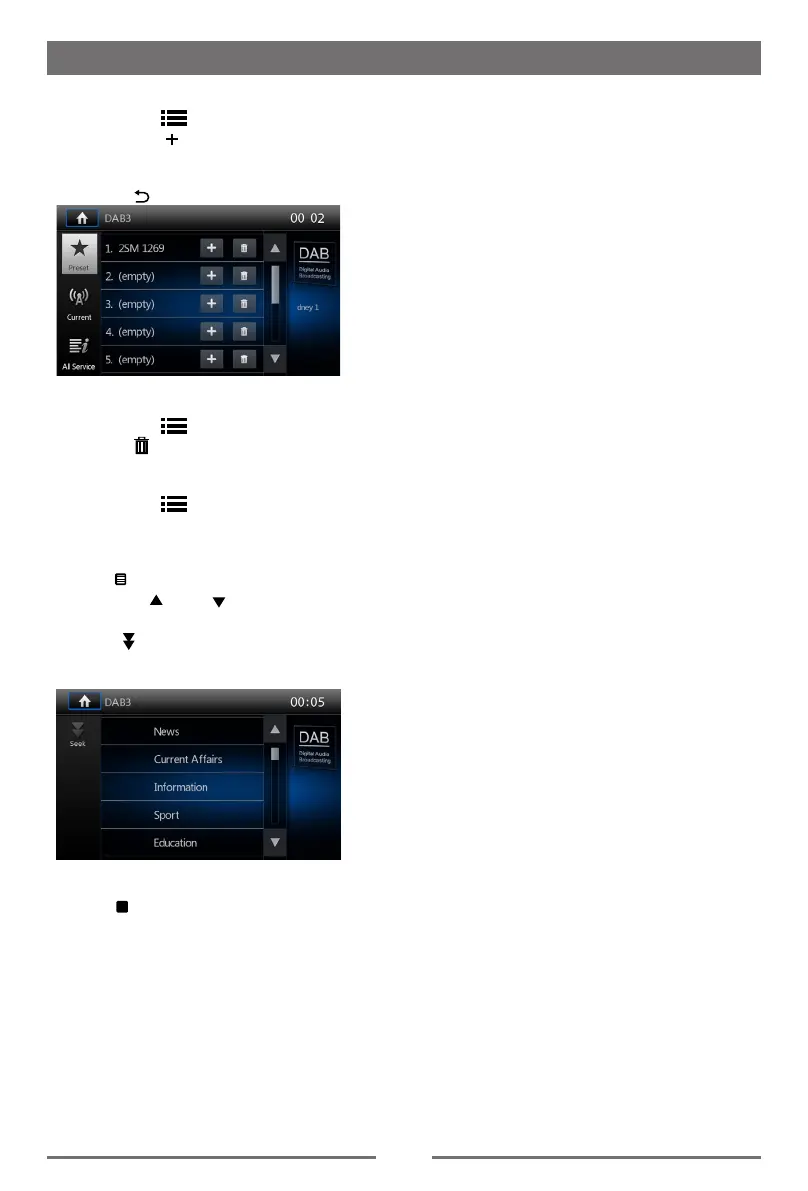
1. Touch the [ ] icon to show list menu.
2. Touch the [ ] icon to enter store preset
service menu.
3. Select a position to store current service.
4. Touch [ ] to exit.
Delete stored services
1. Touch the [
] icon to show list menu.
2 Touch [
] to delete menu.
Recall the stored services
1. Touch the [
] icon to show list menu.
2. Touch to select a preset service.
PTY Search
Touch [
PTY
] icon to show PTY type.
Touch the [ ] or [ ] icon to scroll, and
touch to select.
Touch [
Seek
] to seek a channel within the
selected category.
L-BAND ON/OFF
Tou
ch [
L
L_Band
] to turn on L-BAND function.
Service Link
To select Service Link mode, touch [Service
Link] to choose “DAB-DAB”, “DAB-RDS”,
“DAB-ALL” or “OFF”.
DAB Mode (optional)


 To Next Page