App Control
3
08
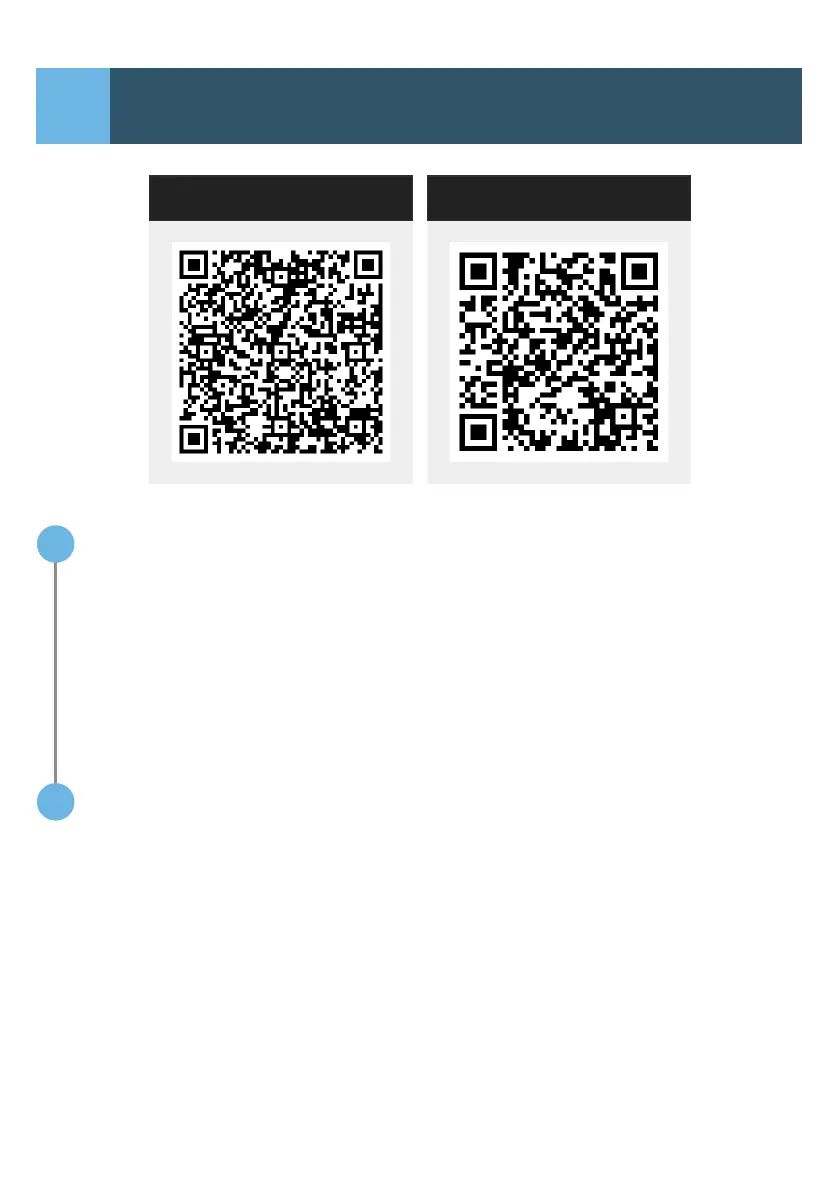
Android IOS
Android users can nd the "ICECO" app on the
Android market, and iPhone users can locate it
on the App Store by searching for "ICECO".
or
Download the app by scanning the QR code
above using your mobile phone's QR code scanner.
APP Download and Installation:
1
Instruction:
2
Log into the APP, with Bluetooth on, and click
“Add Devices”. The APP will search for available
fridge, and enter the instruction display when it
connects with your fridge.
07
Android users can nd the "ICECO" app on the Android
market, and iPhone users can locate it on the App Store
by searching for "ICECO". or Download the app by
scanning the QR code above using your mobile phone's
QR code scanner.
APP Download and Installation:
1
Instruction:
2
Log into the APP, with Bluetooth on, and click
"Add Devices". The APP will search for available fridge,
and enter the instruction display when it connects with
your fridge.
App Control
3
IOS
Android
IOS


 To Next Page