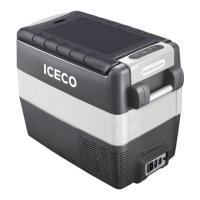
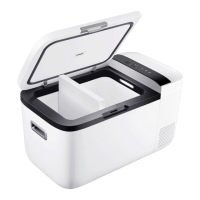
NOTICE: If the partition is removed from
your fridge, it will function as a single zone
unit, and only one temperature setting will
become available.
04
2.2 Fast Cooling Mode
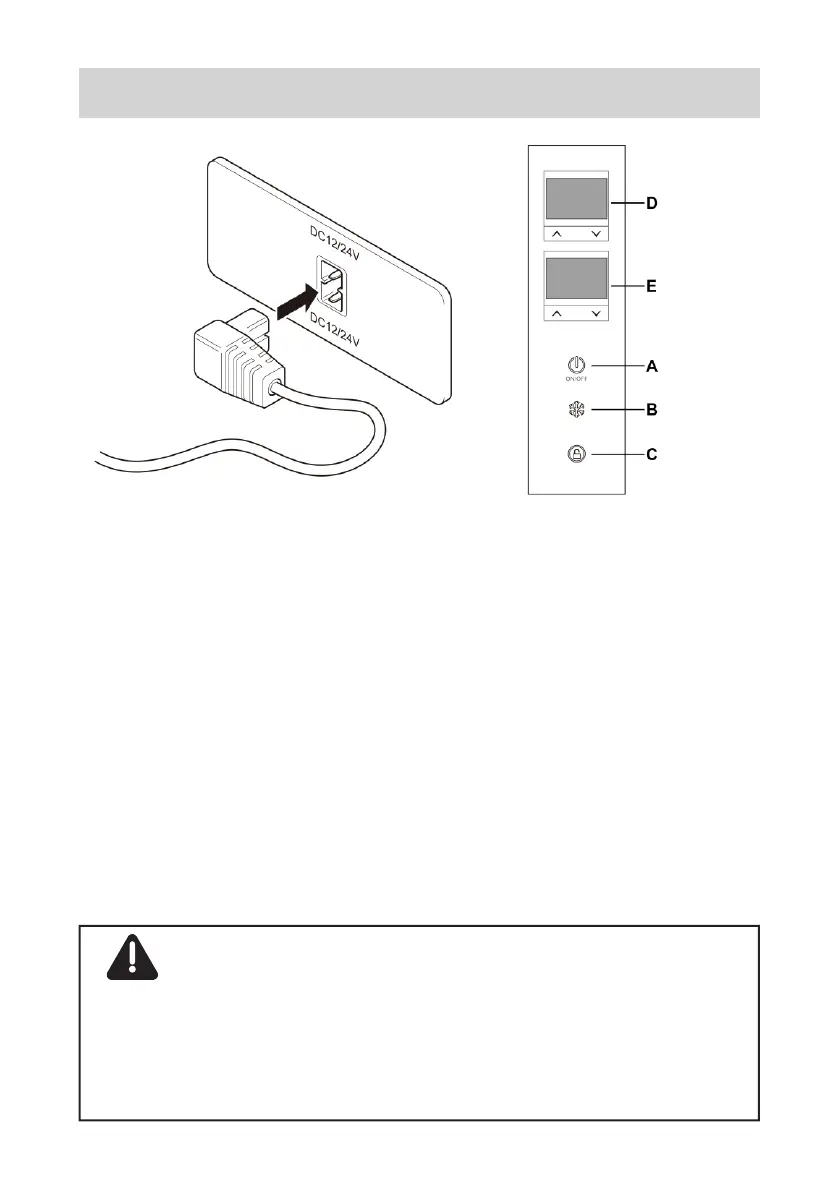
With the fridge turned on, you can press the
Button B to toggle between Fast and Normal
cooling modes.
Under the fast cooling mode, the left bin will
receive all of the fridge’s cooling power for the
1 15 minutes, and the right bin will maintain
its current temperature during this period. Then
when you switch back to the normal cooling
mode, the right bin will go back to its set
temperature.
st


 To Next Page