26
Event Scheduled Recording via EPG :
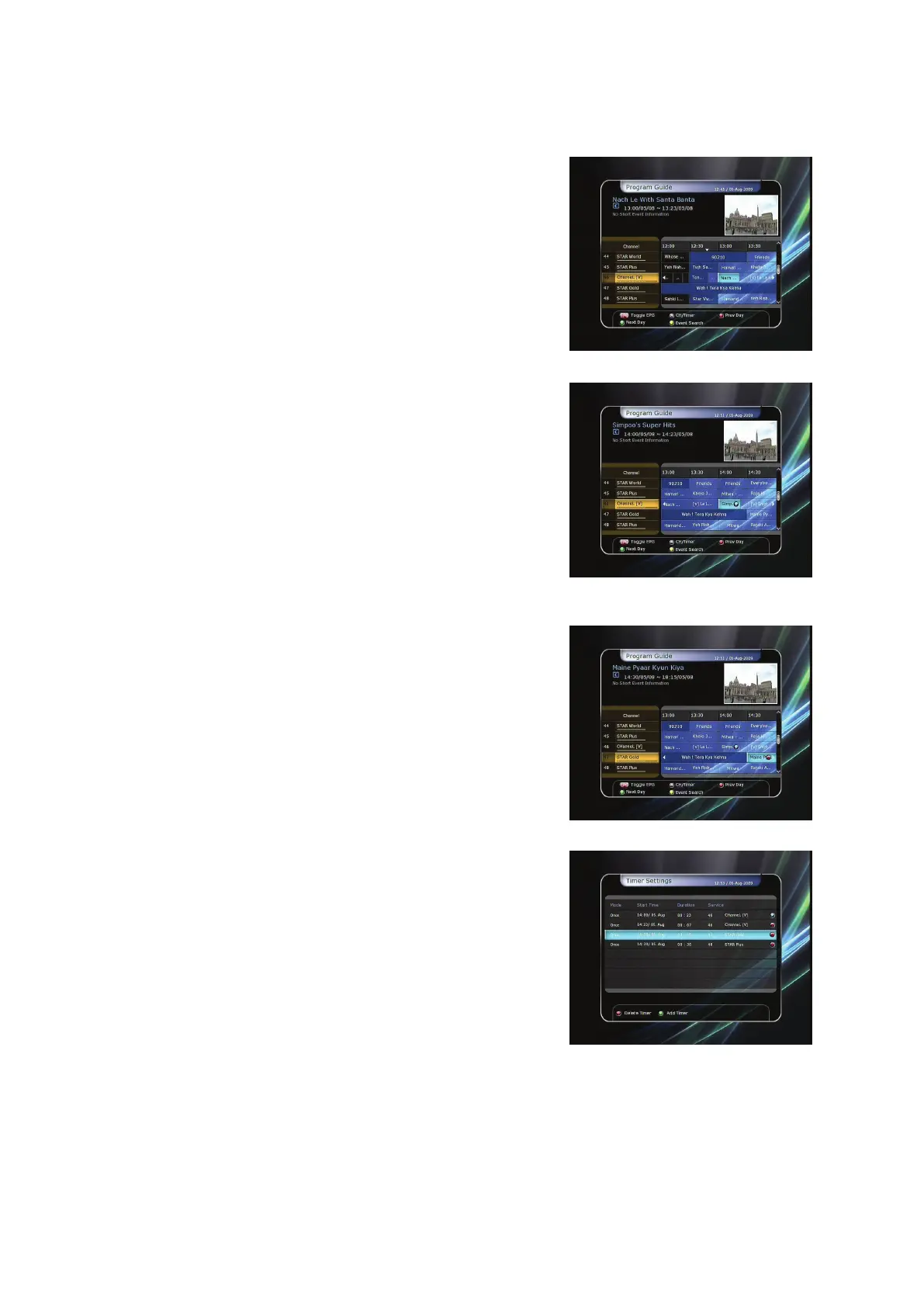
In the EPG menu screen, you can choose the event you wish to
schedule or record.
- While watching the LIVE TV screen, press the EPG button to
access the EPG menu screen.
- Go to the event which you wish to view at the time
indicated on the EPG schedule, then press OK. The event
will be scheduled with the BLUE play icon. This BLUE play
icon means that you want to just watch the event at the
scheduled time.
- Press the OK button one more time, then the event will be
scheduled with the RED dot icon. This RED dot icon means
that you want to record the event at the scheduled time.
- When you set an event for scheduled recording via the EPG
menu. It automatically sets a Timer Event in the Main
Menu > System Tools > Timer Settings.


 To Next Page