Keyer Setup Menu 2
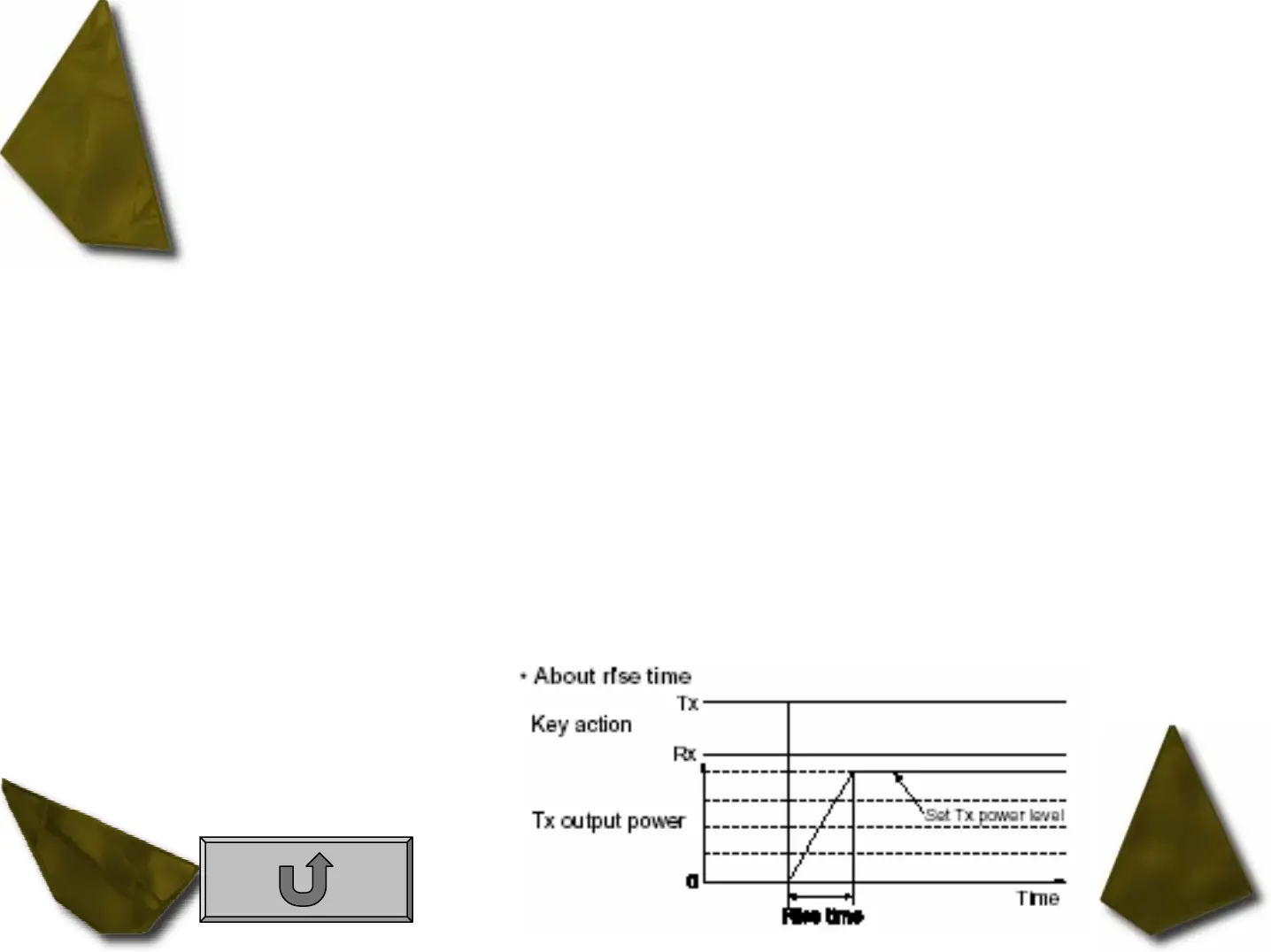
1. Rise Time This item set the envelop time period which the output power becomes the set transmit
power.
– 2, 4, 6 or 8 m sec. can be selected.
2. Paddle Polarity This item sets the paddle polarity.
– Normal and reverse polarity can be selected.
3. Keyer Type This item selects the keyer type for [ELEC-KEY] connector on the front panel.
– ELEC-KEY, BUG KEY and Straight key can be selected.
4. Mic U/D Keyer This item allow you to set the microphone [UP]/[DN] keys to be used as a paddle.
– ON [UP]/[DN] switches can be used for CW.
– OFF [UP]/[DN] switches cannot be used for CW.
• NOTE: When “ON” is selected, the frequency and memory channel cannot be changed using the [UP]/[DN] switches.


 To Next Page
 Loading...












