13
3
MEMORY OPERATION
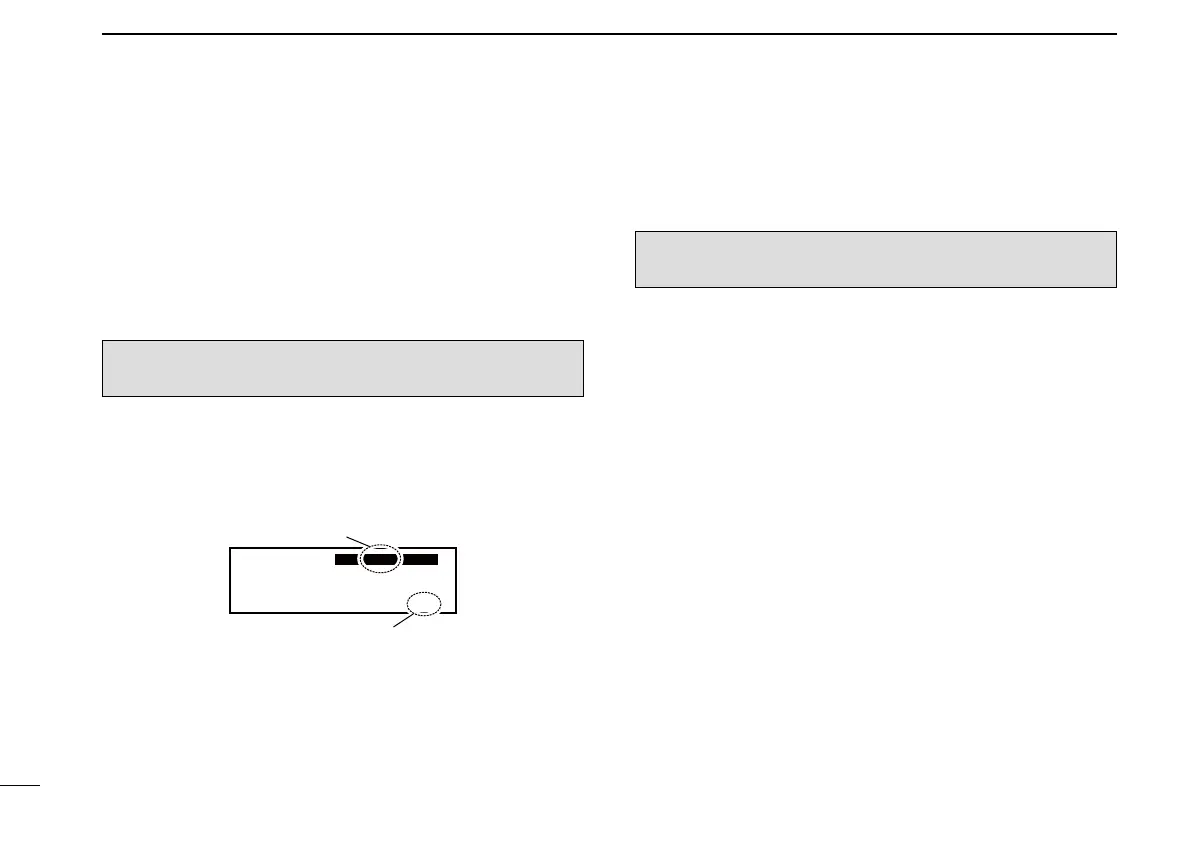
■ Selecting a GPS memory
channel
When connected to an external GPS receiver* with an airport
frequency database, you can transfer frequency data such as
nearby airports to the GPS memory (maximum 10 memory
channels).
*Ask your dealer for available GPS receiver details.
Push q [RCL] to enter the memory mode.
Rotate w [O-DIAL] to select “GPS.”
Rotate e [DIAL] to set a desired GPS memory channel.
r Push [RCL] to exit the memory mode.
CH01 TWR
122.055
122.00
GPS RJTJ
Airport code
Tag name
NOTE: Refer to the GPS receiver’s instruction manual for
transferring the frequency data.
Editing GPS memory ■
The received GPS memory data is stored in the desired group
memory channel.
Push q [RCL] to enter the memory mode.
Rotate w [O-DIAL] to select “GPS.”
• “GPS” is displayed.
Push e [MEM] to enter the GPS memory channel edit mode,
then rotate [O-DIAL] to select a desired group memory.
• “GPS” and airport code blink.
Push r [MEM] to store the GPS memory channel data to the
selected group memory.
Push t [RCL] to exit the memory mode.
■ Protecting memory
The transceiver has memory protection which inhibits the ed-
iting (storing, deleting, replacing, and so on) of the regular
memory and group memory.
Refer to ‘Memory Protection’ (p. 22) for details.
NOTE: The GPS memory data is overwritten if the se-
lected GPS memory channel already contains other data.



 To Next Page
 Loading...











