17
4
OTHER FUNCTIONS
Scanning automatically searches for weather channel sig-
nals.
Repeatedly scans all weather memory channels.
You can set the interval time (scan speed) for the scan in the
Settings menu. Refer to page 22 for details.
Push q [RCL] to enter the memory mode, and then rotate
[O-DIAL] to select the weather memory channel.
Hold down w [VOL] for two seconds to start a weather mem-
ory channel scan.
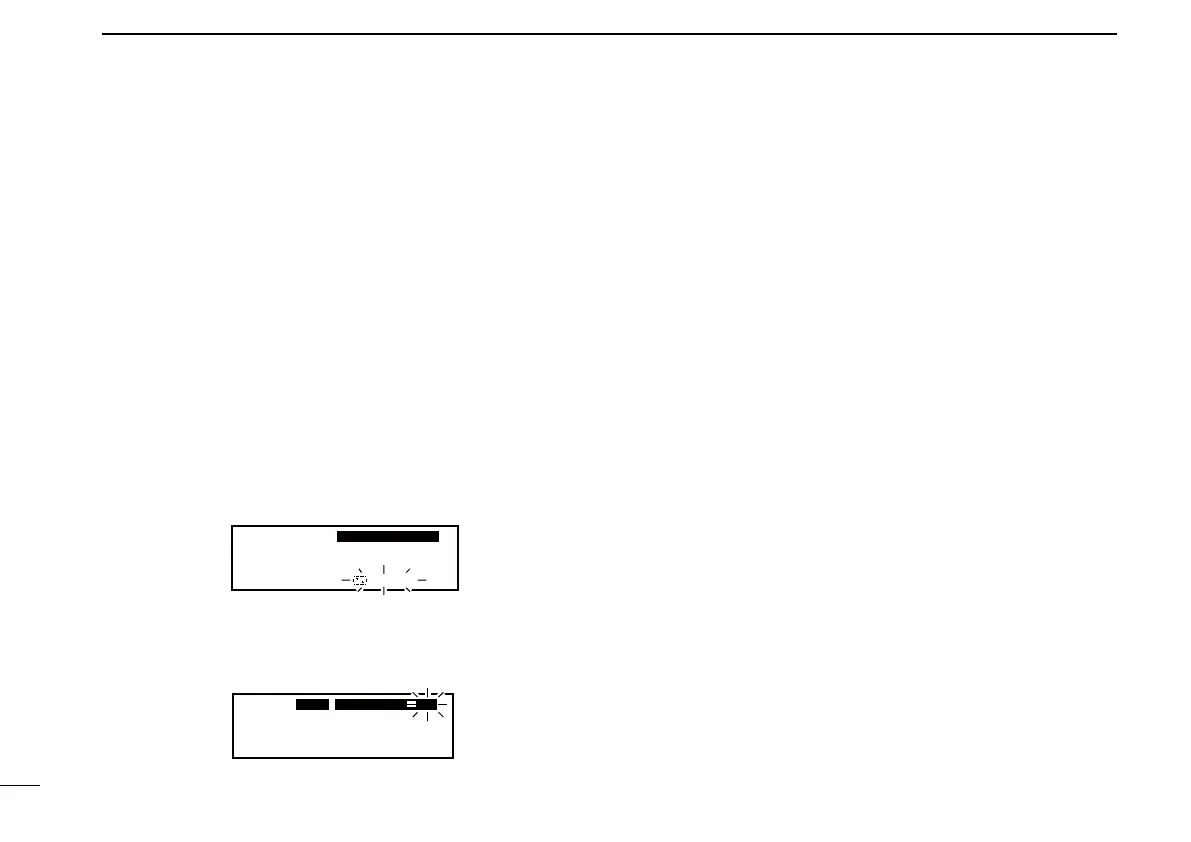
• “SEARCH“ blinks while scanning.
• To change the scan direction, turn [DIAL].
• The scan continues even when receiving a signal on the active
frequency.
162.555
122.00
RX
WEATHER
SEARCH
When receiving a signal on the weather channel: e
• “RX” blinks on the standby frequency display and the scan is
cancelled.
• “DUAL” is displayed on the active frequency display.
WEATHER
161.655
122.00
RX
DUAL
RX
WX08
When no signal is received on the weather channel: r
• “NO WTH” is displayed even searches “WX01” to “WX10” chan-
nels for three times and the scan is cancelled.
Hold down t [VOL] for two seconds to cancel the scan man-
ually.
(For only U.S.A. version transceivers)
Scanning the ■ weather memory channels



 To Next Page
 Loading...











