4
2
PANEL DESCRIPTION
1
2
3
4
5
6
7
8
9
10
11
12
13
14
15
16
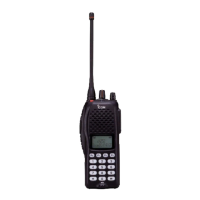
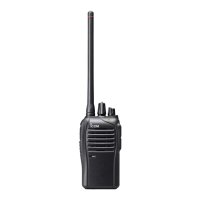
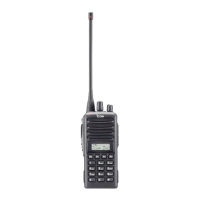
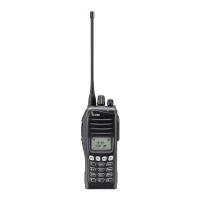
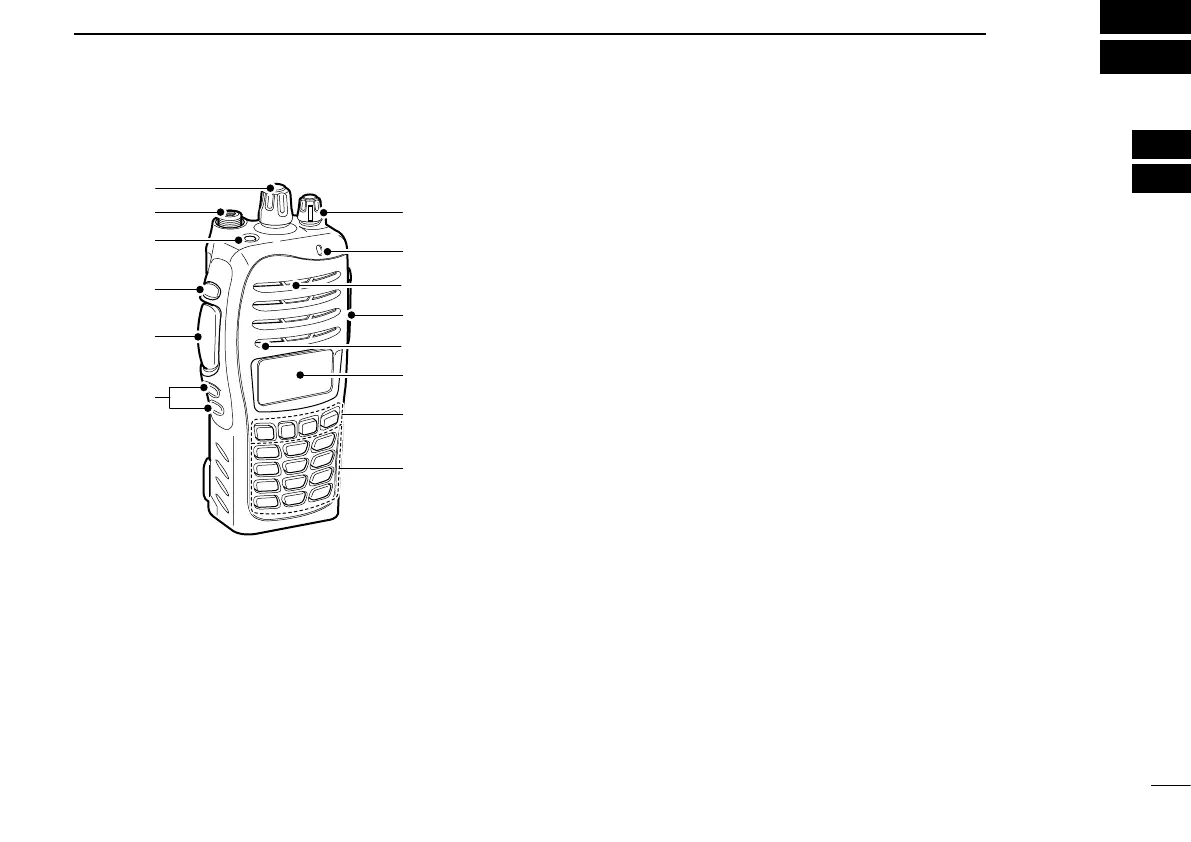
■ Front panel
w
e
t
r
y
q
!1
!0
o
!2
u
i
Microphone
Speaker
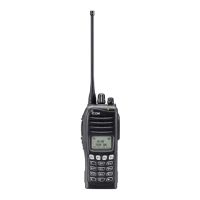
q ROTARY SELECTOR
Rotate to select the pre-programmed memory channels or
the operating zone. (Depending on the pre-setting)
w ANTENNA CONNECTOR
Connects the supplied antenna. (p. 1)
e DEALER-PROGRAMMABLE KEY [EMR]
Desired function can be programmed by your dealer.
(p. 6)
r DEALER-PROGRAMMABLE KEY [Side1]
Desired function can be programmed by your dealer.
(p. 6)
t PTT SWITCH [PTT]
Push and hold to transmit; release to receive.
y DEALER-PROGRAMMABLE KEYS [Side2]/[Side3]
Desired function can be programmed independently by
your dealer. (p. 6)
u 10-KEYPAD (Depending on version)
The keypad allows you to enter digits to:
• Select memory channels
• Select tone channels
• Select DTMF codes (during transmit)
• Set TX codes
• Start up with the password
i DEALER-PROGRAMMABLE KEYS [P0] to [P3]
Desired function can be programmed independently by
your dealer. (p. 6)
o FUNCTION DISPLAY (p. 5)
Displays a variety of information such as an operating
channel number/name, Set mode contents, DTMF code,
selected function, etc.


 To Next Page
 Loading...