16
3
CONNECTION AND MAINTENANCE
■ Antenna
A key element in the performance of any communication sys-
tems is an antenna. Contact your dealer for more information
regarding antennas and how to install them.
■ Fuse replacement
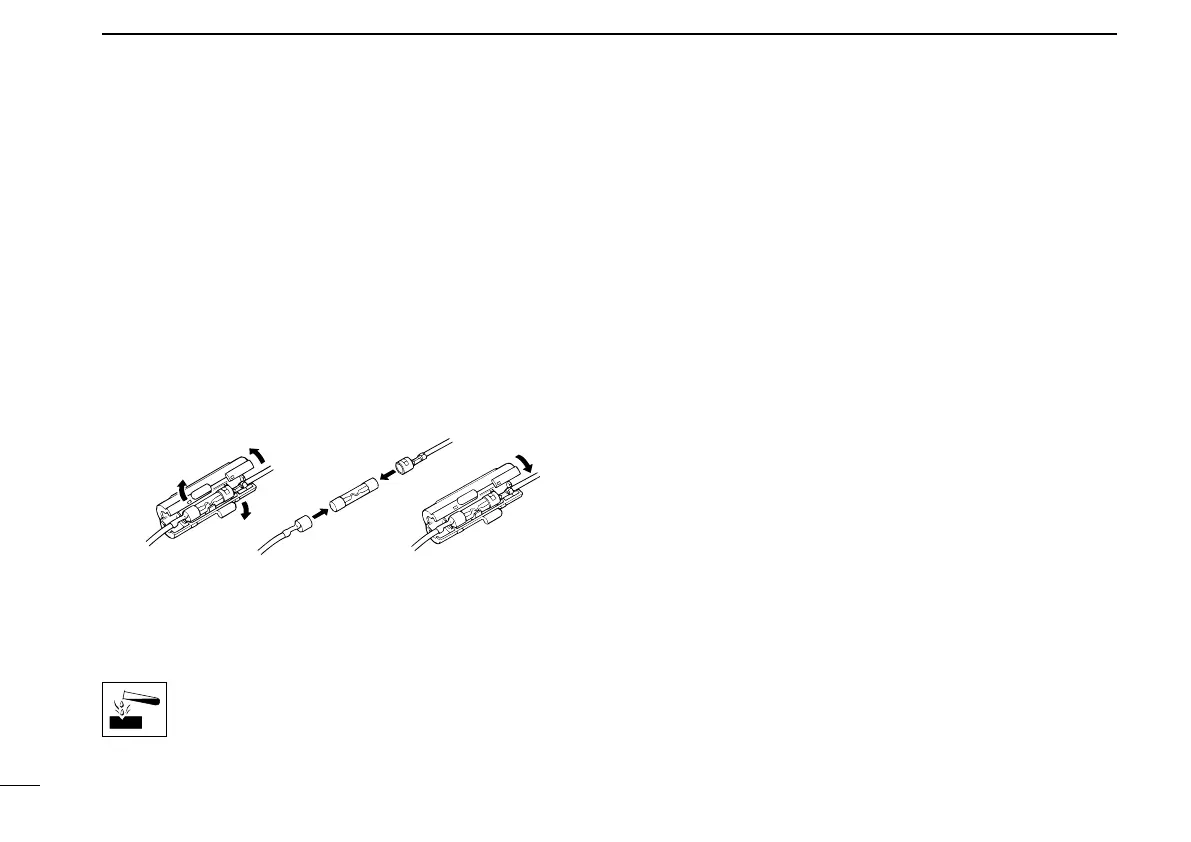
A fuse is installed in each fuse holder of the supplied DC
power cable*. If a fuse blows or the transceiver stops func-
tioning, track down the source of the problem if possible, and
then replace the damaged fuse with a new rated one.
*Depending on version, only 1 fuse holder may be attached.
❑ Fuse rating: 10 A (for 1 fuse holder)/20 A (for 2 fuse holders)
USE the applicable fuse only.
■ Cleaning
If the transceiver becomes dusty or dirty, wipe it clean with a
soft, dry cloth.
AVOID
the use of solvents such as benzene or
alcohol, as they may damage the transceiver sur-
faces.
■ Options
• OPC-1132A/OPC-347 dc power cable
2 fuse holders are attached. USE the 20 A fuse only.
OPC-1132A: 3 m (9.8 ft)
OPC-347: 7 m (23 ft)
• OPC-1939/OPC-2078
acc cable
Allows you to connect to an external terminal.
OPC-1939: D-sub 15-pin, OPC-2078: D-sub 25-pin
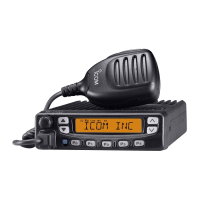
• HM-152/HM-152T/HM-148G hand microphone
HM-152 : Hand microphone
HM-152T : DTMF microphone
HM-148G : Self ground heavy duty microphone
• SM-26 desktop microphone
• SP-22/SP-30 external speaker
Input impedance : 4 ø
SP-22 : Rated input; 5 W, Max. input; 7 W
SP-30 : Rated input; 20 W, Max. input; 30 W


 To Next Page
 Loading...