14
4
BASIC OPERATION
1
2
3
4
5
6
7
8
9
10
11
12
13
14
15
16
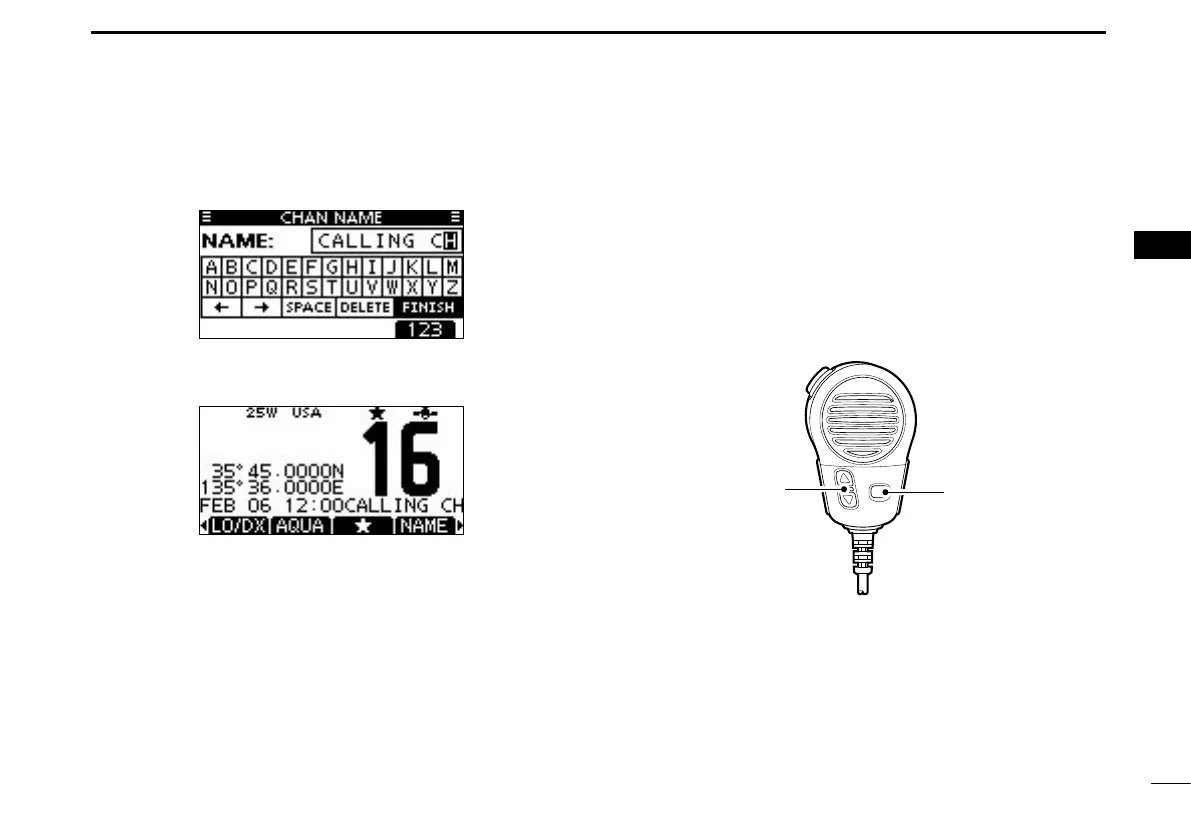
Repeat step r e to input all characters.
Push [ t Ω], [≈], [∫] or [√] to select “FINISH,” then push
[ENT] to set the name and return to the previous screen.
Microphone Lock function ■
The Microphone Lock function electrically locks [∫], [√] and
the [HI/LO] keys on the supplied microphone. This prevents
accidental channel changes and function access.
While holding down [HI/LO] on the microphone, hold down ➥
[PWR](Dial) to turn ON the transceiver and turn the Micro-
phone Lock function ON or OFF.



 To Next Page