10
3
BASIC OPERATION
■ Call channel programming
Pushing [16 • 9] for 1 sec. selects the call channel, channel 9
by default, however you can program your most often-used
channels in each channel group for quick recall.
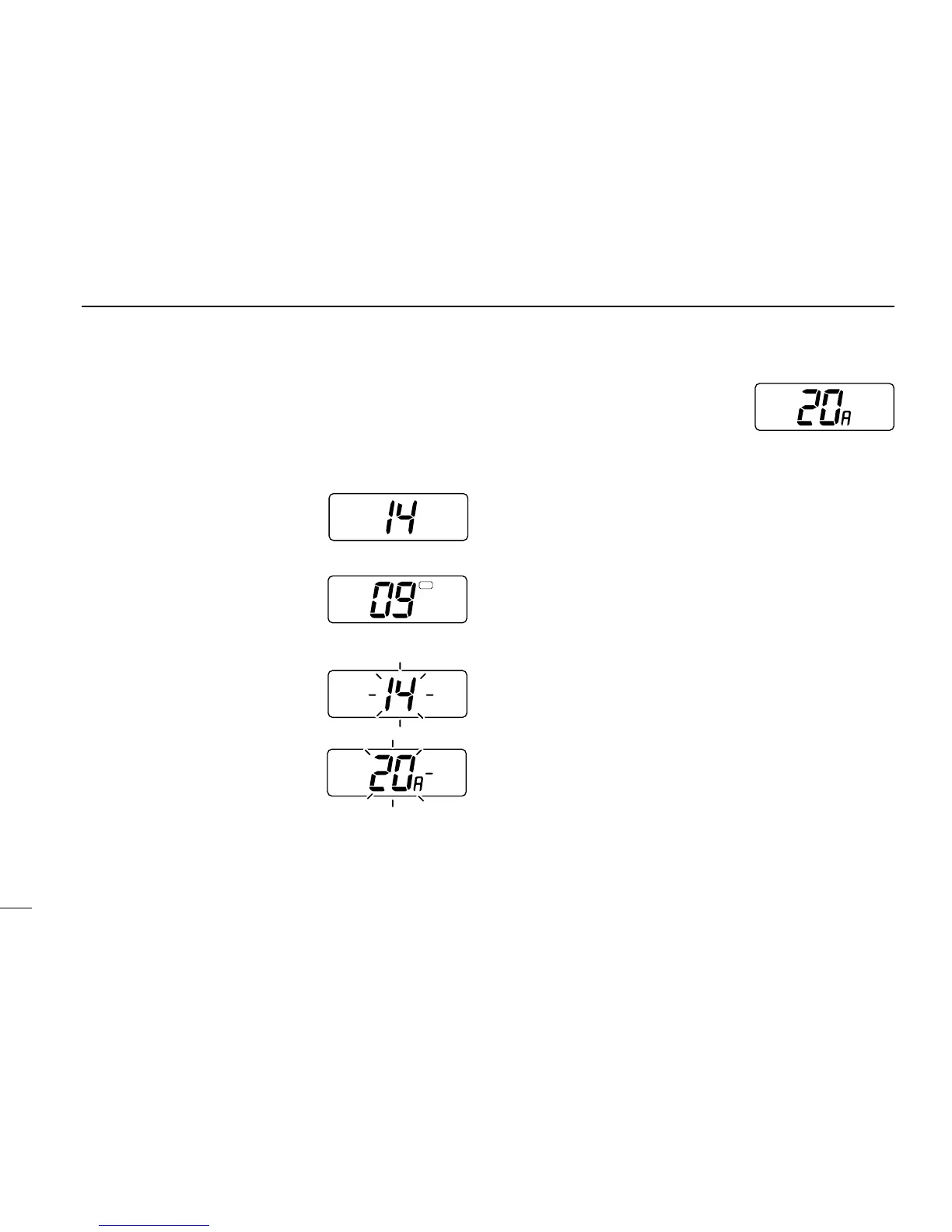
➀ While push and hold [H/L]
push [CH/WX] one or more
times to select the desired
channel group (USA, CAN,
INT) to be programmed.
➁ Push [16 • 9] for 1 sec. to se-
lect the call channel of the se-
lected group.
•“CALL” and the call channel
number appear.
➂ Push [16 • 9] for 3 sec. to enter
call channel write mode.
• Call channel and channel group
to be programmed flash.
➃ Push [UP] or [DN] to select
the desired channel.
➄ Push any switch to automati-
cally program the selected
channel.
• The transceiver returns to normal operation.
■ Display backlighting
The function display and switches can be backlit for better
visibility under low light conditions.
While pushing [
H/L • DIM], push [UP] or [DN] to adjust the
backlighting.
• Backlighting can be set to 1 of 4 intensities or turned OFF.



 To Next Page