11
4
SET MODE
■ Entering SET mode
SET mode is used to customize operation of the transceiver
to suit your operating needs.
D To enter SET mode:
➀ While pushing [16], turn power ON.
• Keep pushing [16] until the initial SET mode display appears.
• SET mode is selected.
➁ To exit SET mode, turn power OFF then ON again.
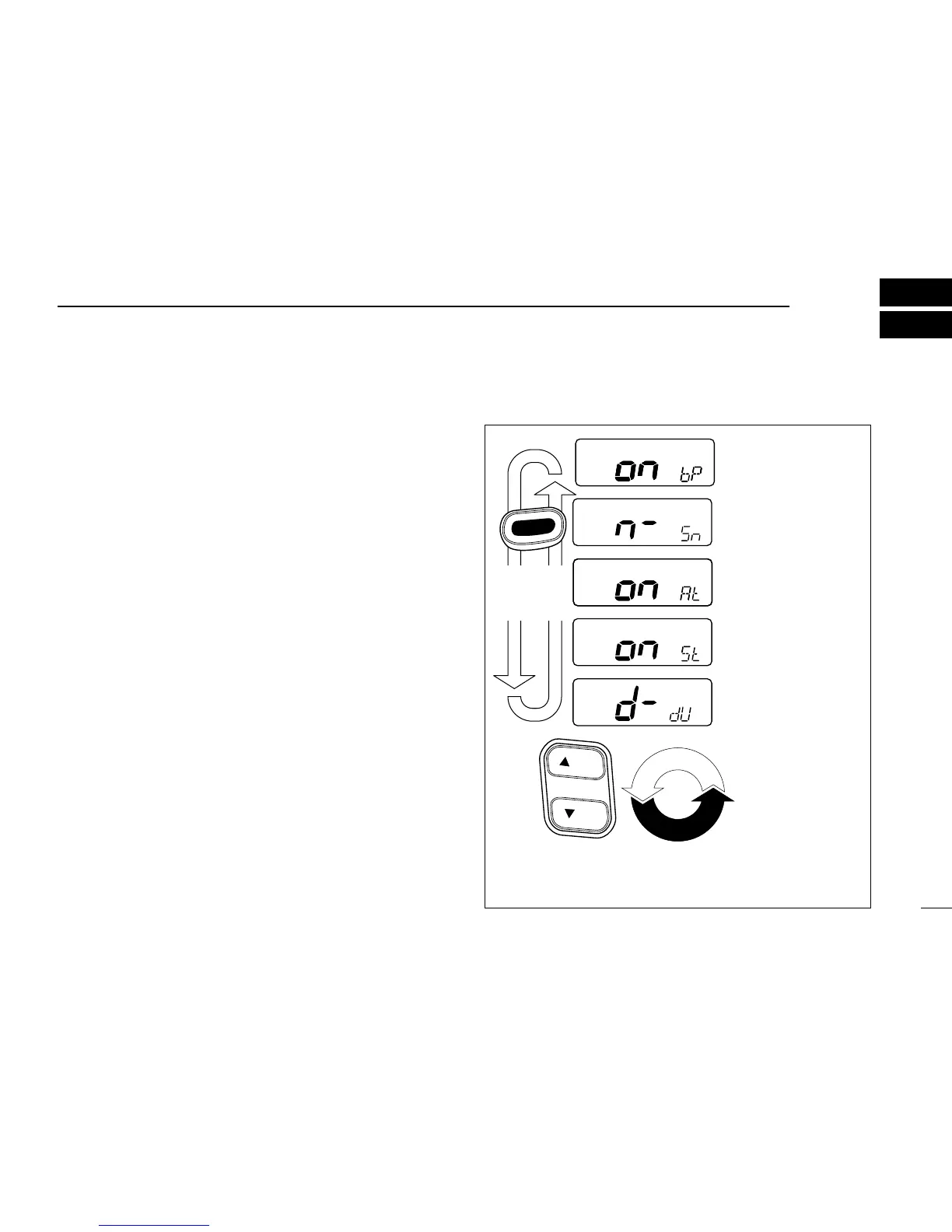
D To select an item:
There are 5 items in SET mode that may be adjusted to suit
your operating needs.
➀ Select SET mode as above.
➁ Push [16] to select an item; then push [UP]/[DN] to set the
condition for the item.
■ SET mode items



 To Next Page