EasyManua.ls Logo

Icom IC-M510BB - Page 64

Icom IC-M510BB
112 pages
Print Icon
To Next Page IconTo Next Page
To Previous Page IconTo Previous Page
Loading...
51
7
DIGITAL SELECTIVE CALLING (DSC)
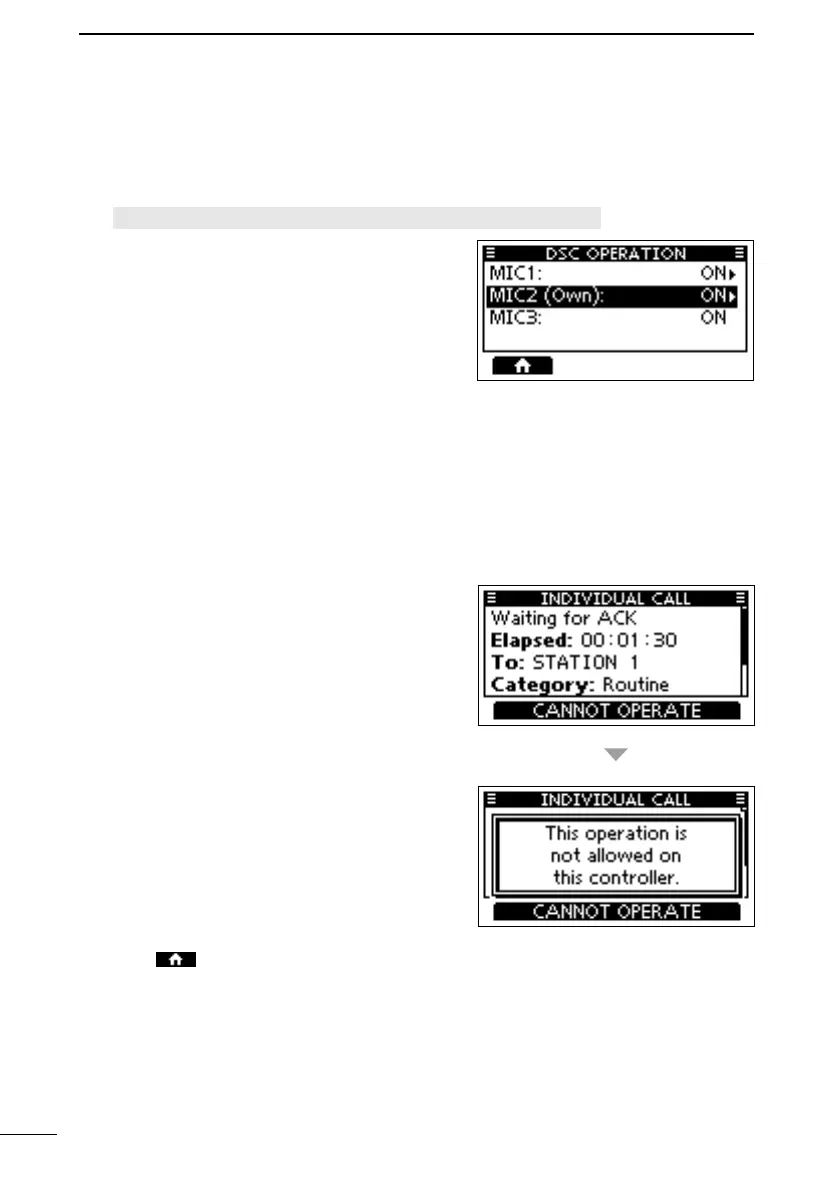
D Allowing controllers to perform DSC operations

1. Open the “DSC OPERATION” screen.
DSC Operation
L Only controllers connected to the transceiver
are listed.
L “MIC3” and “” can be selected for

L 
appended to its name.
2. 
controller.
3. Push [ENT] or [DIAL] to select ON or OFF.
 


 


4. Push

FELLECS-TECH | inbox@fellecs-tech.com | www.fellecs-tech.com

Related product manuals