70
1
7
4
10
15
18
2
8
13
5
11
16
3
9
14
6
12
17
OTHER FUNCTIONS
9
■ Using the Hailer
You can talk without leaving the bridge by using the 1 way hailer function.
To use this function, the external hailer speaker must be connected to the transceiver.
• You cannot transmit while using the hailer.
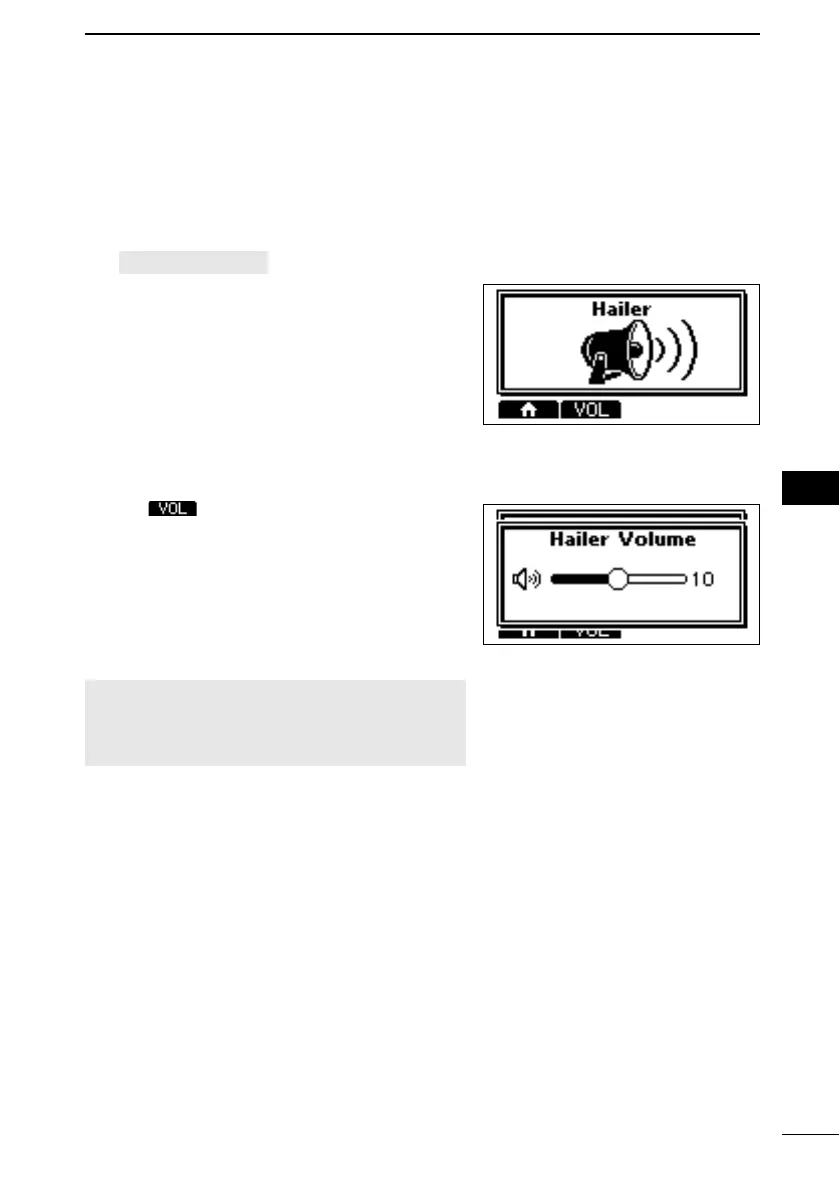
1. Open the “Hailer” screen.
[MENU] > Hailer
2. Hold down [PTT] and speak at your normal
voice level.
• While holding down [PTT], the screen
shown on the right is displayed.
L Push to open the volume adjustment
screen.
NOTE: While in the Hailer mode, the transmit
and receive functions are disabled. When the
transceiver is transmitting, the Hailer function is
disabled.
FELLECS-TECH | inbox@fellecs-tech.com | www.fellecs-tech.com



 To Next Page