M Model: IC-F1000/F2000 series
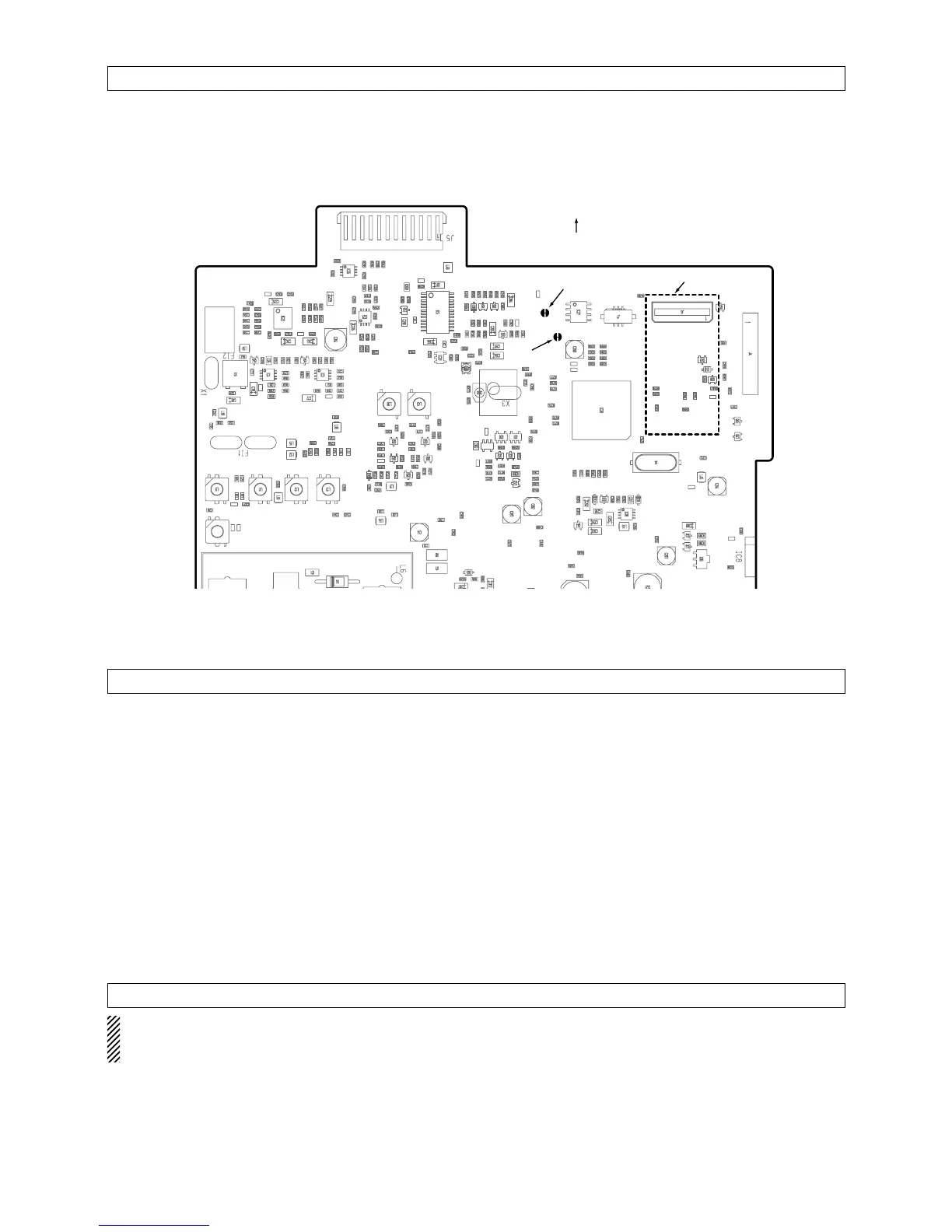
Cut the junction patterns on Main board AFO and MIC.
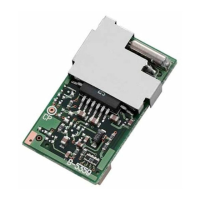
• UT-109 and UT-110 scrambler units require some PC
board modifications. (See above MIC and AFO.)
• IC-F1010/F1020, IC-F2010/F2020 series require a
#02: High AF level type scrambler unit. Do not in-
stall the wrong version, as they are not compatible.
• The UT-110 may function as the UT-109 through
cloning software.
• Compatible cloning software: CS-F1000 Rev.2.2.
• Program the scrambler function OFF/ON/INH and
scrambler codes on the Memory Channel screen,
Scrambler Type*, Group Code*, Synchronous Cap-
ture* and Tone Start Timing* on the [Common 2]
screen with cloning software when installing scram-
bler unit. (
*UT-110 only)
• Assign the scrambler function to a programmable key
as “Scrambler” on [Key & Display Assign] screen, if
required.
• Operation with the [Scrambler] key:
− Push and hold to turn the voice scrambler function ON.
− Push to turn the voice scrambler function OFF.
• Please refer the “IC-F3/F4/S SERIES CLONING
PRECAUTIONS” on p. 3.
- 11 -
CLONING
MAIN unit
NOTE FOR REMOVAL
Be sure to resolder above disconnected points, oth-
erwise no TX modulation or AF output is available
when you remove the scrambler units.


 To Next Page