CHAPTER 4. TROUBLESHOOTING 23
• Check to see if the green Status light is illuminated. If it is not, this means the
Moovbox is unable to establish a PPP connection with your carrier. Ensure
you have carrier coverage in your area by looking at the coverage maps avail-
able online from your carrier. If the lights show no coverage, try repositioning
the WAN Radio antenna, or move the Moovbox to another location.
• Remove the sim card and test in a phone to confirm the SIM card is enabled
and activated.
If your problem persists contact your supplier.
4.3 I can get Internet access but no GPS lock
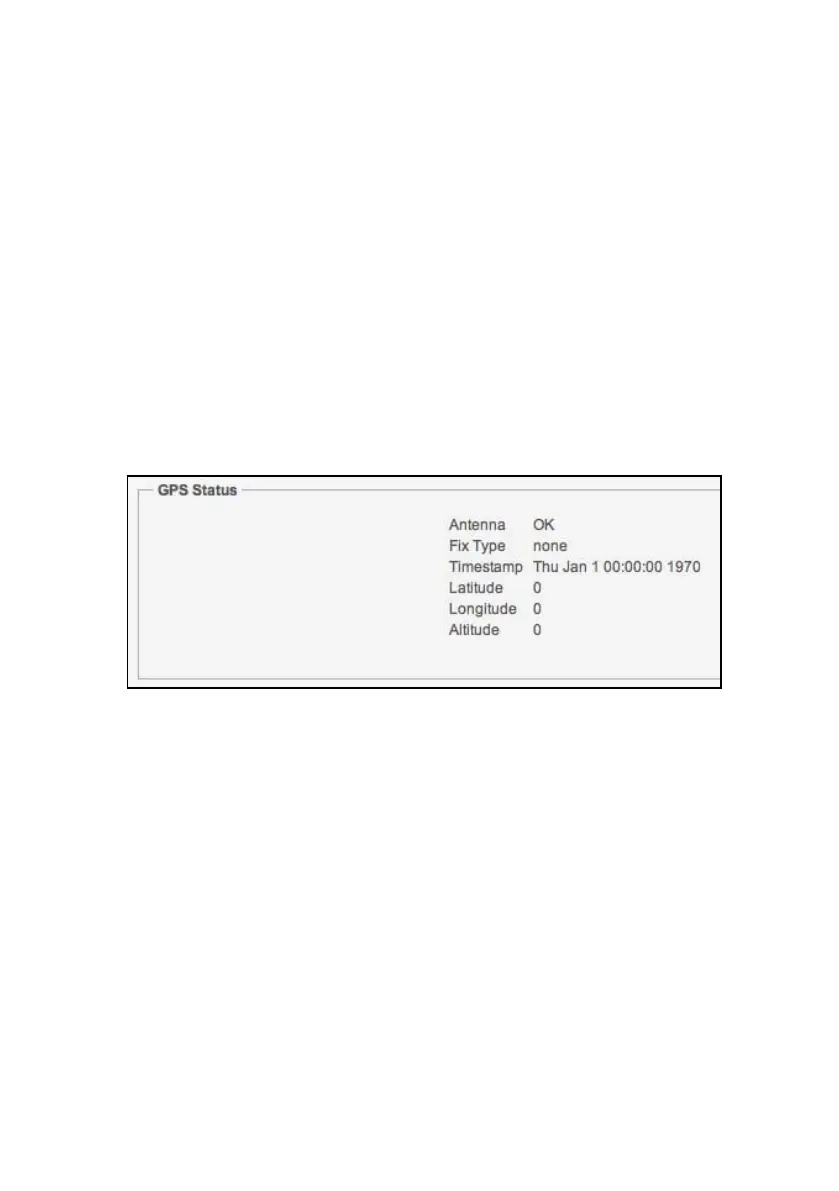
Figure 4.1: The GPS status in MoovAdmin when there is no fix.
If the Status page in MoovAdmin is not showing a GPS fix (see Figure 4.1) try the
following:
• Check the external GPS antenna is properly connected.
• Reposition the GPS antenna for a better signal.
If your problem persists contact your supplier.


 To Previous Page