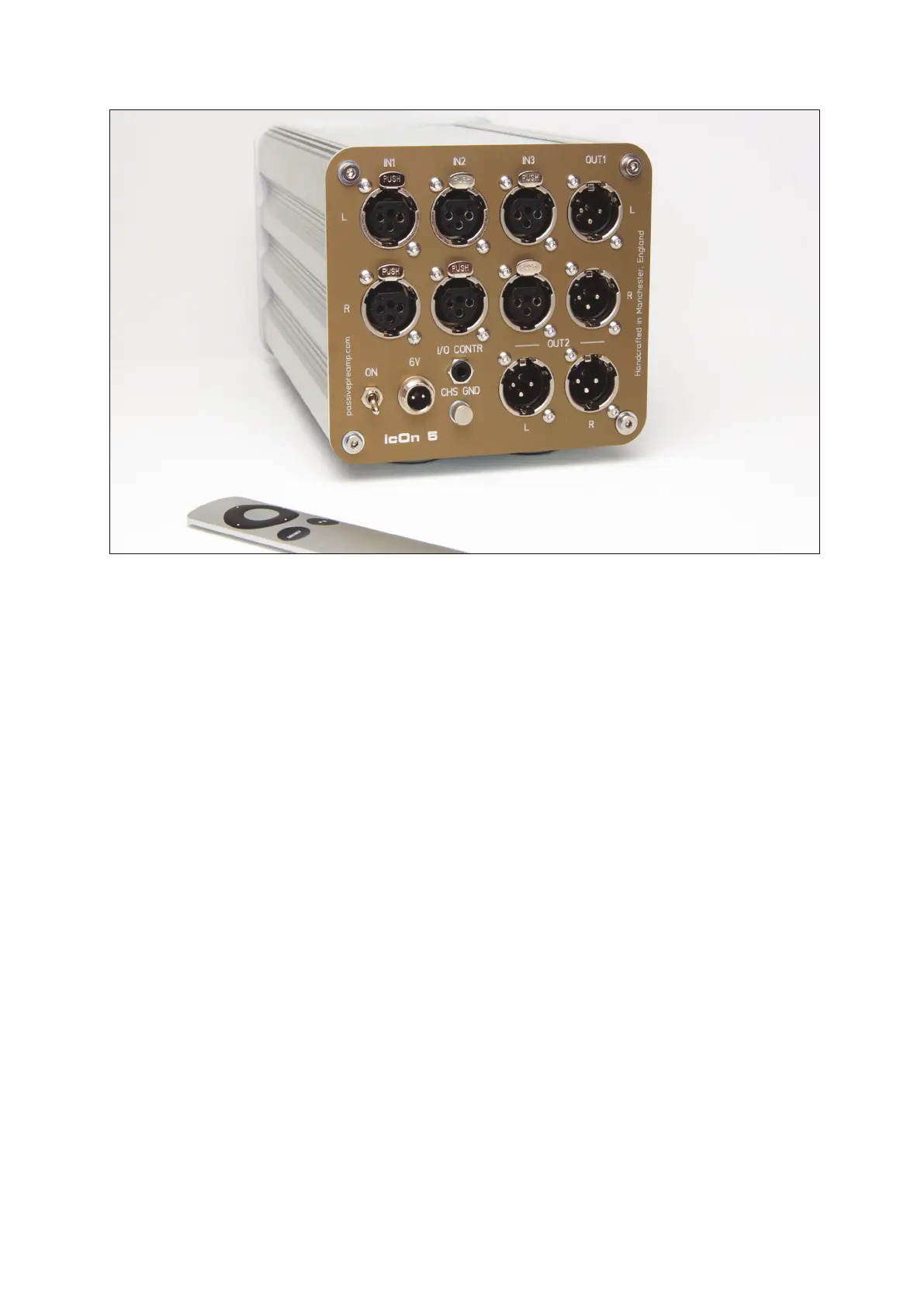
All functions such as volume, balance, mute, source and output selection
are controlled remotely with an Apple Remote which enables the listener
to make adjustments from the seating position, and not where the
equipment is located. Except the balance every function is reachable
through the knob and touch sensor of the faceplate with the combination
of short and long touches or turning.
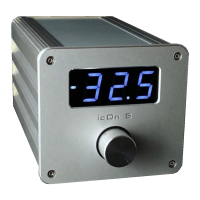
The manual volume control on the faceplate is realised with an industrial
grade optical encoder giving instructions to the built in microprocessor.
The way of working of the optical encoder may differ from what you are
used to. The volume control must be adjusted carefully, as it has the
ability to get loud quickly. Do not spin the volume control knob.
The 7 segment LED display provides important information on the status
of icOn 5, so it’s easy to see what is happening and view any changes.
5


 To Next Page