iconBIT XDS1003D User Manual English
9
2.5 Connection
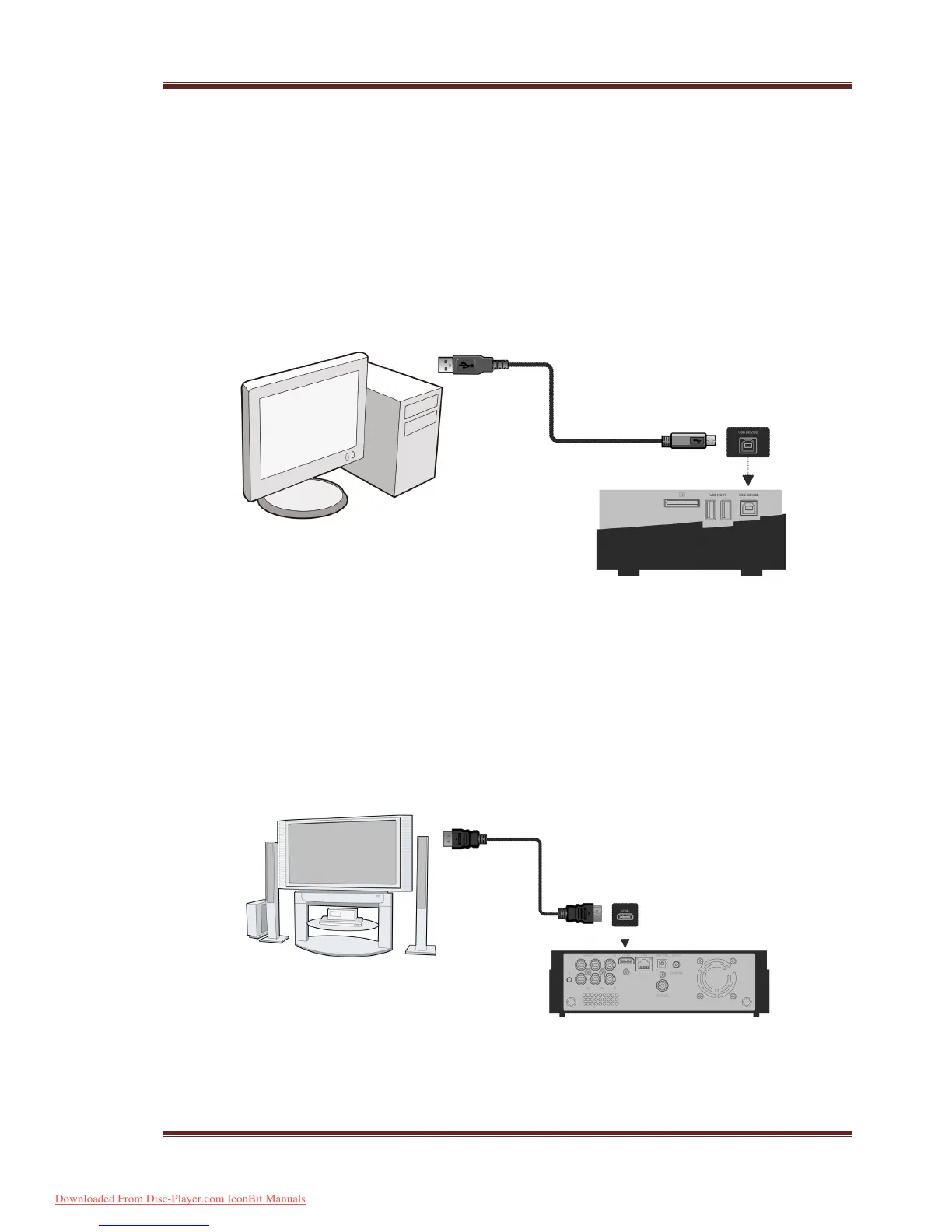
2.5.1 Connecting to a PC
This product can be used as a portable external storage device with its built-in SATA
interface and high-speed USB 3.0.
Method 1, Install an internal hard disk
Press U button on back panel of the
p l a y e r.
Method 2, Install an internal hard disk
Connect this player to PC
with the USB3.0 cable.
Note: A USB 3.0 cable is necessary to use this product as a portable external storage
device. USB 2.0 cable is useless.
2.5.2 TV Connection
Depending on the jacks on your TV, select the connection mode. We suggest you to use
HDMI output (High Definition, up to 1080p). Picture quality will be improved compared to
using the component video output (use Y/Pb/Pr OUT jack) or the composite video output
(Standard Definition, use A/V OUT jack).
Downloaded From Disc-Player.com IconBit Manuals



 To Next Page